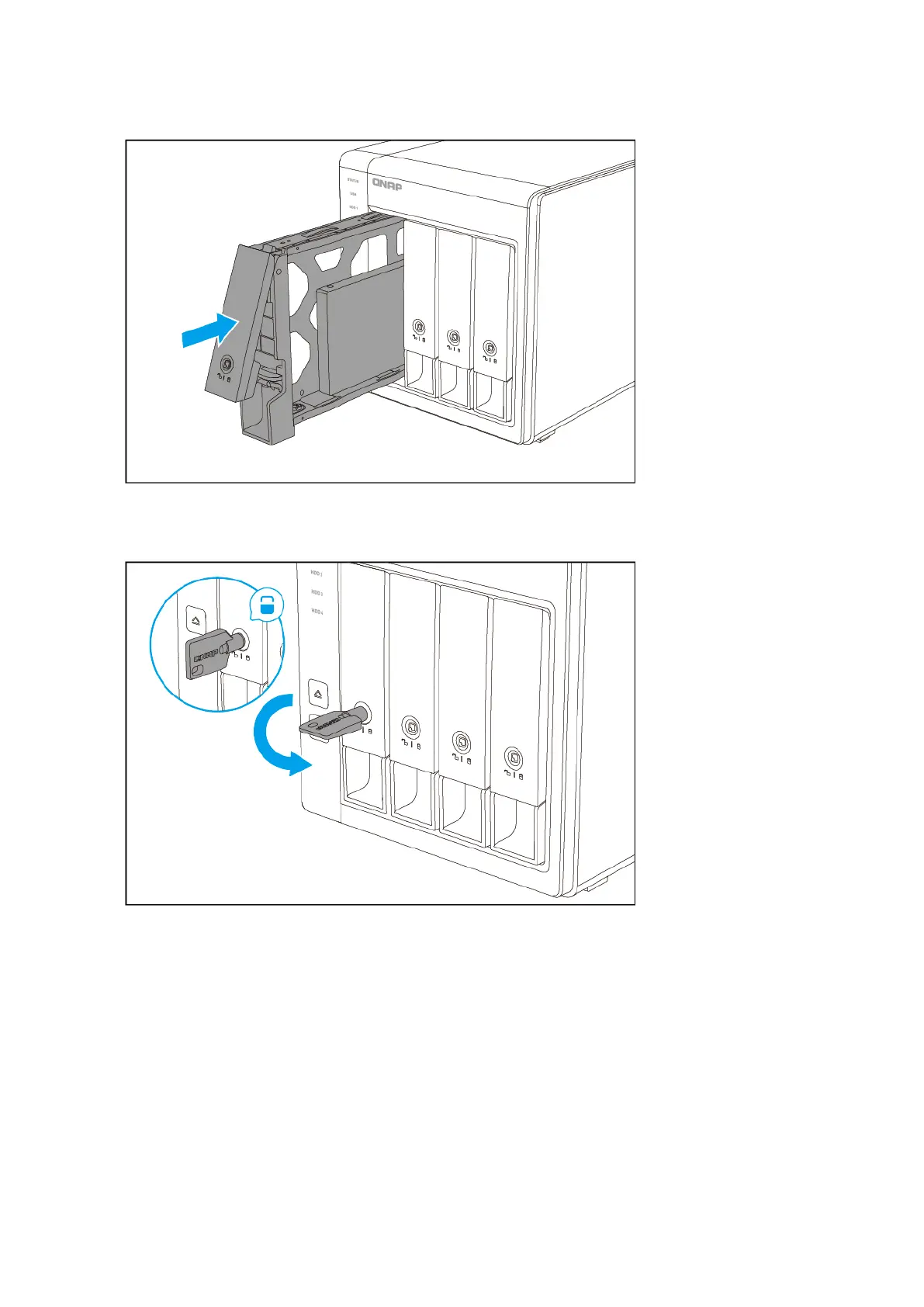
c. Optional: Lock the tray.
Connecting USB Expansion Units
The TS-x31K supports USB expansion units. For details, please see table below.
You can purchase storage expansion accessories from QNAP or an authorized reseller.
For details, go to https://shop.qnap.com/.
For the list of compatible expansion units and the maximum number of applicable expansion units, go to
http://www.qnap.com/go/compatibility-expansion.
TS-x31K User Guide
Installation and Configuration 21


 To Next Page
 Loading...