3
Getting started
1. Open the battery cover (located at the bottom of feeder).
2. Install four C size batteries.
3. Close the battery cover and turn on the switch. (Located next to the battery
cover).
4. The feeder will cycle once until “12:00” is showing on the LCD display.
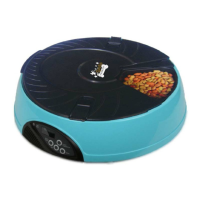
5. The feeder makes the food available in sequence: Tray 1; Tray 2; Tray 3; Tray 4;
Tray 5; Tray 6.
6. Follow the steps 1- 4 to set up the feeding schedule and fill the food into FOOD
TRAYS.
Step 1-Set the current time
1. After the feeder cycle once the “12:01” will show on the LCD display.
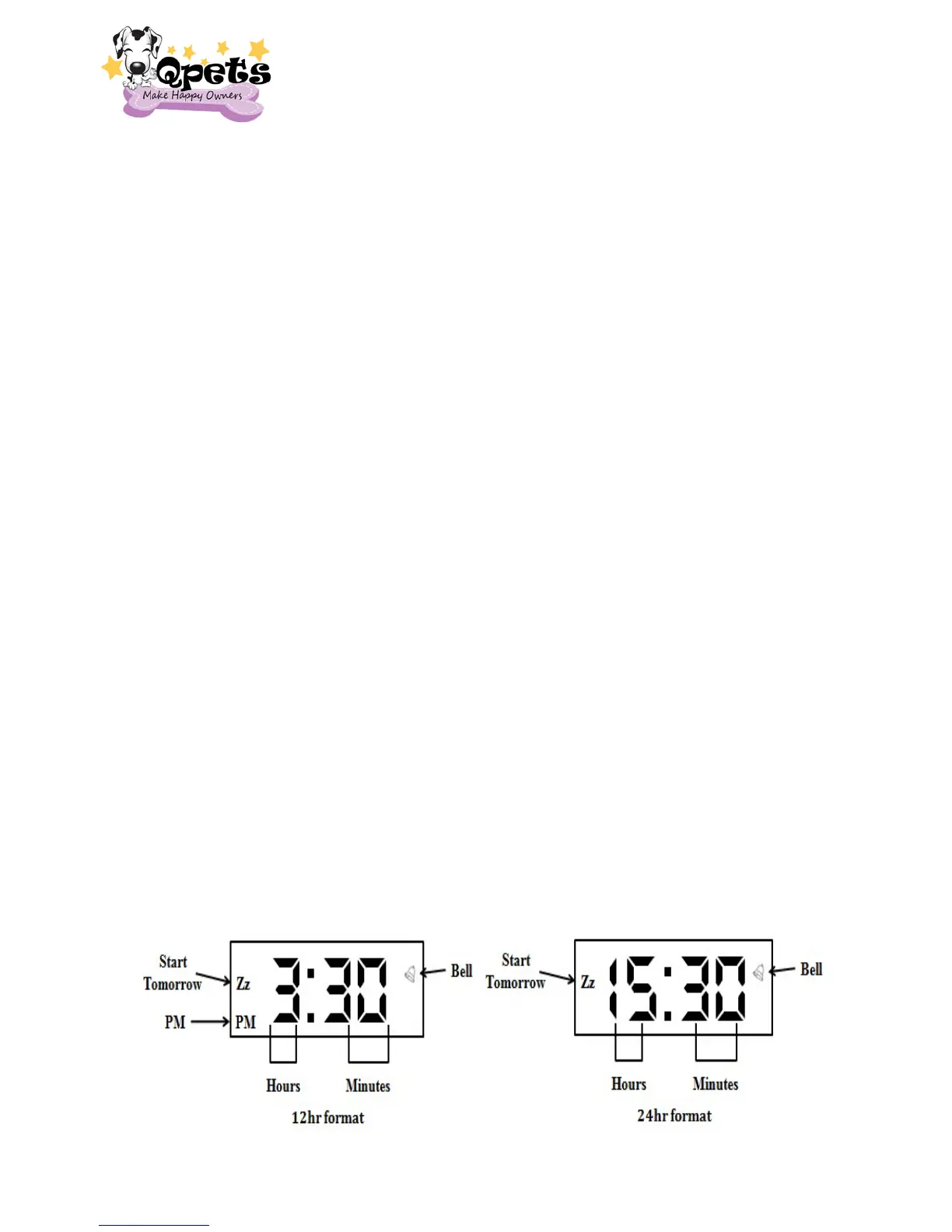
2. Press and hold SET key for 2 seconds to enter the EDIT MODE (PM on the
bottom of left corner represents PM if display in 12hr format). The hour number
will be blinking now.
3. Press the MODE key to set the hour. (Press and hold the MODE key, the Hour
Number will rapidly increase until you release the key).
4. Press the SET key to confirm hour. The minute number will blink now.
5. Press the MODE key to set the minutes. (Press and hold the MODE key, the
Minutes Number will rapidly increase until you release the key).
6. Press the SET key again to confirm minutes. Both the clock on the LCD display
will be blinking now.
7. If you DO need to change the 12hr/24hr format, press and hold the MODE key
for 2 seconds to switch 12hr/24hr display. After you release the MODE key, the
hour and minutes will stop blinking and switch to 12hr/24hr display. If you DO
NOT need to change the 12hr/24hr format Press SET key to confirm the
12hr/24hr format


 To Next Page