151.597UK User Manual
Standalone operation
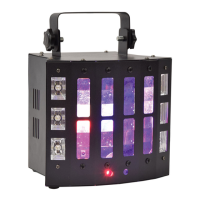
The SURGE can be operated without external control by selecting one of the Internal show modes from the
control panel menu. These are Shown in the Internal Settings section on the previous page.
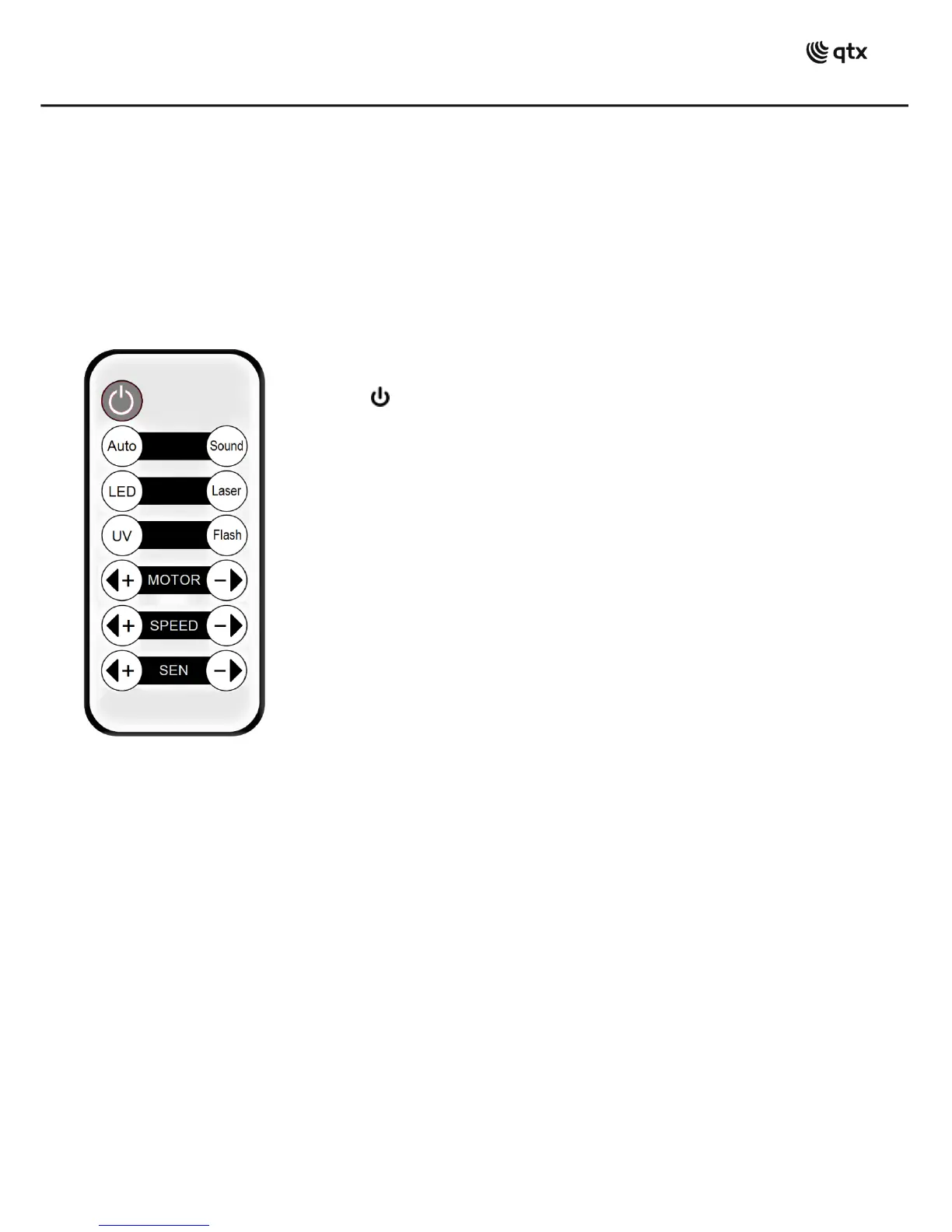
Internal settings can also be selected via the included IR remote control as detailed below.
As supplied, the remote handset has a clear plastic tab inserted which should be removed to activate the
CR2025 button cell. Point the handset toward the front of the SURGE unit at a range of no more than 5m for
remote control.
Master/slave operation
A SURGE fixture operating in one of the standalone modes may be connected by DMX lead (6, 7) to control
further SURGE units by setting subsequent units to DMX address
In this mode, the slave SURGE units will mimic the master SURGE working in standalone mode.
DMX operation
The SURGE functions can be controlled by DMX signal by connecting DMX leads from the controller to the
DMX input (6) and linking onto further units from the DMX output (7) using suitable XLR leads.
In order to access the full DMX functions, the DMX start address will need to be set on the control panel.
When the display shows “”, this means that the SURGE is operated starting from DMX address 1. When
the display shows “”, this means that the SURGE is operated starting from DMX address 203. The start
address can be anywhere between 001 and 512.
There are 9 DMX channels – which are detailed on the following pages.


 To Next Page