Page 64 of 85 Operation
•
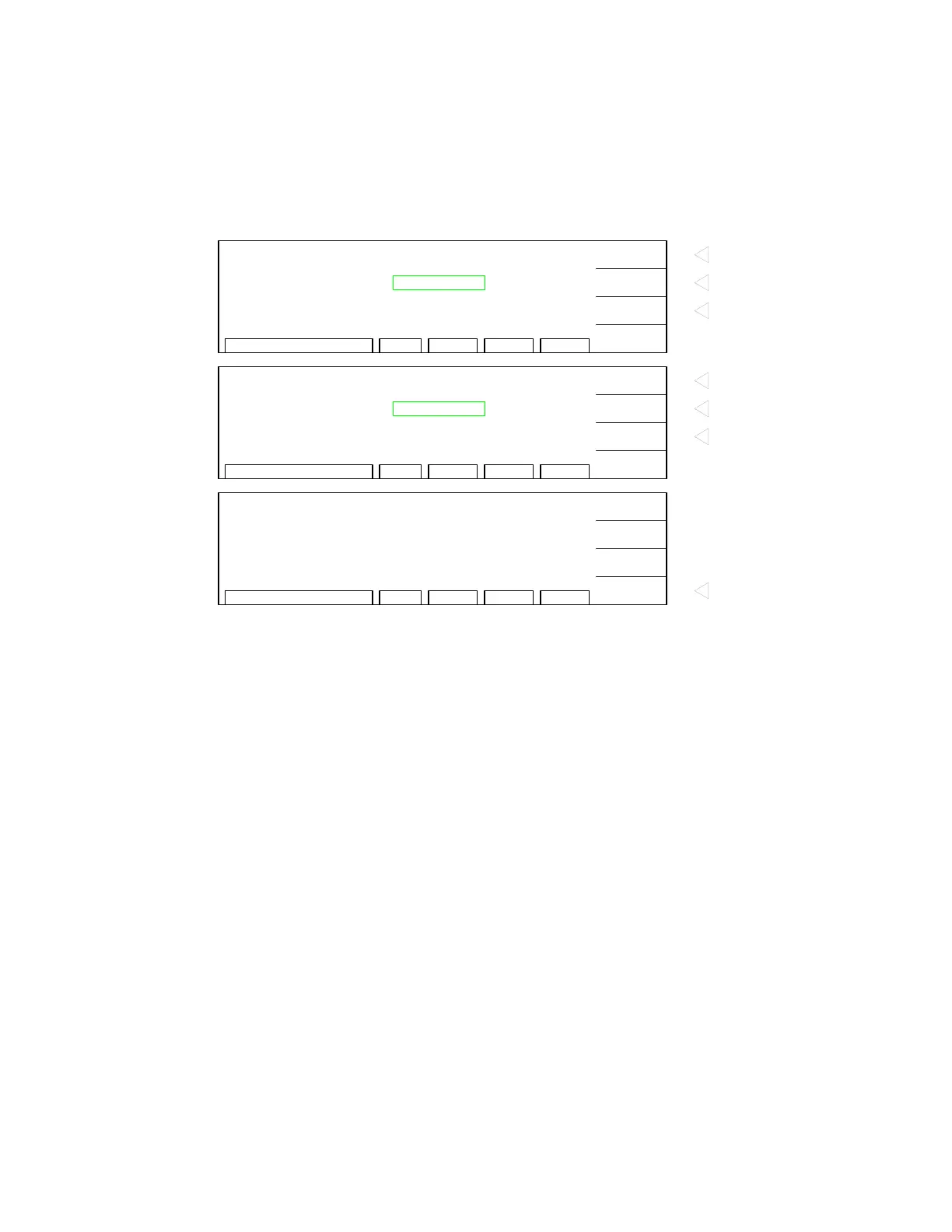
Display prompts ‘NEW PASSWORD’
•
Press [B] [B] [B] [B] [ENTER]
•
Display prompts ‘CONFIRM’
•
Press [B] [B] [B] [B] [ENTER]
•
Display prompts ‘CHANGE PASSWORD OK’.
•
Press [F4] = RETURN to exit password function and return to MENU display.
•
Press [F4] = EXIT to go to STAND BY display.
RMT ERROFSTLOCK1 - 10 CHAR.
F1
F4
F3
F2
PASSWORD
CHANGE PASSWORD
NEW PASSWORD
A
B
:
xxxx
ENTER
Press F1 = "A" to input password
character
Press F2 = "B" to input password
character
Press F3 = "ENTER" to enter
whole password
RMT ERROFSTLOCK1 - 10 CHAR.
F1
F4
F3
F2
PASSWORD
CHANGE PASSWORD
CONFIRM
A
B
:
xxxx
ENTER
Press F1 = "A" to input password
character
Press F2 = "B" to input password
character
Press F3 = "ENTER" to enter
whole password
RMT ERROFSTLOCK
F1
F4
F3
F2
PASSWORD
CHANGE PASSWORD OK!
RETURN
Press F4 = "RETURN" to go back
to MENU display


 To Next Page