12
QUANTEX GmbH 2014
Log-les Folder
It opens the folder containing log-les.
Read
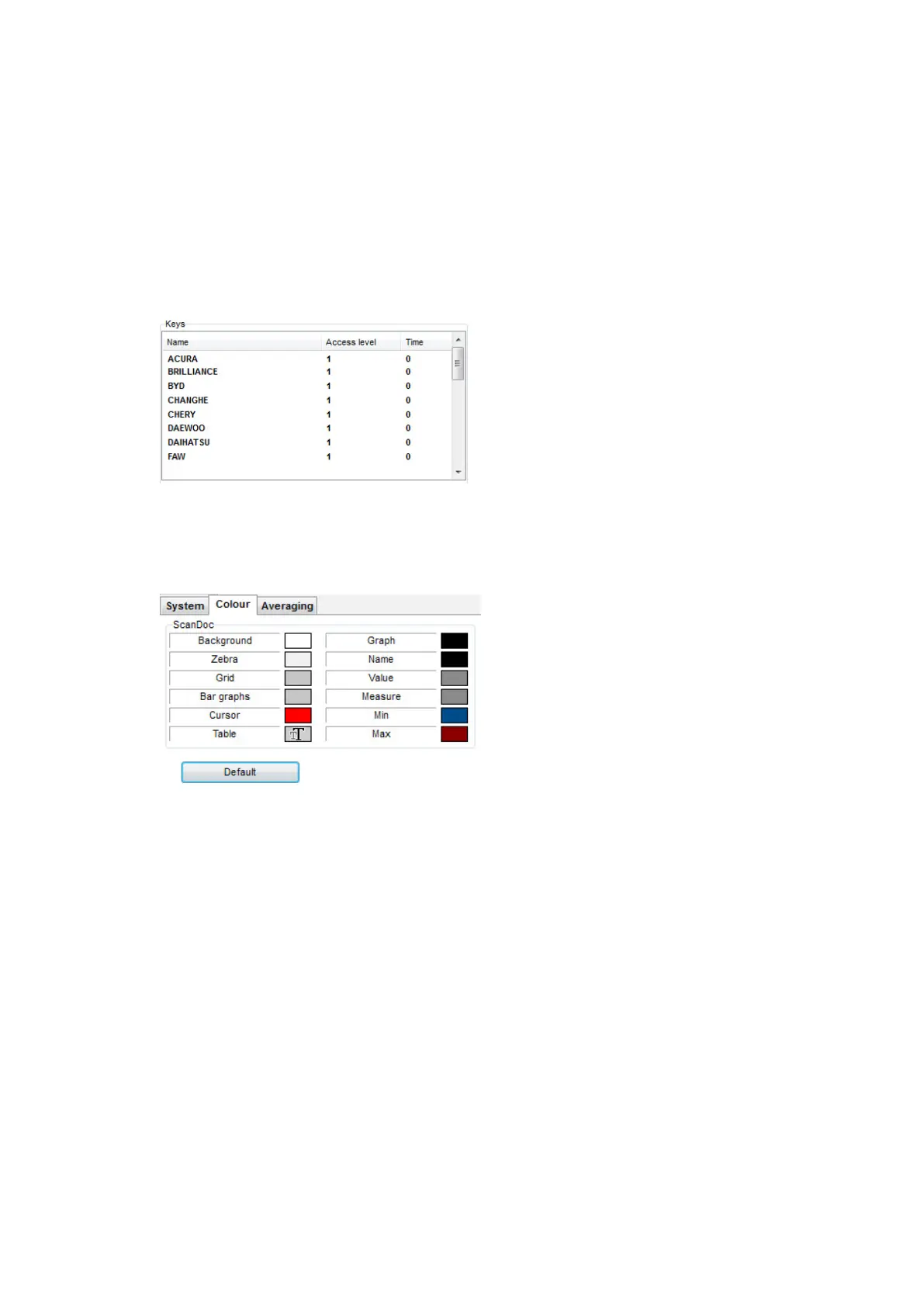
The device serial number, its type and list of open brands are read. Information on
opened brands is saved to the device by activation.
Access Level
This is the level, giving additional opportunities when working with a brand (only
the rst basic level is being currently supported).
Color
In the tab Color one can change the text and diagrams colors displayed by the
program.
Averaging
The averaging mode engaging adds to the datastream diagram the averaged
data. These data are displayed both in the digitalized and graphical forms. The aver-
age is calculated from operation start to the current moment.
The above sections are always accessible in the ScanDoc program interface
whether the scanner is connected to the car or not. The rest program sections are
displayed when the scanner is switched on and the connection to the car is made.


 To Next Page