21
QUANTEX GmbH 2014
User’s data sets
The program enables the user to make his own list of options. It can be set by
selecting Install / Set a user’s group.
Buttons in user’s group window description
Button Description
New.
It helps to create new user’s data set.
Add.
It adds selected option to user’s data set.
Edit.
It helps to edit the user’s group.
Delete.
It deletes selected group or an option.
Up.
It moves the current group or an option by one position up.
Down.
It moves the current group or an option by one position down.
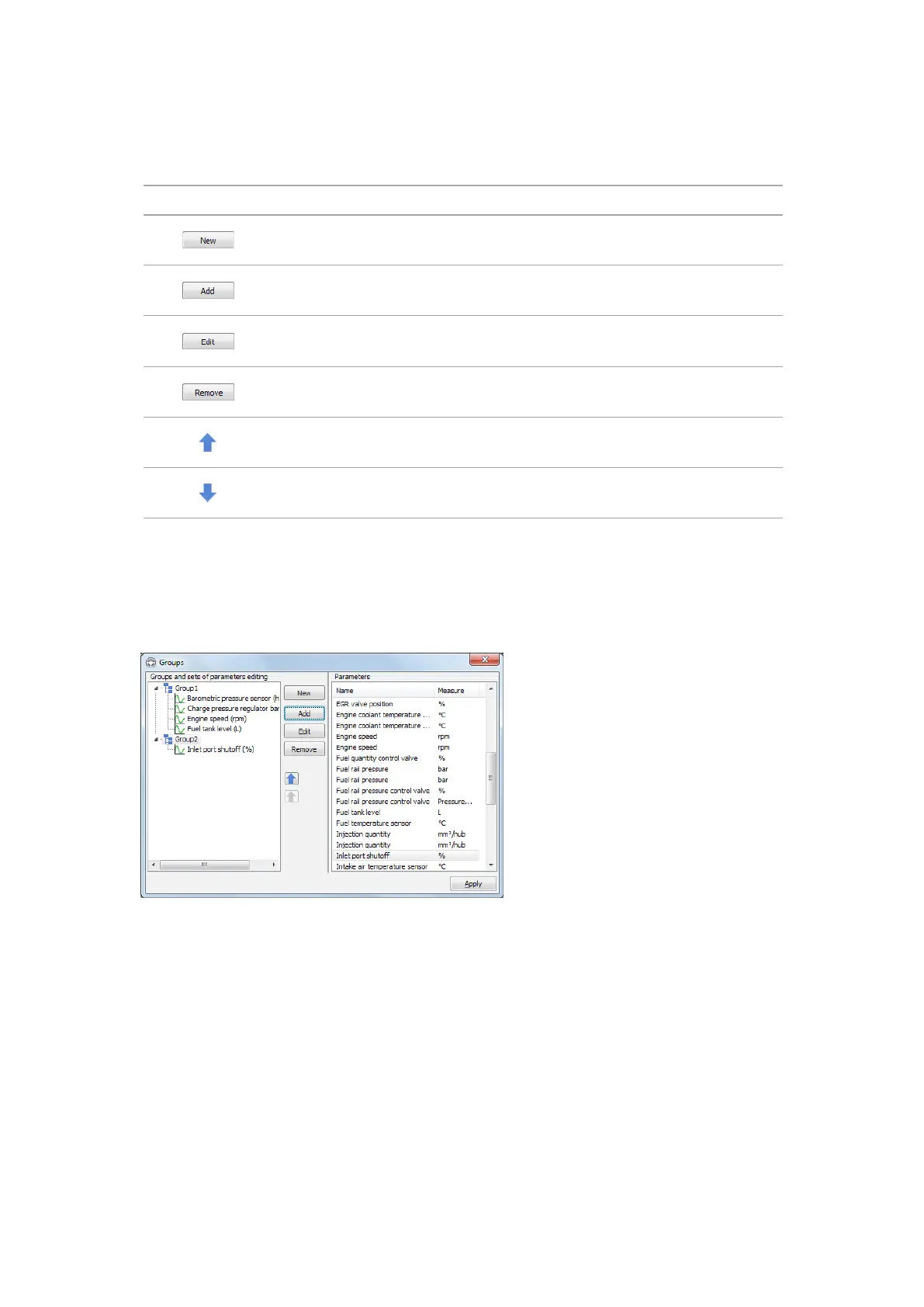
The window is divided into 2 parts. Options groups set are displayed in the left-
hand window part, the list of all the options currently available is displayed in the
right-hand window part. If the option, that is included into the group is missing in the
current electronic control unit (ECU), then it’s grayed out.
Those options included into the group and are currently being available in the
electronic control unit (ECU) will only be displayed by data sets viewing.
If the number of options, available in the group are more than 7, then subgroups
will be created automatically by viewing this group.



 To Next Page