22
QUANTEX GmbH 2014
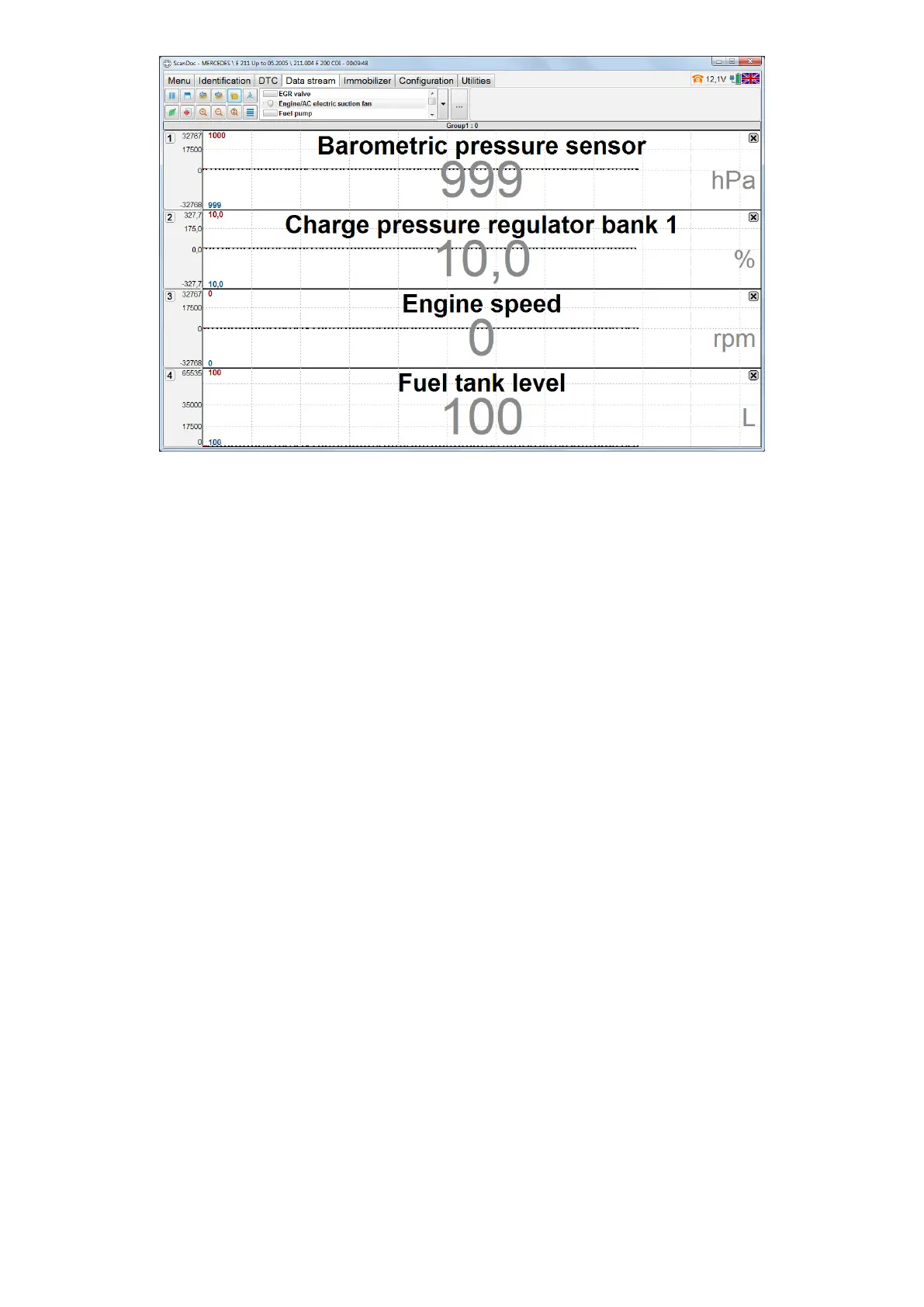
Use the buttons Previous Group and Next Group or the menu to select groups,
detected by default and user’s groups. To open the menu, use right mouse button
and click the graphs headings.
If Averaging mode is on in the settings, then additional options, showing options
averaged values will be displayed in the datastream.
Note: The list is saved to the program settings in the le groups.xml.
This le is necessary to save to restore user’s groups settings in the
future, if ScanDoc program is to be deleted.
Note: If ECU-s operate according to ISO -9141, KW -71 and KW-1284
protocols, each diagnostic option is requested by the scanner sepa-
rately. Each request is processed about 0,1 sec. Thus it will take about
1 second to display 10 options. The more options are displayed, the
more time it will take to display them.


 To Next Page