27
QUANTEX GmbH 2014
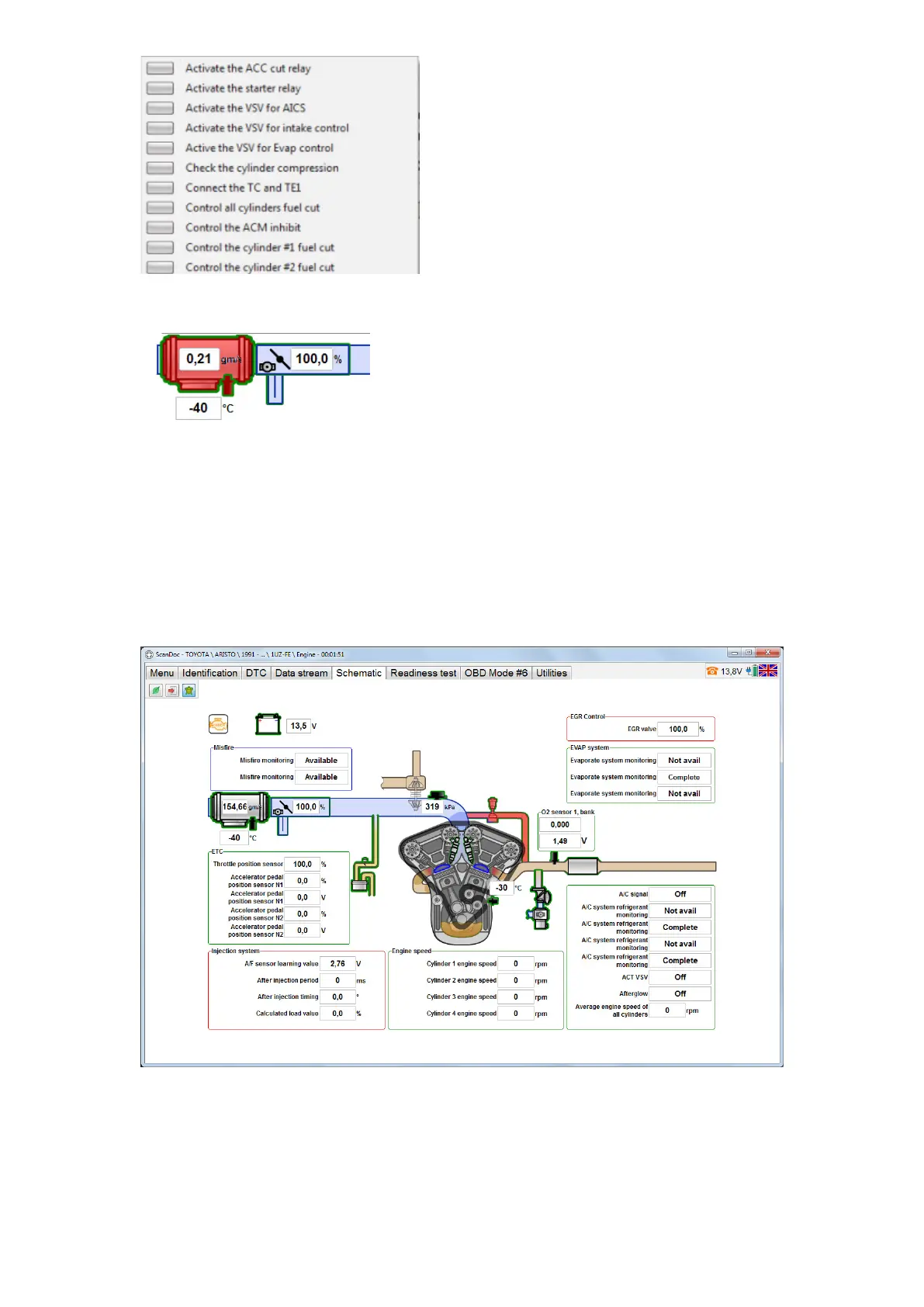
If an object starts ashing on and off redly it means the diagnostic trouble codes
(DTC) have been detected in this system.
All data simultaneous display mode
Not an option is displayed by default. Use left mouse button on the number of the
option to activate this option. The data will start displaying. The more options, the
slower they will be displaying. To make it easier to operate in the alternate mode,
all data simultaneous display mode have been installed in the ScanDoc program.
It’s used when the speed of output isn’t important but the entire picture is to be
reected. In this case all the options can be displayed, by selecting the button with a
Turtle. It can take several seconds to update the display.


 To Next Page