26
QUANTEX GmbH 2014
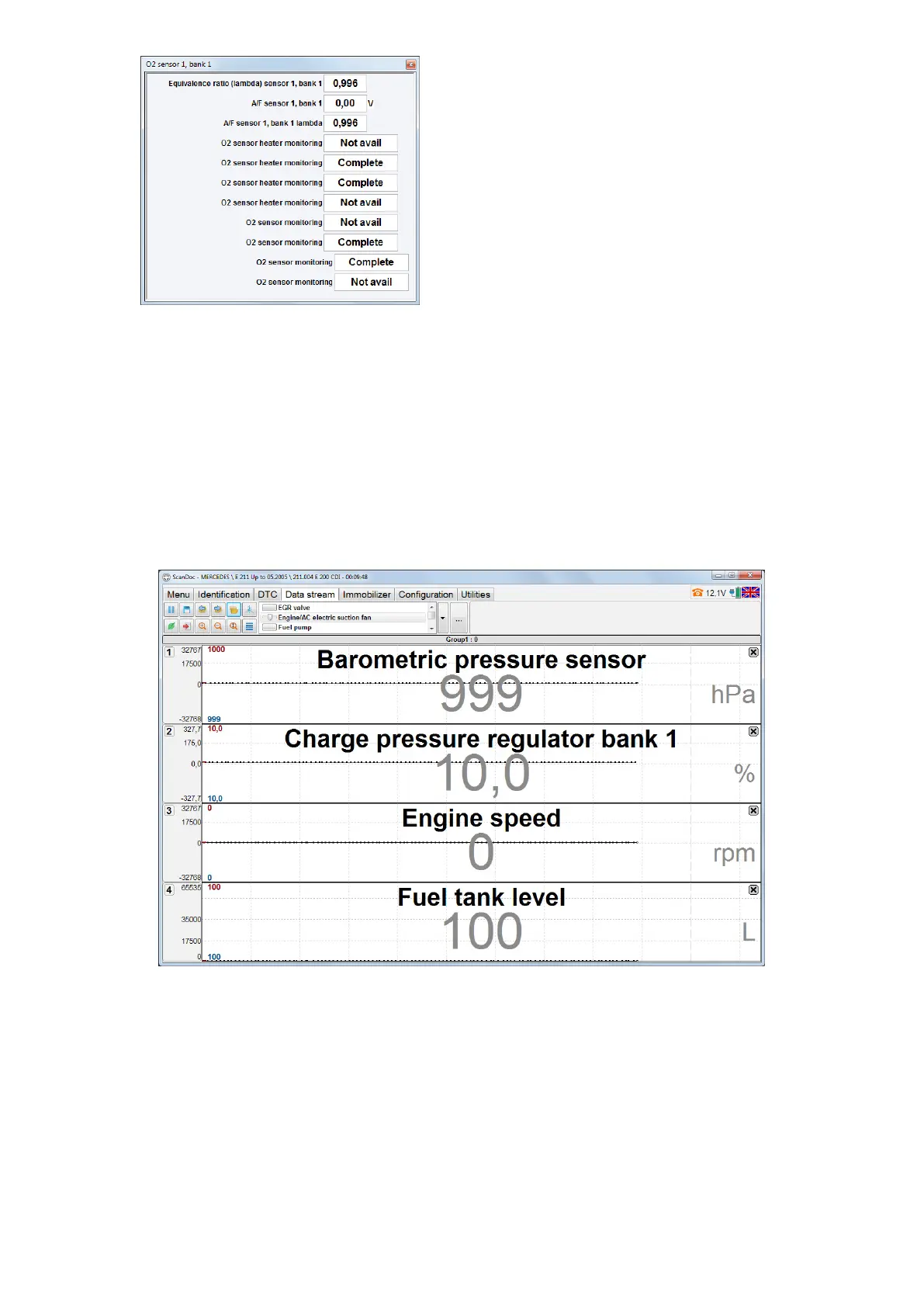
One can see the option value change with time clicking left mouse button on the
option digital value. A new window with a diagram will appear. Every time one clicks
on the digital value the new diagram is being added. If one clicks the left mouse but-
ton on the digital value with Ctrl key pressed on the keyboard, it’s possible to high-
light several options. After the key Ctrl isn’t being pressed any more, a window with
several diagrams, displaying options values will appear.
Clicking right mouse button on a free eld of the program window, a test menu
can be opened. Clicking right mouse button on the options groups, one can see a
list of tests, belonging to this very group.



 To Next Page