14 Model 700, 701 Quick Start Guide
Using Generator with CS-1 Probe
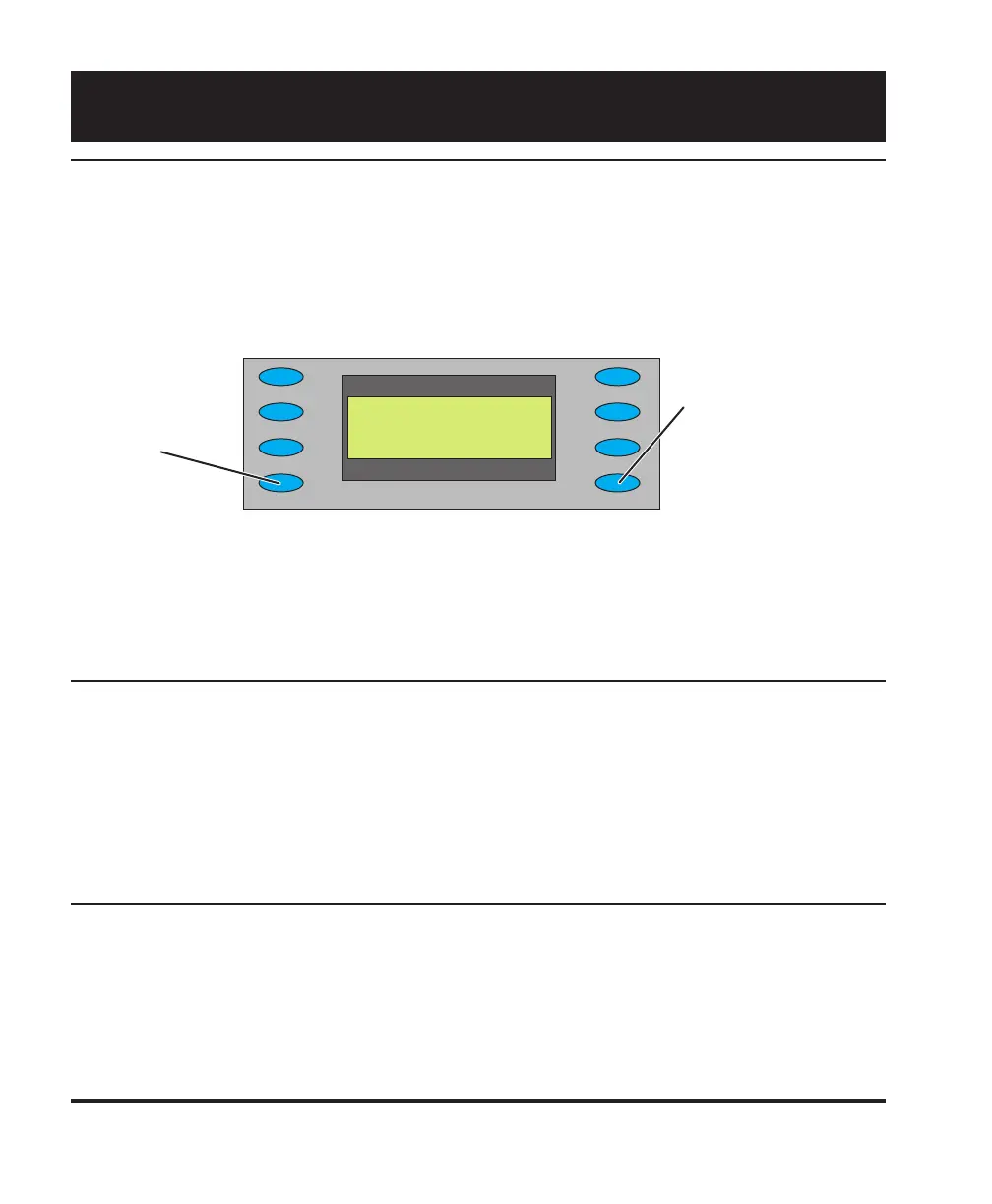
The Test > CS1 Probe option uses the Quantum Data CS-1 color sensor to measure the chromaticity
and luminance (brightness) of a display. The CS-1 probe connects to the generator’s serial port.
Chromaticity is shown as x,y C.I.E. coordinates and the luminance (Y) can be shown either in units of
foot-Lamberts or nits. The CS-1 needs to be over a fully lit white area of the display for accurate
readings. The Flat_Wht test image is suitable for use with the CS-1
Error codes: 1, 7 - CS-1 not seeing a usable test image.
5, 8 - Generator did not find a CS-1 probe.
2, 3, 6 - Probe malfunctioning.
Testing Audio
Select Test > Audio to independently toggle stereo audio output channels on and off.
On a 701 generator, the left channel is also the monophonic audio source for the modulated RF
output.
Generating Pseudo Random Noise
When the generator is connected to a device that supports the Quantum Data pseudo random noise
standard, press Test > PR Noise to output the noise pattern as a static image. Depending on how the
device is designed, it may compare the pattern output by the generator with an identical pattern,
created internally, to detect errors in the cable and in the device itself.
Special Tests
______Y:_ 24.141_ fL
______x:_ .293
______y:_ .279
_ Read_______fL/nits
fL/nits - Toggle
between foot-
Lamberts and
nits for units of
measure and
take new reading.
Read - Take new
reading.



 To Next Page