Ⅵ. Introduction to Desktop
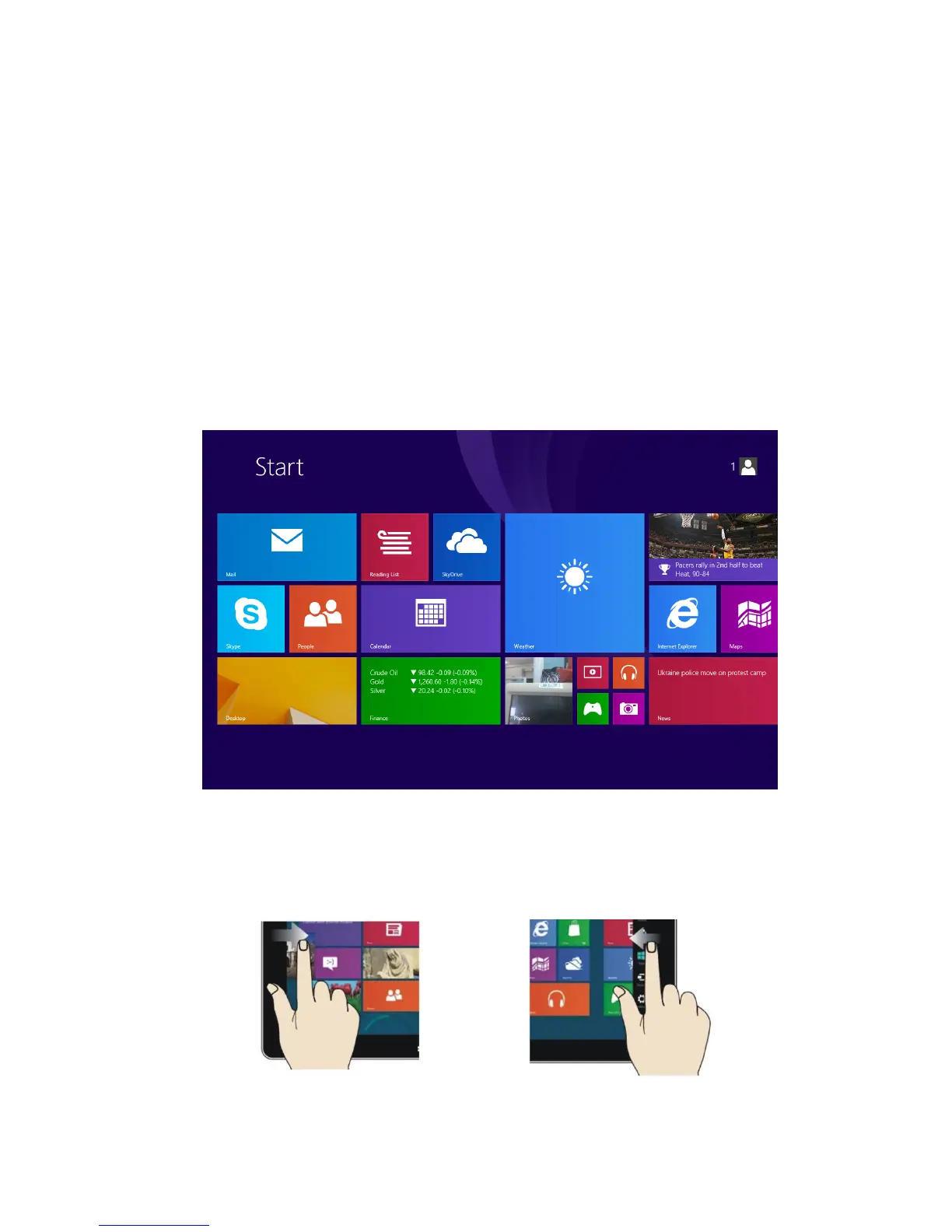
1. Windows® 8.1 Start Screen: On the Start Menu, you will see various applications on the
screen. These applications are displayed in the form of “tiles”. When you click on the tiles
you will be guided to another screen, depending on what application you choose to open.
You need to log into your Microsoft account before the Start Menu and the applications can
function completely.
2. Slide applications
Slide to right Slide to left


 To Next Page