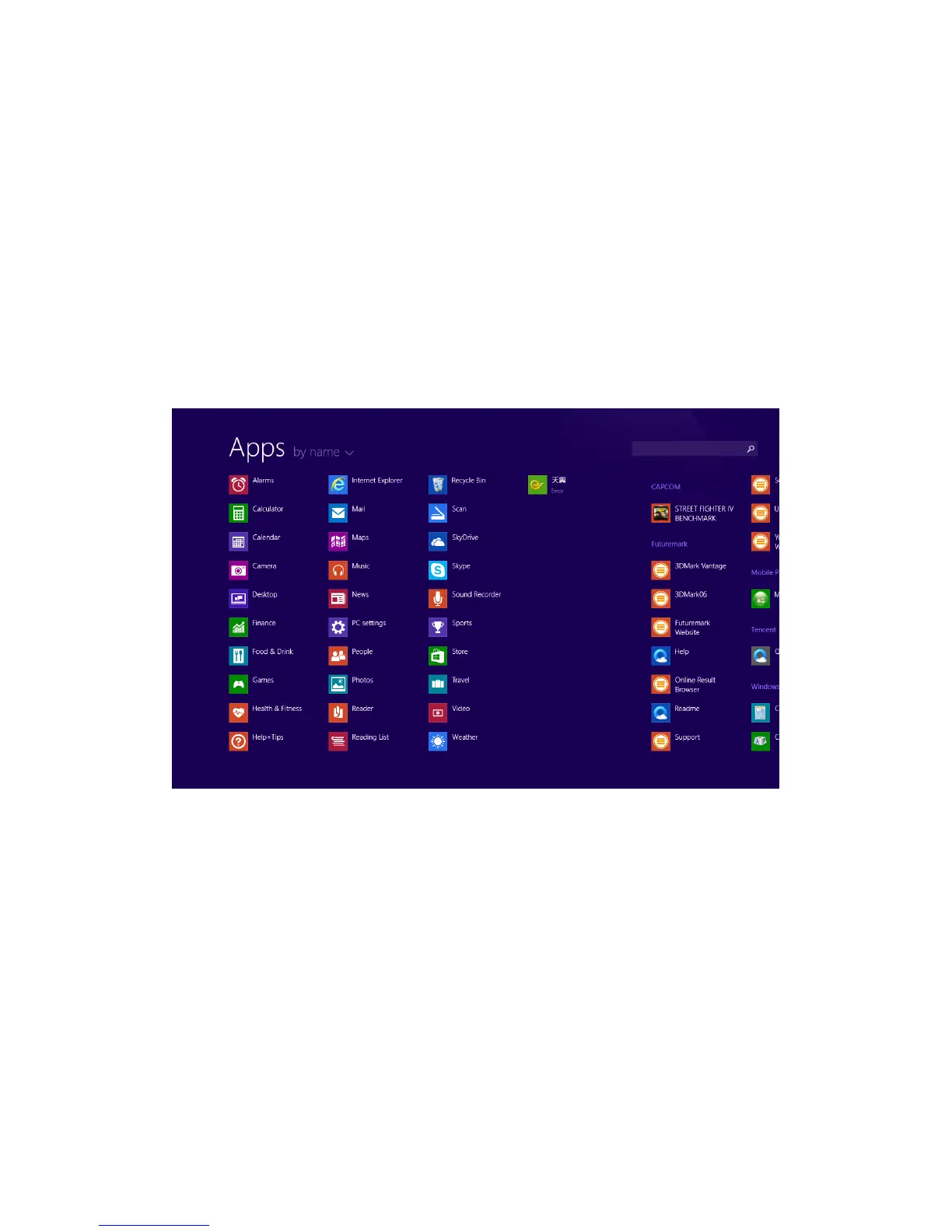
On the Start Menu, slide upward from the bottom of the
screen to view all the applications in alphabetical order
3. Introduction to App Interface
Besides the applications and programs that are available on the Start Menu, you also have
access to all the applications and programs on the apps menu as seen below:
You can choose how you would like the apps to be displayed by name, by date installed, by
most used or by category.


 To Next Page