EN.
46
Parameter no. 71 – Operating modes
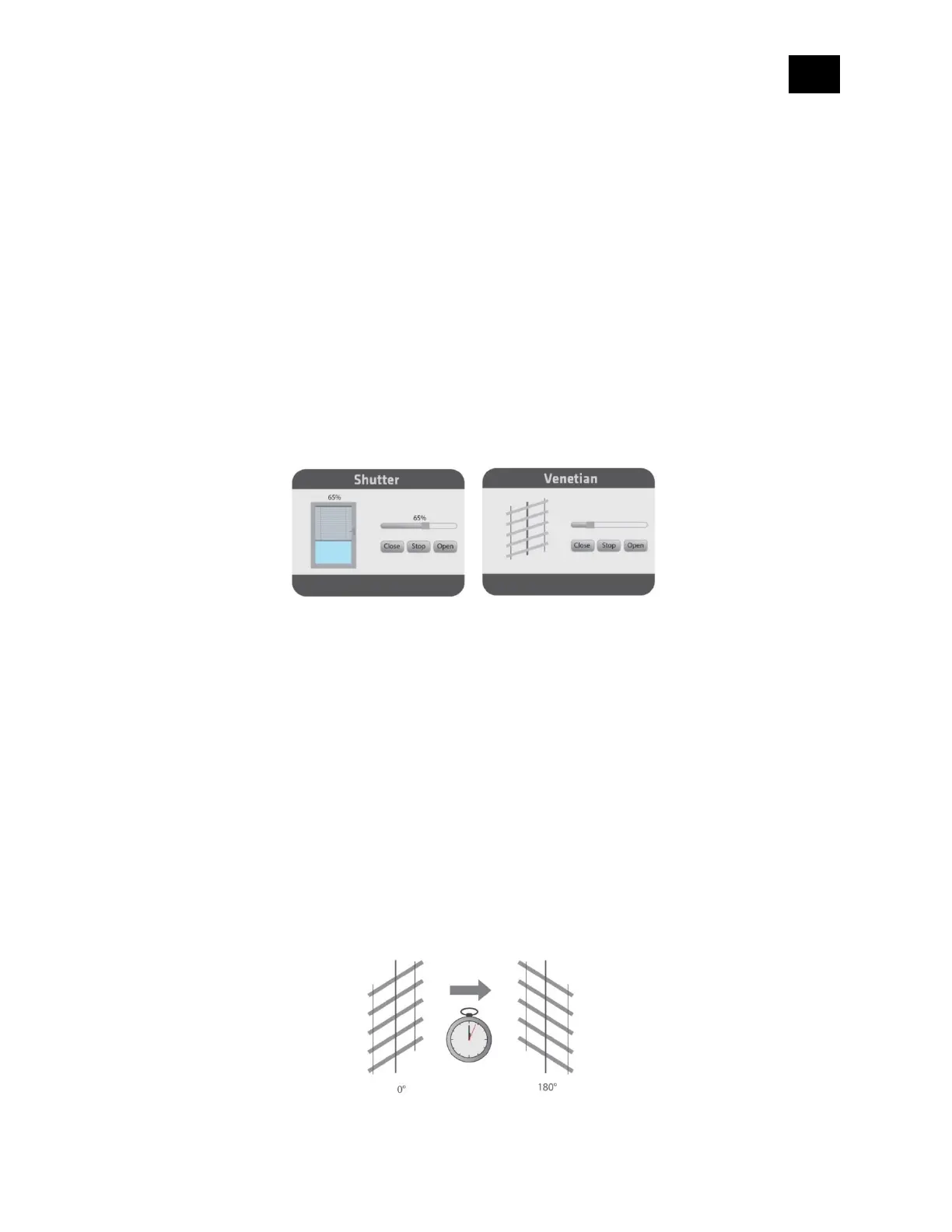
Choose between the two operating modes. If the venetian mode is selected, an additional
widget/endpoint will be displayed on the UI interface, which can be used to control the tilt
position of the slats. If the Shutter mode is selected, this additional endpoint is hidden.
Values (size is 1-byte dec):
• default value 0
• 0 - Shutter mode
• 1 - venetian mode (up/down and slate rotation)
NOTE1: After the value of this parameter is changed, first exclude device (without setting
parameters to their default values), wait at least 30 s and then reinclude the device!
Parameter no. 72 – Slats tilting full turn time
Set the time, required by the slats, to make a full turn (180 degrees).
Values (size is 2-byte dec):
• default value 630 = 6.3 seconds
• 0 - tilting time disabled
• 1 - 32767 = 0,01 seconds – 327.67 seconds
NOTE: If the set time is too long and a full turn was already performed, the device will start to
move up or down for the remaining time.



 To Next Page