30
EN
RDS 1562 - IT EN - REV001A
PROBLEMS REPORTING
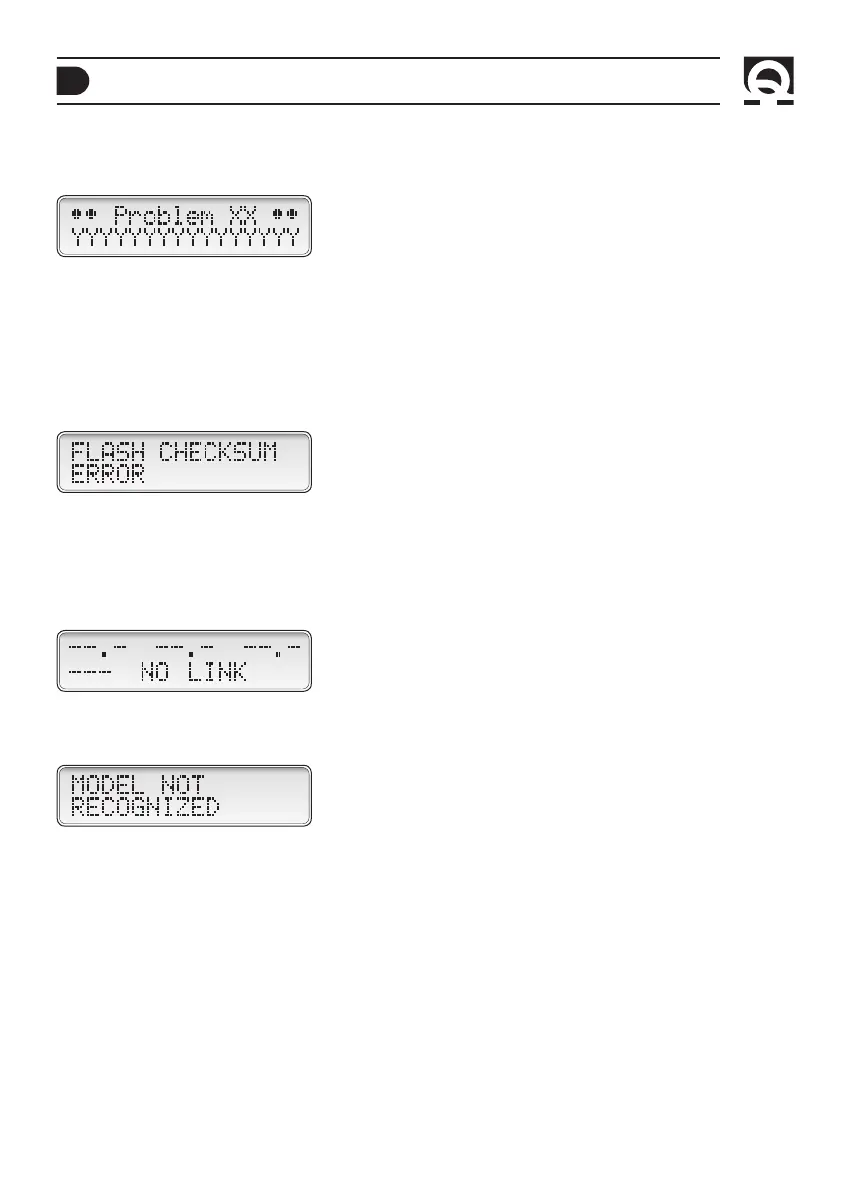
The following will appear if there is a problem with manual reset:
Where “XX” is the problem code and the “Y” field displays the description of the problem with manual reset (refer to “prob-
lems with manual reset” table in the NRG+ series battery chargers manual).
MANAGING INSTRUMENT PROBLEMS
FLASH memory checksum error
The following will appear if there is a problem with the flash memory checksum:
Failure connection with the battery charger
The following signaling appears if:
• The group or priority setting carried out in the CONFIG RDS menu does not correspond to the one of the connected
battery charger.
• Problems on the CAN communication line between the battery charger and the RDS 1562 instrument. Check the wiring
and the correct insertion of the termination connector.
Battery charger model not recognised
The following will appear if the instrument does not recognise the battery charger model:
TROUBLESHOOTING



 To Next Page