2012 2039 28 32
Section D shows the Action buttons. These buttons are used:
To call-up or program settings
To reset a motor overload, service message or emergency stop
To have access to all data collected by the regulator
The function of the buttons depends on the displayed menu. The most common functions are:
To modify programmable settings
To reset a timer or message
To unload from the compressor running loaded
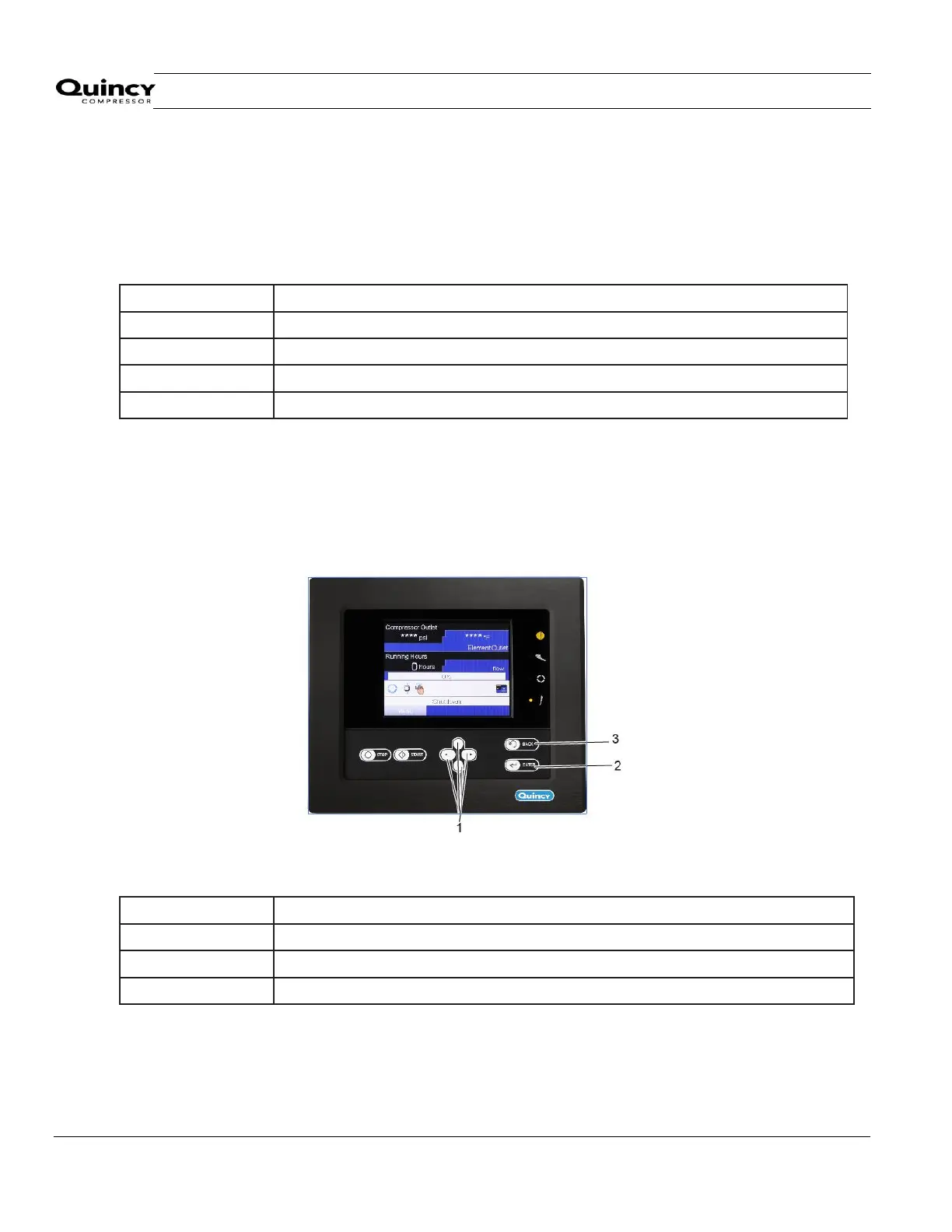
To activate an action button, highlight the button by using the Scroll keys and press the Enter key.
To go back to the previous menu, press the Back key.
3.6 Calling up menus
Control panel
Text on figure
Description
When the voltage is switched on, the main screen is shown automatically (see section Main screen
):



 To Next Page