5.5 The quInfo Module
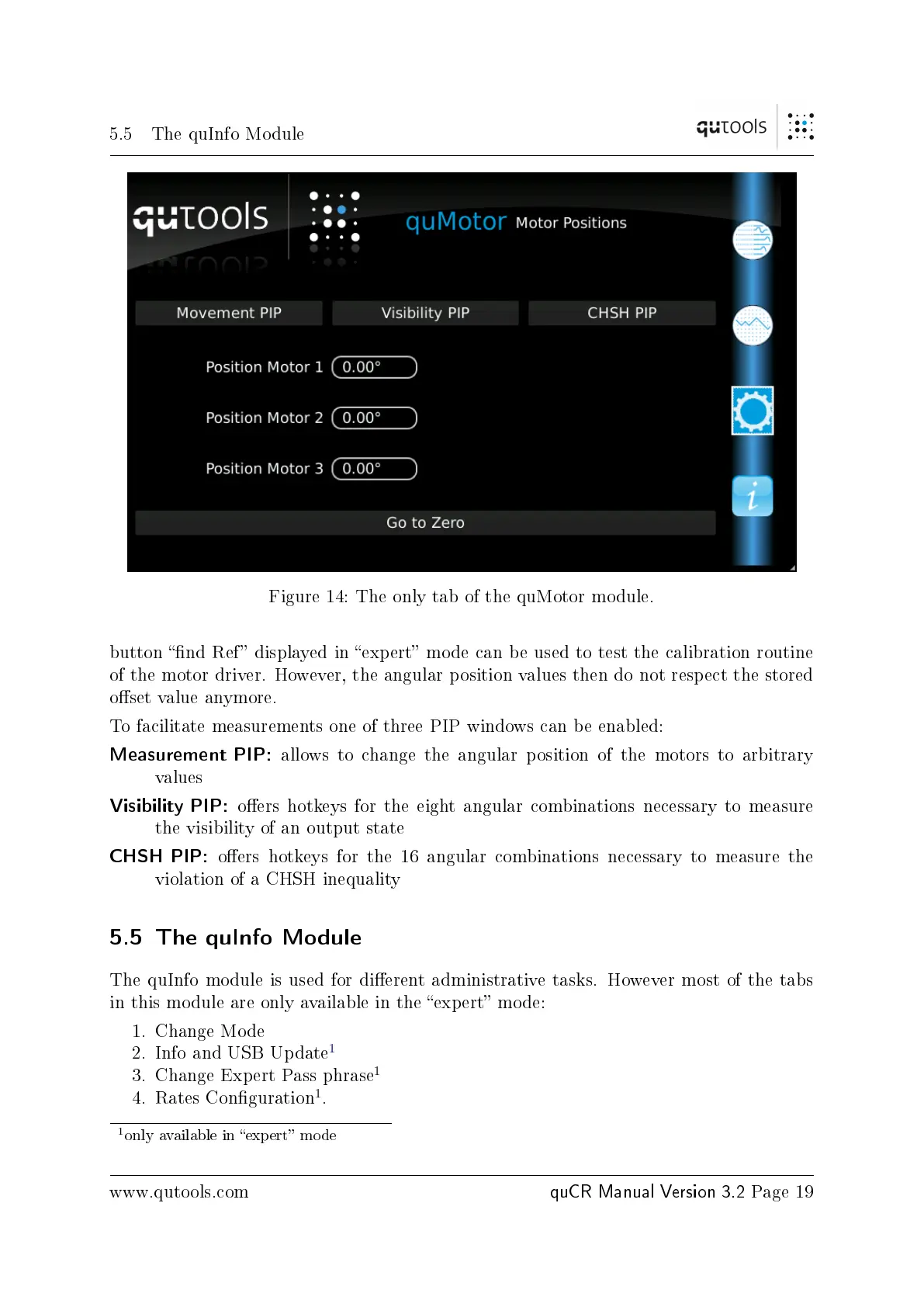
Figure 14: The only tab of the quMotor module.
button nd Ref displayed in expert mode can be used to test the calibration routine
of the motor driver. However, the angular position values then do not respect the stored
oset value anymore.
To facilitate measurements one of three PIP windows can be enabled:
Measurement PIP:
allows to change the angular position of the motors to arbitrary
values
Visibility PIP:
oers hotkeys for the eight angular combinations necessary to measure
the visibility of an output state
CHSH PIP:
oers hotkeys for the 16 angular combinations necessary to measure the
violation of a CHSH inequality
5.5 The quInfo Module
The quInfo module is used for dierent administrative tasks. However most of the tabs
in this module are only available in the expert mode:
1. Change Mode
2. Info and USB Update
1
3. Change Expert Pass phrase
1
4. Rates Conguration
1
.
1
only available in expert mode
www.qutools.com
quCR Manual Version 3.2
Page 19


 To Next Page