5.5 The quInfo Module
5.5.1 Change Mode
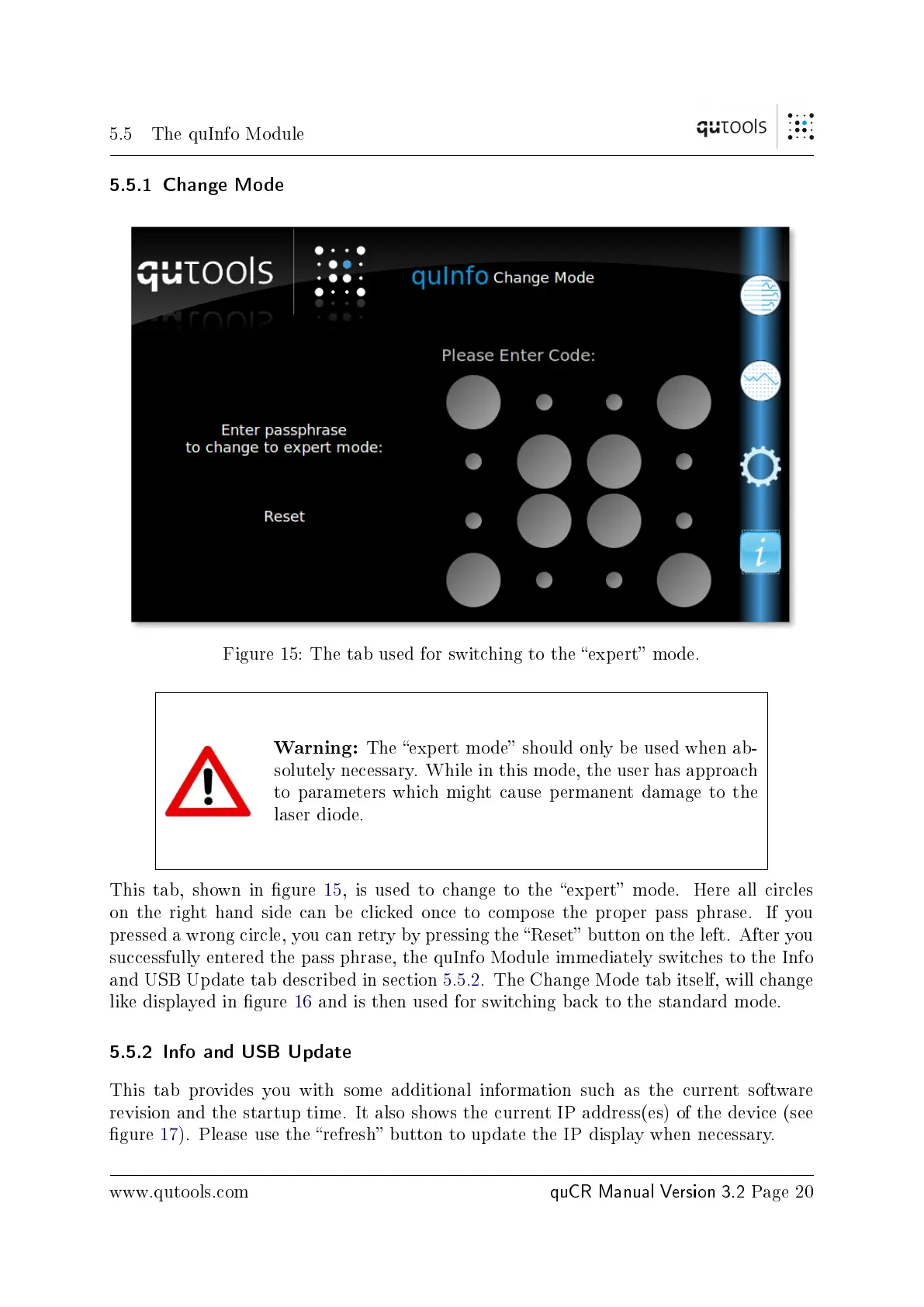
Figure 15: The tab used for switching to the expert mode.
Warning:
The expert mode should only be used when ab-
solutely necessary. While in this mode, the user has approach
to parameters which might cause permanent damage to the
laser diode.
This tab, shown in gure 15, is used to change to the expert mode. Here all circles
on the right hand side can be clicked once to compose the proper pass phrase. If you
pressed a wrong circle, you can retry by pressing the Reset button on the left. After you
successfully entered the pass phrase, the quInfo Module immediately switches to the Info
and USB Update tab described in section 5.5.2. The Change Mode tab itself, will change
like displayed in gure 16 and is then used for switching back to the standard mode.
5.5.2 Info and USB Update
This tab provides you with some additional information such as the current software
revision and the startup time. It also shows the current IP address(es) of the device (see
gure 17). Please use the refresh button to update the IP display when necessary.
www.qutools.com
quCR Manual Version 3.2
Page 20


 To Next Page