PAL/NTSC VIDEO OUTPUTS
The S-Video and composite video outputs are set to PAL (NTSC) during
manufacturing.
WORKING ON THE STAGE
1. Place your material on the platform.
2. Select the enlargement required using the “
T” and “W ” buttons.
3. Adjust the focus using the “Near” and “Far” buttons or “AUTO” button.
WORKING OUTSIDE THE STAGE
To show a 3-dimensional object using the visualizer, place the object on the
working surface and adjust the “
T” or “W ” and “AUTO” keys. If the
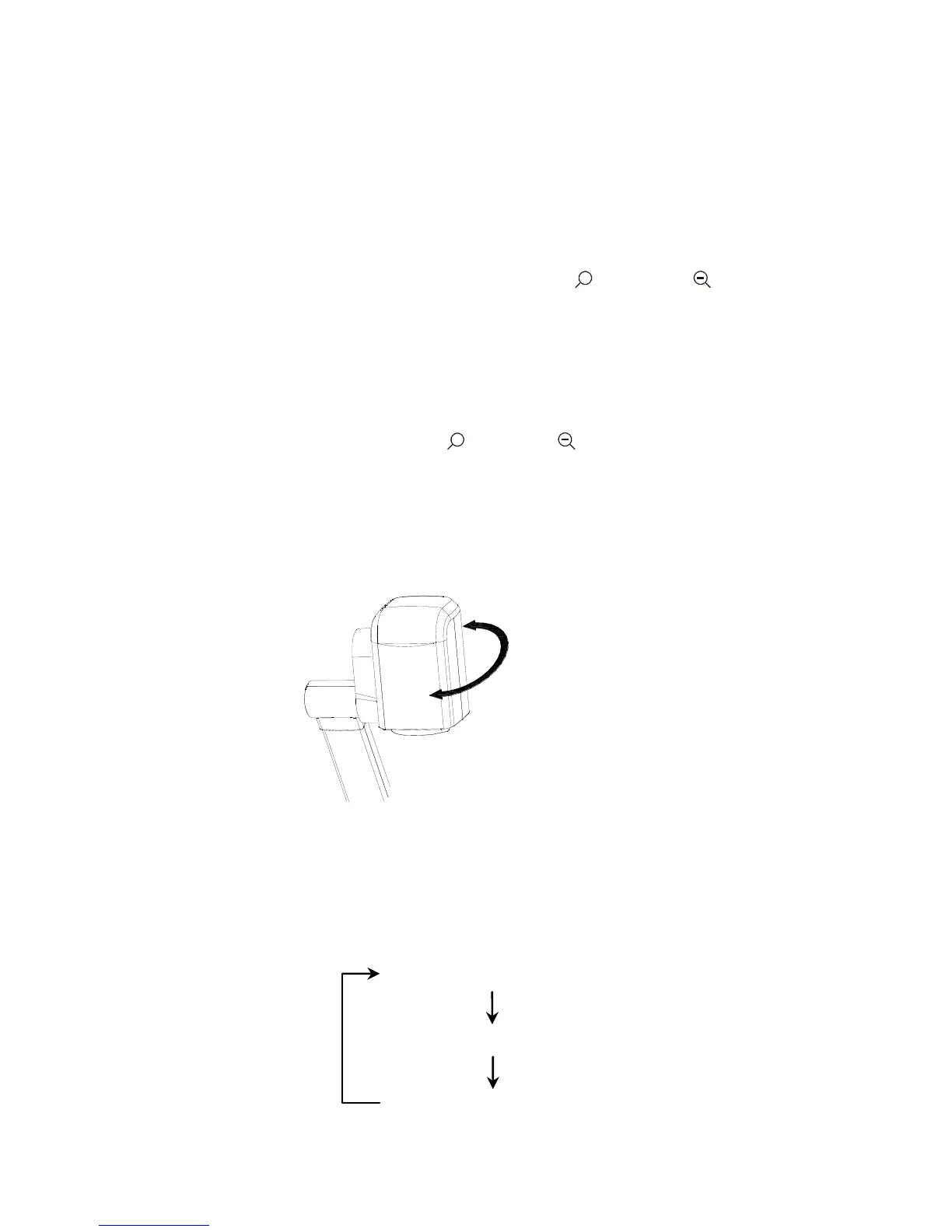
object is too large for the stage or if you would like to show it from one of its
side, or a different angel, just place the object behind or in front of the unit
and manually tilt the camera head (remove the close-up lens prior to titling
the camera head).
Rotate 330 degrees
vertically
LIGHT
The arm lights are powered on when the power is turned on. Each time you
press the “LAMP” button, the lighting changes occur as demonstrated.
The arm lights turn on
The back light turns on
All the lights turn off



 To Next Page