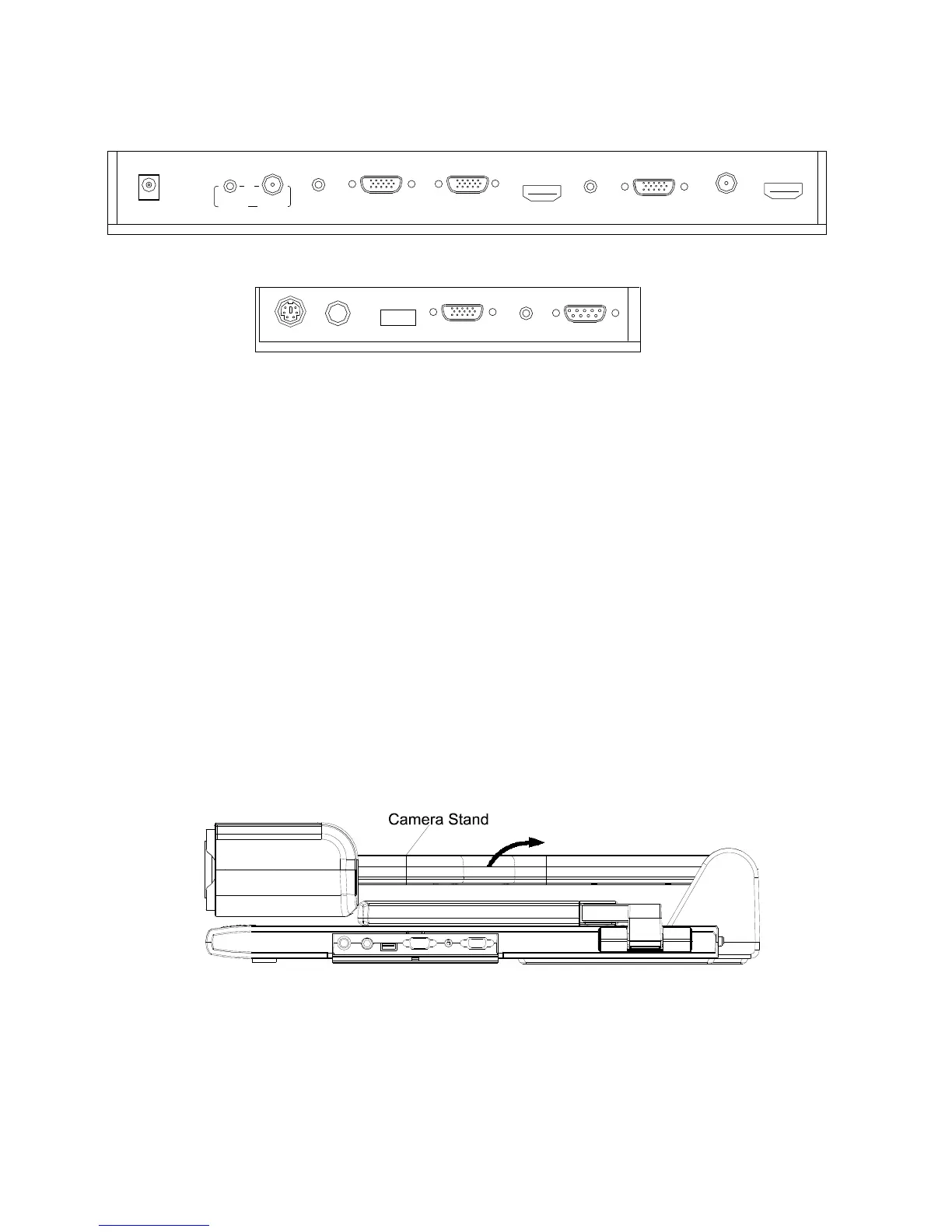
#1 DC-12V-IN #2 VIDEO AUDIO IN
#3 VIDEO IN #4 COMPUTER AUDIO IN
#5 COMPUTER IN #6 COMPUTER OUT
#7 HDMI IN #8 AUDIO OUT
#9 PROJECTOR Connector #10 VIDEO OUT
#11 HDMI OUT #12 PROJECTOR RS232 Connector
#13 MIC IN #14 USB Connector
#15 RGB IN #16 RGB AUDIO IN
#17 COMPUTER RS-232 Connector
BASIC PREPARATIONS
1. Place one hand firmly on the base of the visualizer, while carefully
lifting up the camera stand using the other hand.



 To Next Page