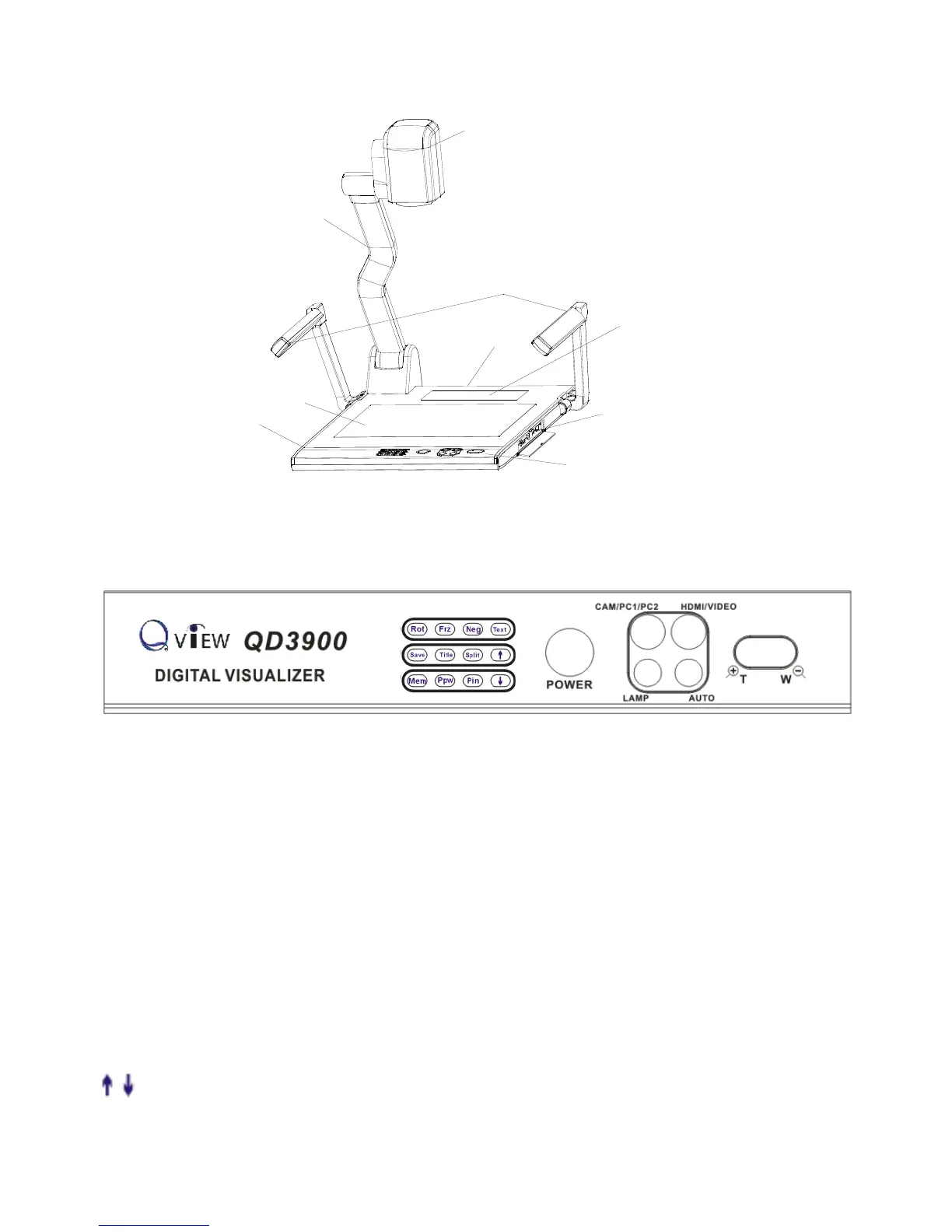
CONTROL PANEL
Rot (Rotate the image)
Frz (Freeze the image)
Neg (Display film negatives)
Text (Switch between image/text mode)
Save (Save captured images)
Title (Freeze the top 1/8 of the screen)
Split (Split Image function)
Mem (Multiple Screen Display, the stored images will be displayed in a
4 x 4 matrix)
Ppw (Control the projector On/Standby)
Pin (Projector input signal selection)
/ (Move the image up/down)
POWER (Control the visualizer On/Off)
CAM/PC1/PC2 (CAM/RGB input signal selection)



 To Next Page