4
Quick Start Guide
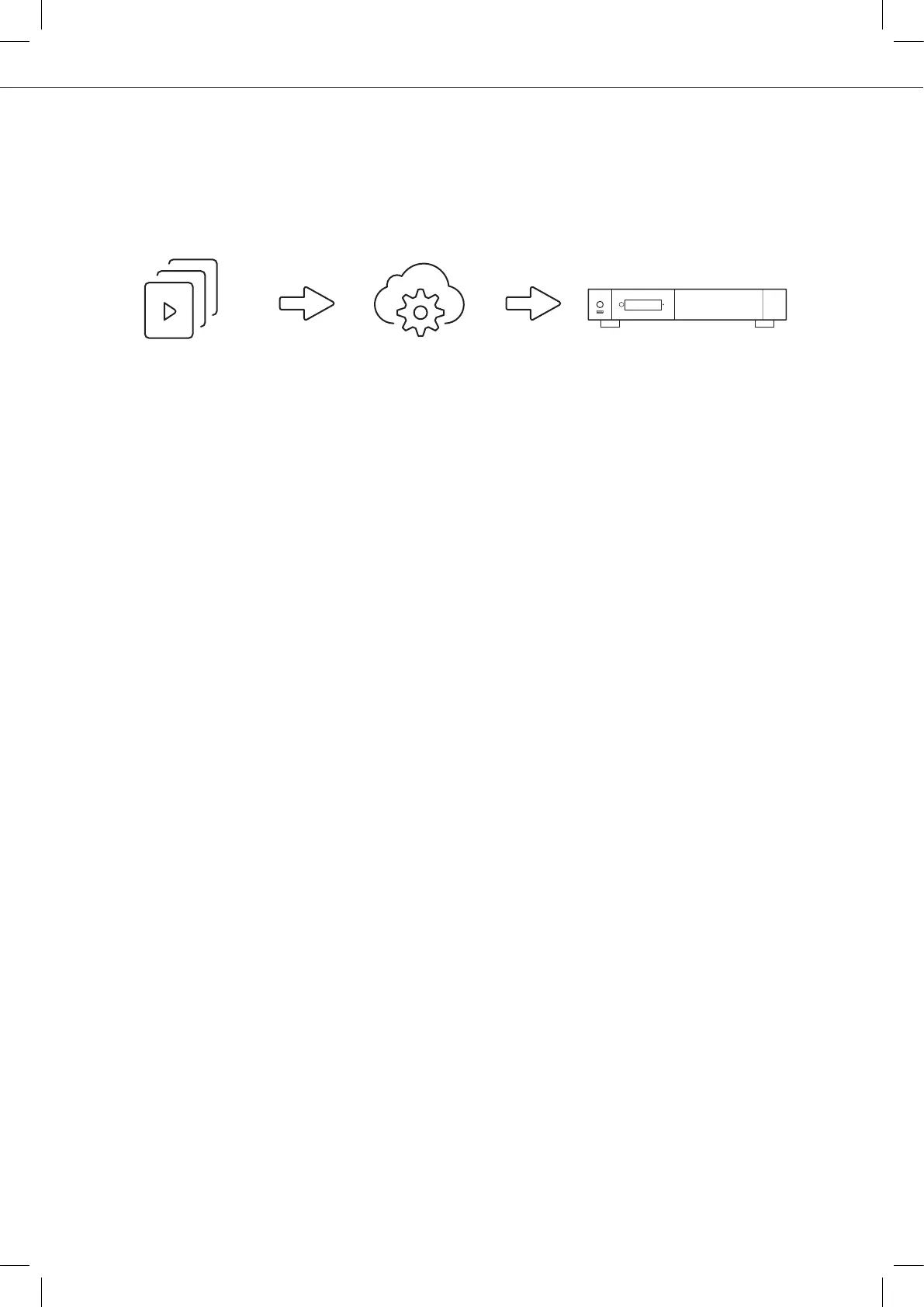
R_cloud/ R_server
TMDB / R_video_DB
R_volution PlayerOne
Organize Your Video Collection With Movie Covers
●
●
●
●
●
●
●
●
●
●
●
●
●
●
●
●
R_video Interface: Browse your movie and TV show collection with cover art and media informa-
tion: (subtitles, actors, director, release date...). R_video features an automatic category index of
movies and TV shows directly to the player, without requiring a computer.
R_search: Easy access to your movies or TV shows, thanks to R_video powerful search engine
combined with smart filters (actor, director, length, rating, release date...).
R_video Stand-Alone: Add, edit or delete movie covers directly on your R_volution player using the
remote control (no PC required). Change the posters, edit the synopsis, change the associate
category, create and organize your own personal categories, etc.
R_video on Start-up: Enable/disable start-up for R_video from system boot in the settings.
R_video Collections: Create and manage one collection by each family member or one collection
by HDD and switch easily from one collection to another.
Parental Control: With the parental control feature, you can designate movies as ‘‘children's’’ and
block access to other movies with a PIN code. Thus, your children can safely access only their
movies! In addition, the child mode provides direct access to movies for greater ease of use.
Movie Sagas: The saga films are automatically placed in groups and sorted by release date.
A saga cover dedicated to the collection is associated with the group and movies are displayed in a
stuning carousel with great 3D motion effects!
Automatic Seen Status: Your films and episodes are automatically marked as "Seen" or "Ongoing" status.
And when you finish playing a TV episode, R_video automatically offers to launch the next episode!
R_video Next: Direct access to the current or next episode / film from saga directly from the
R_video home page.
R_video Soundtracks: With the amazing R_video Soundtracks, you can explore your collection,
while listening to the soundtrack associated with your movies, TV shows and sagas.
R_video Widescreen: Set the user interface in 2.35:1 aspect ratio.
R_video Off-line: Save a collection locally and use it without any Internet connection.
R_video Trailers: Watch the trailer of your movies.
R_sub: Easily download the subtitle of a movie or TV show episode, directly from the player.
R_sync: Thanks to R_sync, your movie collections are automatically synchronized to your other
R_volution players.
R_volution Explorer: Explorer is the easiest way to launch the playback of most of multimedia files
such as UHD, BD and DVD ISO, BDMV, M2TS, MKV, MP4, MOV, MP3, FLAC, JPG...
R_volution Explorer makes file exploration so easy!



 To Next Page