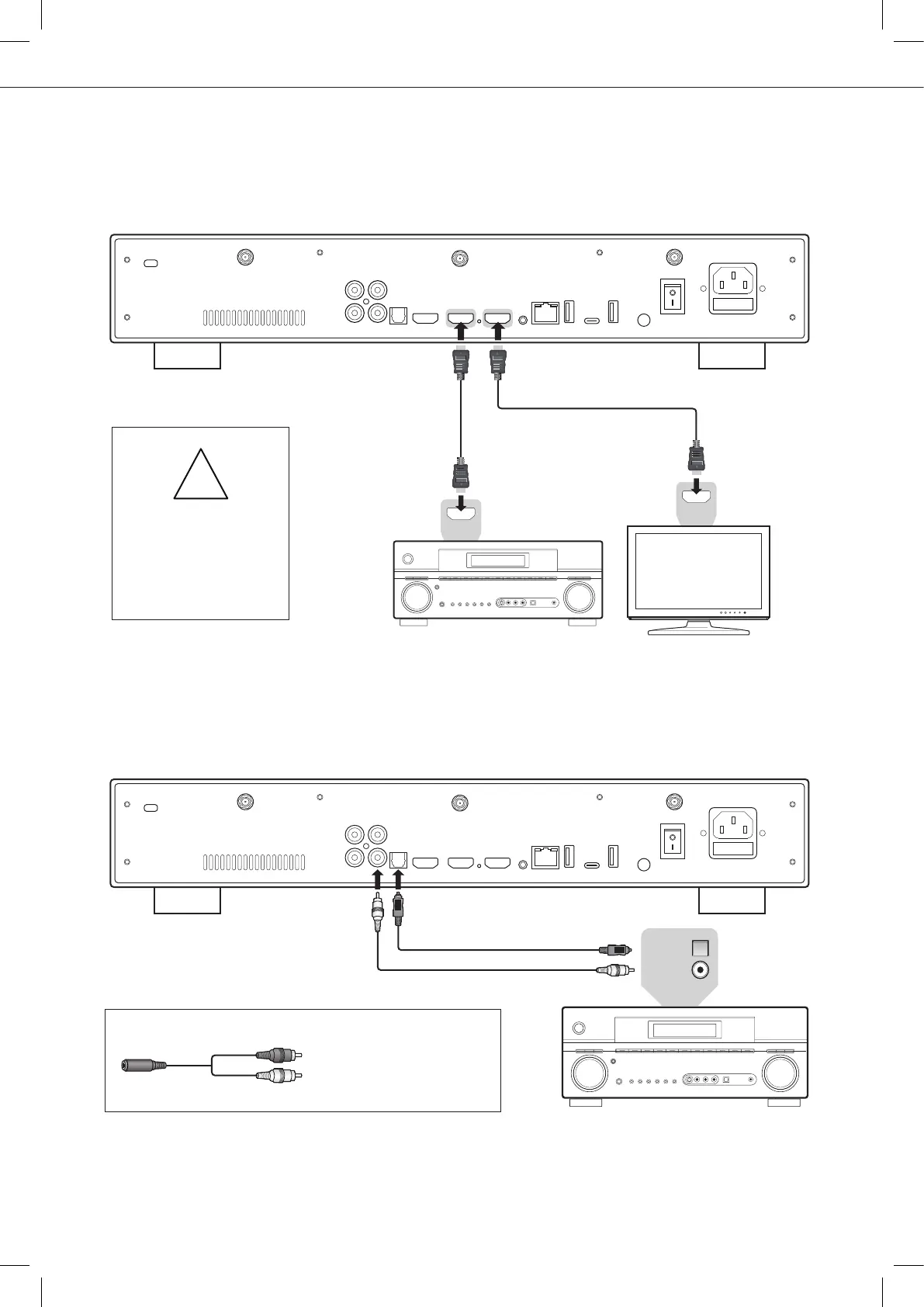
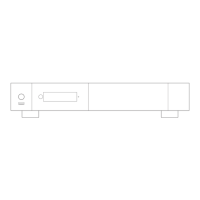
HDMI Cable
HDMI Cable
If you get a BLUE SCREEN,
it because you are using
HDMI Audio Only instead of
HDMI Main for the TV.
!
AV Receiver
HDMI IN
HDMI IN
TV / projector
Quick Start Guide
9
Coaxial In
Optical In
Please use one of these cables:
Optical (Toshlink) cable
Coaxial cable
AV Receiver
Headphones
To connect wired headphones,
please use RCA to 3.5 mm
female adapter. Then, connect
the RCA connectors to the
RCA inputs of the player.
RCA OutputHeadphone
If your AV receiver is not compatible with 4K HDR, please use the HDMI Audio Only output as following:
Audio Coaxial and Optical
If your AV receiver is not compatible with HDMI, you can connect your player to your AV receiver using
SPDIF optical (Toslink) or coaxial outputs as following:



 To Next Page