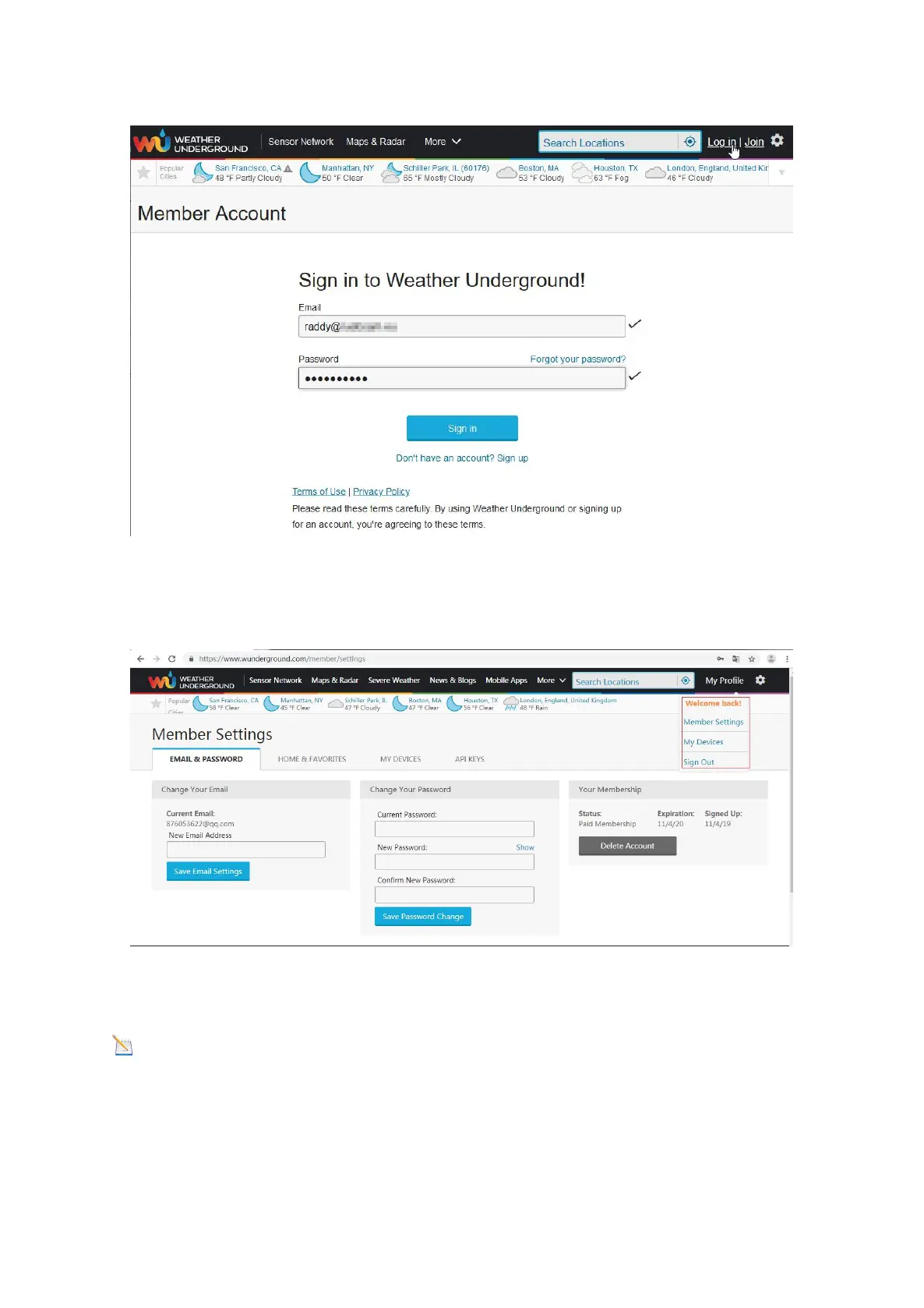
4) Then log in your account with the sign-up email and password.
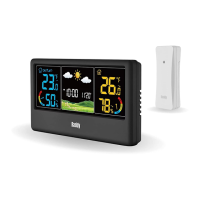
5) Click “My Profile”, and get into “Member Settings”.
6) Click the tab “HOME & FAVORITES” and choose the way to mark your location,
then Click “Update home location”.
Note: If you do not enter a location here, an attempt will be made to determine
your location based on your Internet connection. Depending on the Internet provider,
this can be associated with a not inconsiderable inaccuracy.


 To Next Page