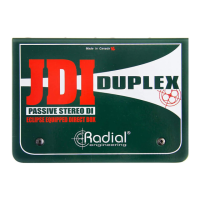
Radial Engineering JDI
™
User Guide
9
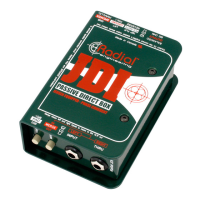
The Radial JDI features an isolation transformer that will generally eliminate most of this type of noise. But in severe cases,
lifting the ground on pin-1 at the XLR by depressing the GROUND switch can help. When lifted, it is assumed the ground
will be derived by the THRU jack connection to a grounded device such as a bass amp via the audio cable shield.
Note that when you are ‘going direct’ by connecting a bass or acoustic guitar to the Radial JDI without using the thru-put,
the ground switch should be set in the outward position so that the JDI is grounded at the mixing console. If you are using
the thru-put to your personal amp, then your amp and the mixer will have ground paths and lifting the ground would then
be considered.
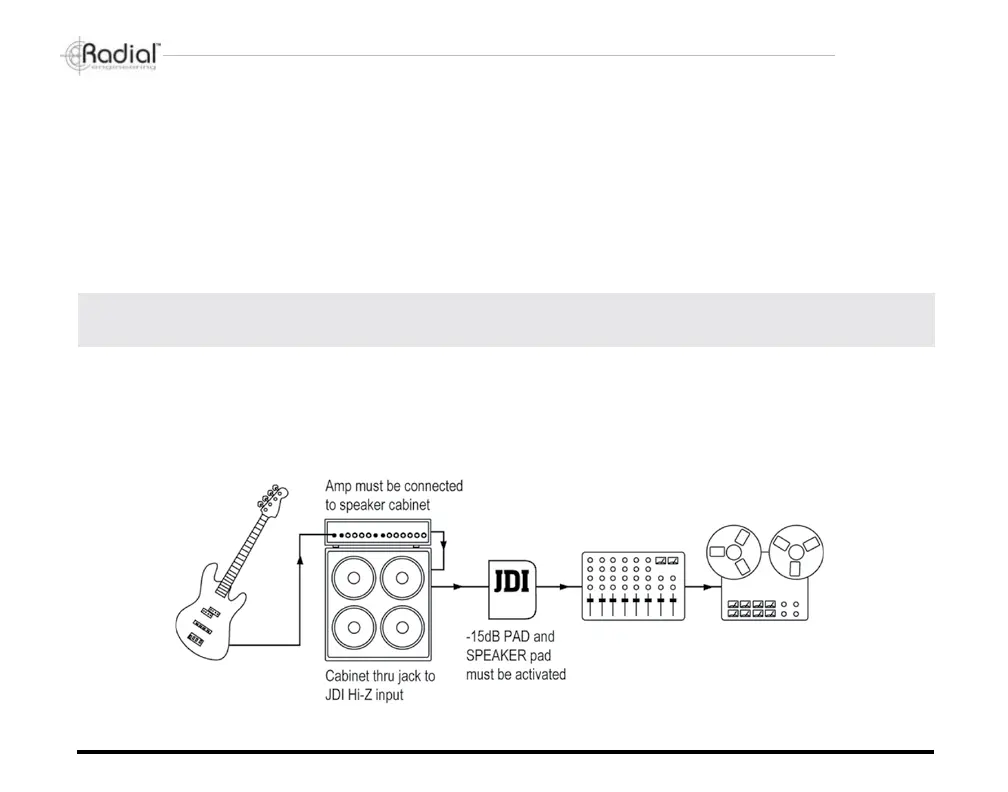
Parallel speaker connection and the SPEAKER switch
IMPORTANT: THE JDI IS NOT A LOAD BOX! You must ensure that the amplier is connected to its' speaker
load rst as the JDI is not designed to handle the load on its own.
There are occasions when you may wish to ‘tap’ the ‘wet’ signal off the output side of an amplier as opposed to taking
the ‘dry’ signal directly from the instrument. Examples would be capturing the EQ and compression settings from a bass
amplier, recording the distorted sound of a guitar amplier, or maybe combining the sound of a mic’d amplier with a direct
feed off the speaker.
True to the Music


 To Next Page