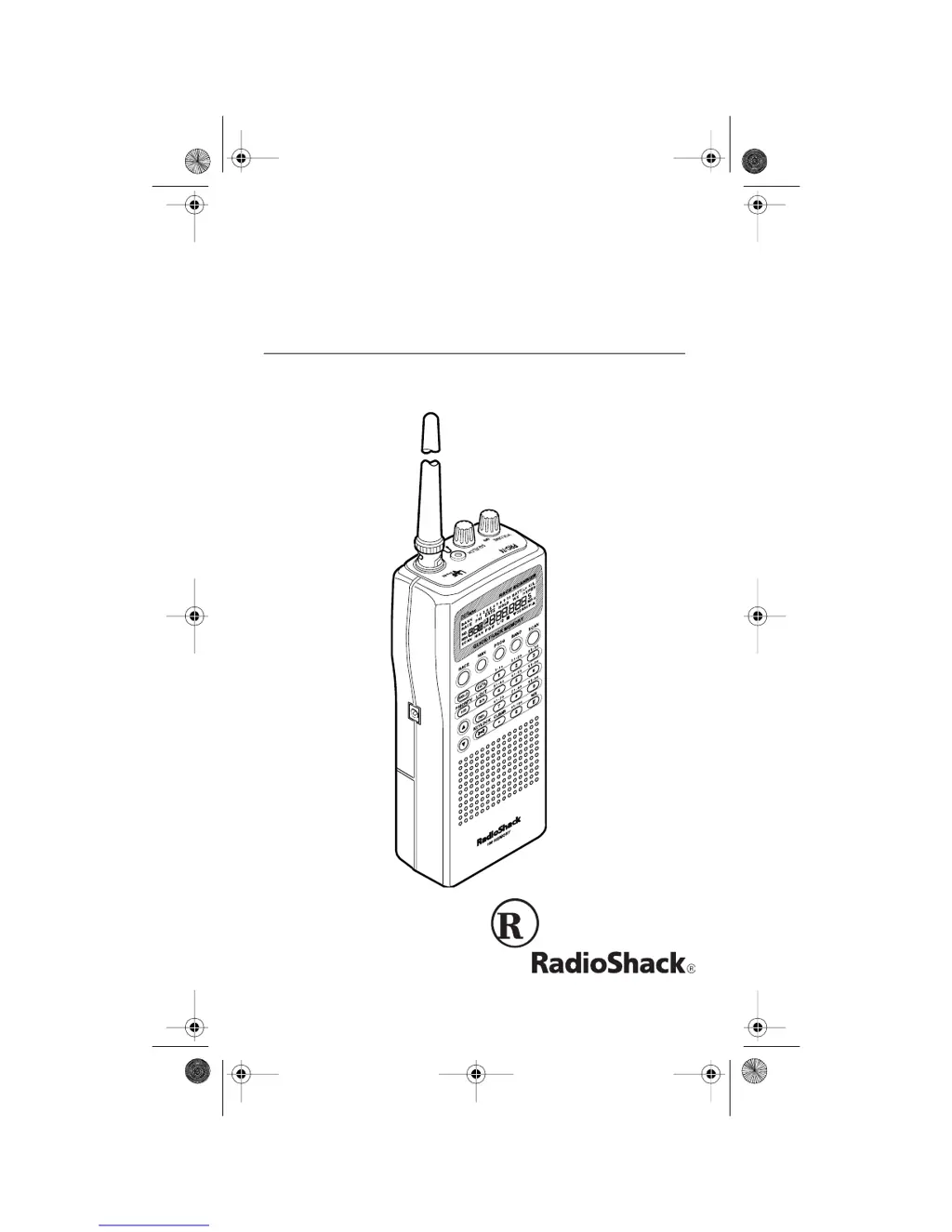
Why does BATT.Lo appear on my Radio Shack Transceiver?
- MMeredith YoungAug 15, 2025
If 'BATT.Lo' appears on your Radio Shack Transceiver, it means the batteries are weak. Recharge rechargeable batteries, or replace non-rechargeable batteries.
Why does BATT.Lo appear on my Radio Shack Transceiver?
If 'BATT.Lo' appears on your Radio Shack Transceiver, it means the batteries are weak. Recharge rechargeable batteries, or replace non-rechargeable batteries.
What to do if my Radio Shack Transceiver is totally inoperative?
If your Radio Shack Transceiver is totally inoperative, first check the batteries or ensure the scanner is properly plugged into a working AC or DC outlet. Also, verify that the adapter’s barrel plug is fully inserted into the POWER jack. If using batteries, try recharging rechargeable batteries or replacing non-rechargeable ones.
What to do if my Radio Shack Transceiver is on but will not scan?
If your Radio Shack Transceiver is on but not scanning, adjust the SQUELCH clockwise. Also, ensure you have stored frequencies into more than one channel.
Why is the reception poor or non-existent on my Radio Shack Transceiver?
If you are experiencing poor or no reception on your Radio Shack Transceiver, check the batteries or make sure the scanner is plugged into a working AC or DC outlet. Weak or dead batteries can cause this issue.
What to do if the keypad does not work on my Radio Shack Transceiver?
If the keypad on your Radio Shack Transceiver is not working, the keylock function may be activated. To turn off the keylock, press KEYLOCK until K/L disappears from the display.
What to do if error appears on Radio Shack Transceiver?
If 'Error' appears on your Radio Shack Transceiver, it means that the frequency was entered incorrectly. Re-enter the frequency correctly, including the decimal point.
Why does my Radio Shack Transceiver display dim or sound a tone every 15–30 seconds?
If your Radio Shack Transceiver's display dims or it sounds a tone every 15–30 seconds, it could be due to a couple of reasons. First, make sure the batteries are installed with the proper polarity (+ to + and – to –). Second, the batteries might be low; try recharging rechargeable batteries or replacing non-rechargeable batteries.
What to do if my Radio Shack Transceiver locks on frequencies with unclear transmission while scanning?
If, while scanning, your Radio Shack Transceiver locks on frequencies that have an unclear transmission, it might be because the stored frequencies are the same as 'birdie' frequencies. Avoid storing frequencies listed under “Birdie Frequencies”, or only listen to them manually.
How to fix Radio Shack Transceiver keys that don't work or display changes at random?
If the keys on your Radio Shack Transceiver do not work or the display changes at random, reset the scanner.
Stores a car's number and frequencies for quick recall.
Organizes preset frequencies into separate categories for easy searching.
Allows setting specific channels to be checked more frequently.
Details on using internal batteries, AC adapter, or DC adapter for power.
Explanation of the scanner's key layout and functions.
Initial scanner activation and adjustment of reception sensitivity.
How to search for transmissions within predefined service bank frequency ranges.
How to prevent the scanner from stopping on unwanted channels.
Allows setting specific channels to be checked more frequently.
Solutions for common scanner issues like no power or poor reception.
Stores a car's number and frequencies for quick recall.
Organizes preset frequencies into separate categories for easy searching.
Allows setting specific channels to be checked more frequently.
Details on using internal batteries, AC adapter, or DC adapter for power.
Explanation of the scanner's key layout and functions.
Initial scanner activation and adjustment of reception sensitivity.
How to search for transmissions within predefined service bank frequency ranges.
How to prevent the scanner from stopping on unwanted channels.
Allows setting specific channels to be checked more frequently.
Solutions for common scanner issues like no power or poor reception.
| Type | Handheld Scanner |
|---|---|
| Mode | AM/FM |
| Channels | 200 |
| Frequency Range | 406-512 MHz |
| RF Power Output | Not applicable |
| Power Supply | AC Adapter |
| Battery | AA |
| Antenna | Telescoping antenna |