A
new
line can be added to a BASIC program at any time simply by typing it with the
appropriate line number.
If
you want
to
add
a statement before line
10,
give it a
number less than
10
(the smallest line number allowed
is
1).
If
you want
to
add a line
between the two lines, give it a number between
10
and 20 (e.g., 15).
Line numbers
10
and 20 were used
to
allow insertion
of
new lines.
If
successive line
numbers had been used, for example
15
and 16, then
no
new lines could have been
inserted.
It
is a good practice
to
use line numbers that
are
multiples
of
10
(or at least
5).
Here's your program again:
10
PRINT
"HOW"
j
"NOW"
j
20
PRINT
"BROWN
II
j
"COW"
Suppose you want to insert a line between
10
and 20. Simply type:
15
PRINT
"SPLENDID
";
~
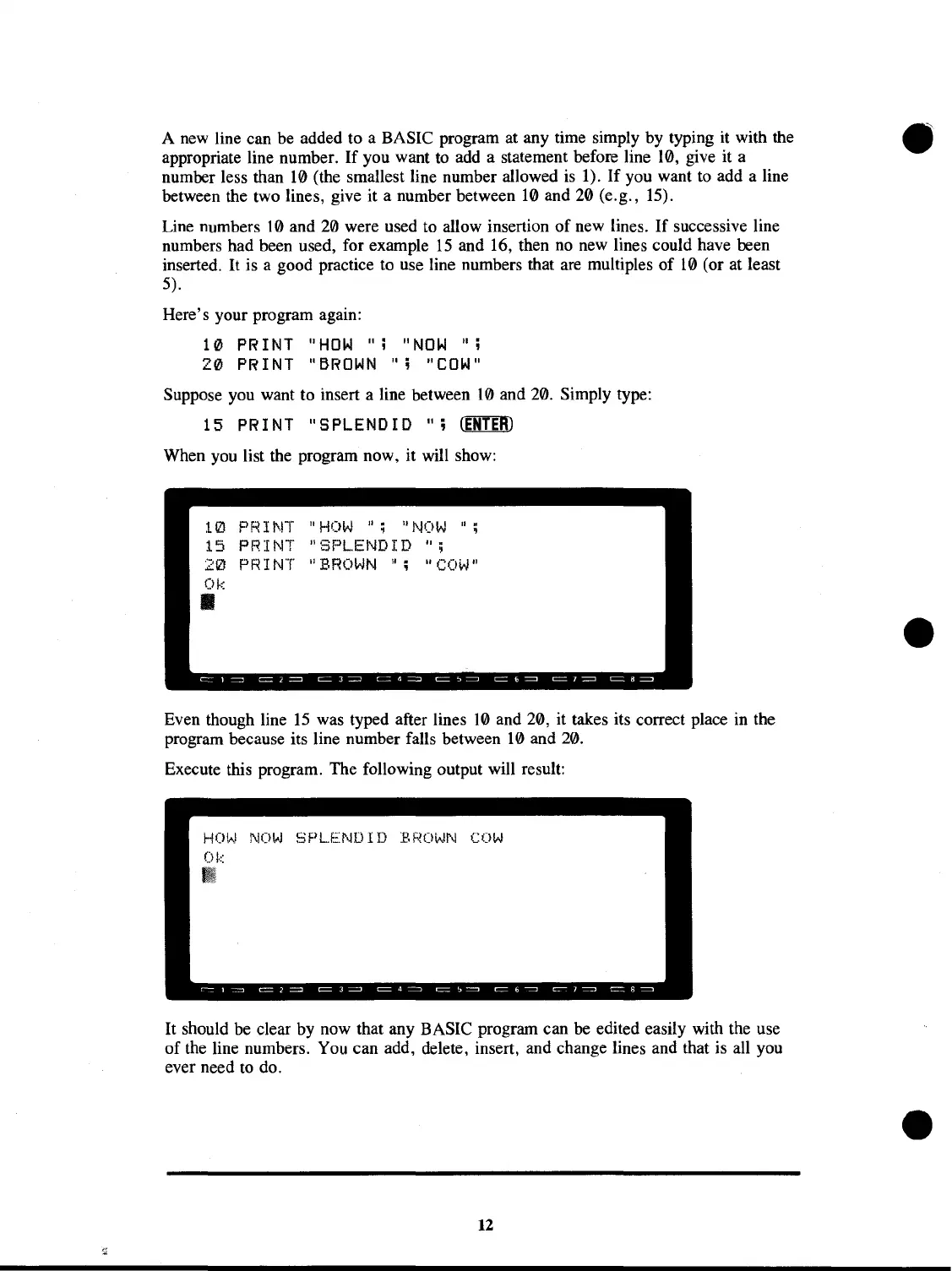
When you list the program now, it will show:
PRINT
"HOW";
"NOW";
PRINT "SPL.ENDID
"i
PRINT
"BROWN
!I;
"COW"
Even though line
15
was typed after lines
10
and 20, it takes its correct place in the
program because its line number falls between
10
and 20.
Execute this program. The following output will result:
NOW
SPL.ENDID
BROWN
COW
It should be clear by now that any BASIC program can be edited easily with the use
of
the line numbers. You can add, delete, insert, and change lines and that is all you
ever need
to
do.
12



 To Next Page
 Loading...










