In this experiment, the name RALPH in line 60 will be changed to MORT, with the
use
of
the Editor. Enter the command
ED
IT
COO!ID
,
to activate the Editor.
Position the cursor in line 60 so that
it
is
on the comma after the name RALPH. Line
60 should appear
as:
60
DATA
BETTY,
35,
RALPH.
29,
SKIP.
Press
(BKSP)
five times to delete the name RALPH. After this
is
done, line 60 will
appear
as:
60
DATA
BETTY,
35,
The cursor
is
correctly positioned for the insertion
of
the new name. Type in the name
MORT. Line 60 should appear as
60
DATA
BETTY,
35,
MORT,
29,
SKIP,
Line 60 is
in
its desired form; RALPH has been replaced by the name MORT. Exit
from the Editor.
List the program to confirm that it is:
10
INPUT
"YOUR
NAME",
N$
20
READ
A$, G
30
IF
A$
< )
N$
THEN
GoTo 20
a0
PRINT
"YOUR
AGE
IS";
G
50
DATA
DAN,
32,
RON,
38,
LINDA,
az
60
DATA
BETTY,
35,
MORT,
28,
SKIP,
3
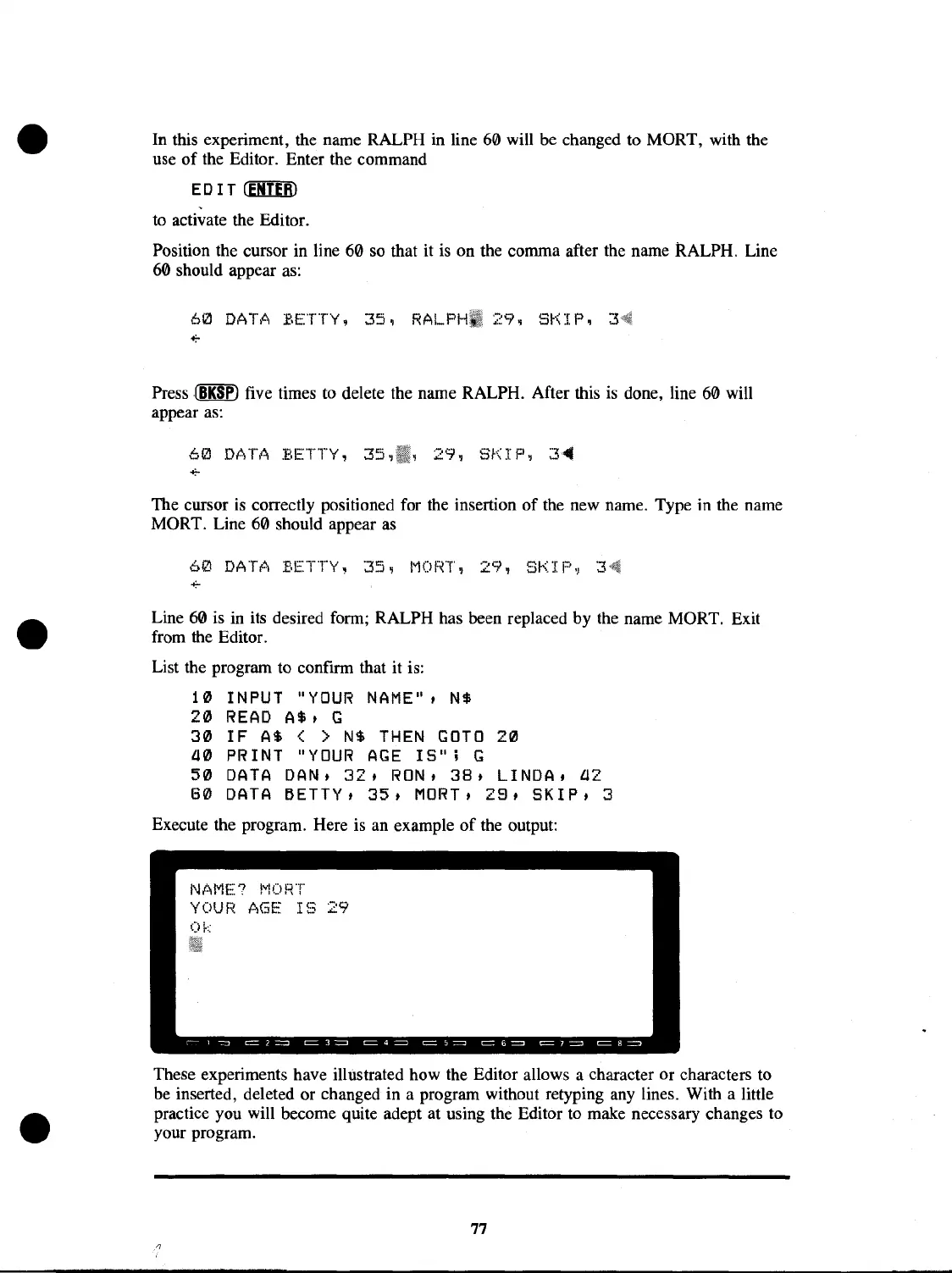
Execute the program. Here is an example
of
the output:
N/",ME? 1'10RT
YOUR AGE
IS
29
Ok
These experiments have illustrated how the Editor allows a character or characters to
be inserted, deleted or changed in a program without retyping any lines. With a little
practice you will become quite adept at using the Editor to make necessary changes to
your program.
77



 To Next Page
 Loading...










