© 2020 Radiodetection Ltd 14
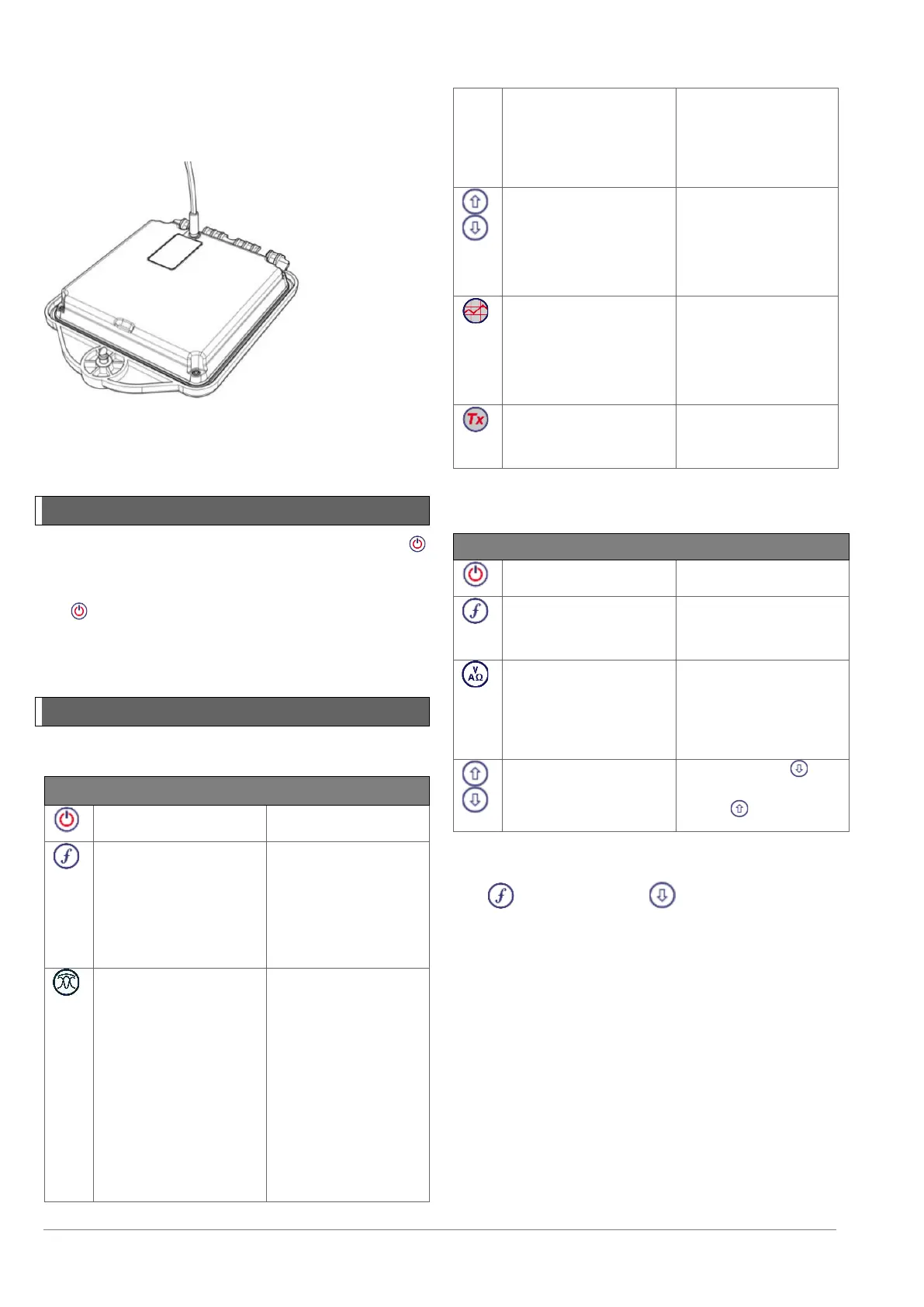
Transmitter Li-ion battery pack
To recharge the battery pack, remove the pack from the
transmitter and connect the transmitter battery charger.
Figure 4.13 Charging the transmitter Li-Ion battery pack
For more information about recharging batteries refer to
the instructions that came with your charger
4.2 Power on / off
Switch the locator or transmitter on by pressing the
key.
To switch the locator or transmitter off, press and hold
the key until the screen blanks off.
NOTE: The locator will automatically power off after 5
minutes if no keys are pressed.
4.3 Keypad actions & shortcuts
Locator key actions
Table 4.2: Transmitter key actions
NOTE: to scroll through frequencies from high to low,
hold while pressing the button (applies to both
locators and transmitters).


 To Next Page