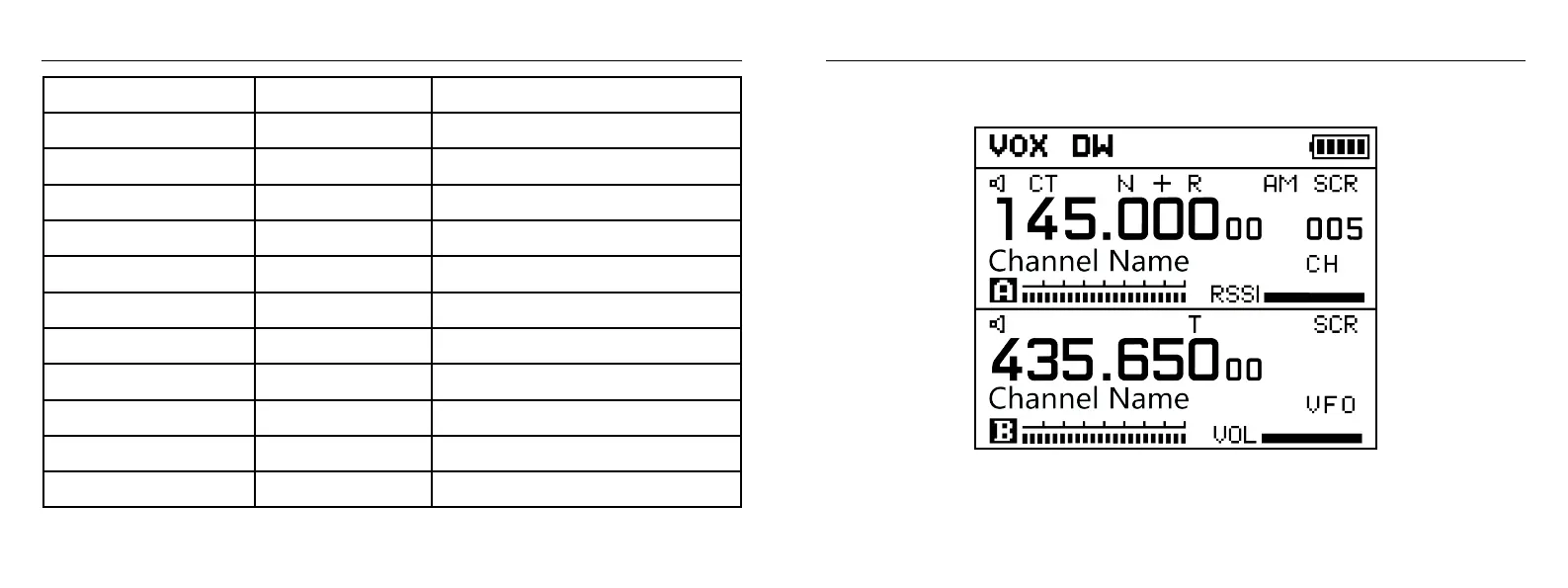
LCD display and menu content
Long press number 1 SCAN
Long press number 2
Long press number 3
Long press number 4
Long press number 5
Long press number 6
Long press number 7
Long press number 8
Long press number 9
Long press number 0
Long press number *
Long press number #
Enter scanning function
Store frequency into channel
Set frequency step
Select High, Middle, Low power
Adjust squelch levels
Turn on/off dual standby
Set CTCSS sub tone
Set repeater shift direction
Set repeater offset frequency
Turn on FM Radio broadcast
DTMF tone edit
Lock/Unlock keypad
Memory Channel
Frequency step
Power Select
Squelch
Dual Standby
CTCSS
Shift Direction
Offset
FM Radio
DTMF
Keypad lock
Shortcut Keys combination
03 04


 To Next Page