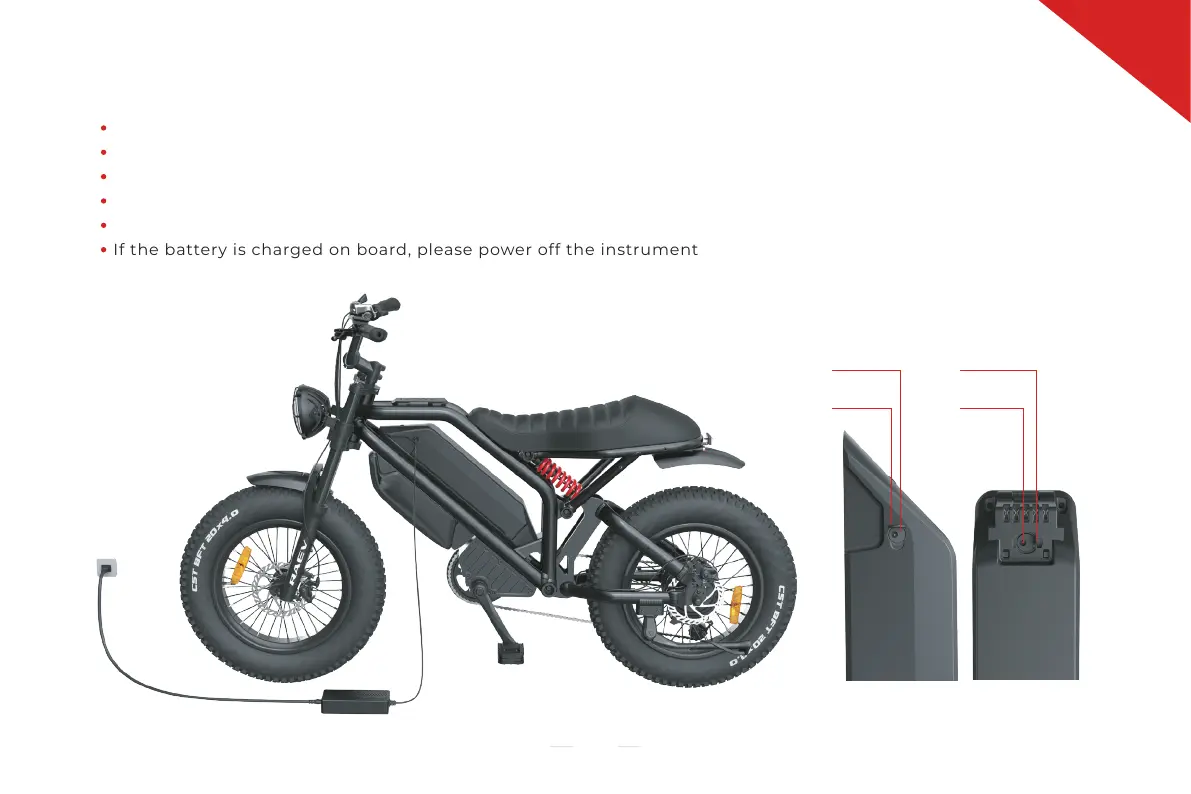
Open the soft cover on the battery side
Insert the plug of the charger into the charging port of the battery and connect the other plug to the power supply;
The status light of the charger is red in the charging process
After the battery is fully charged, the status light of the charger is green
Remove the charger, keep it properly and close the soft cover after charging
If the battery is charged on board, please power off the instrument
3. Battery Charging
07
Charging Port
Soft cover
Soft cover
Charging Port
GT version battery


 To Next Page