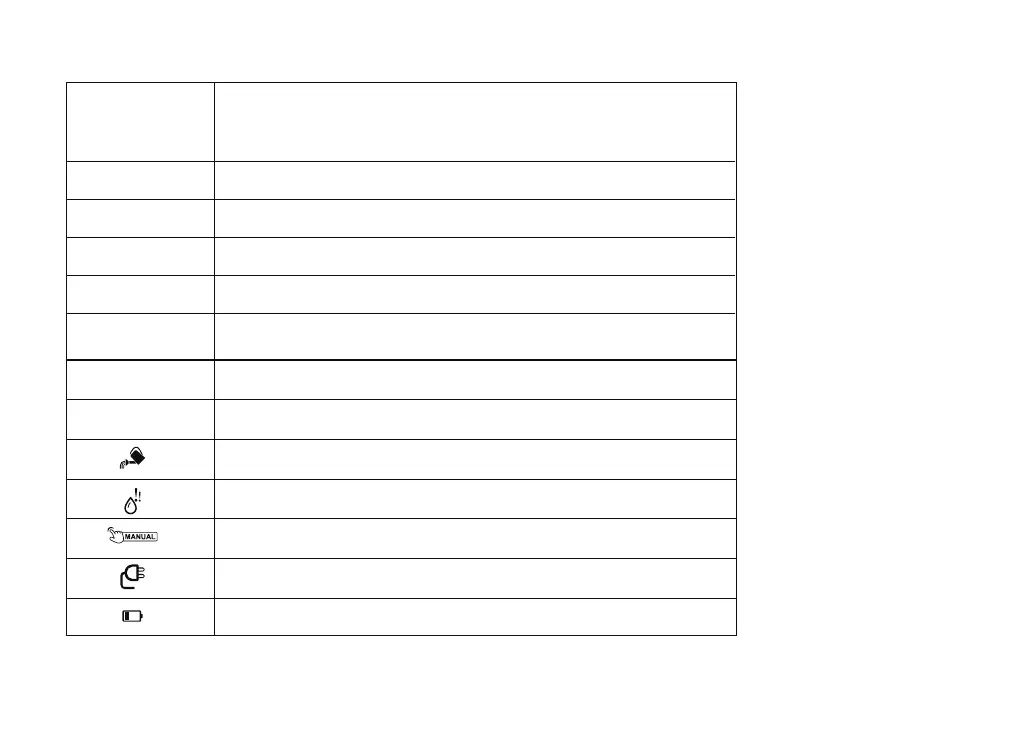
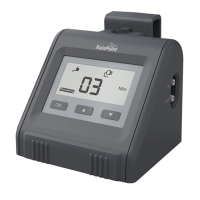
3.Introduction Of Buttons And Indicators
“OK” Button:
“▲” Button:
How Long
How Often
Delay
Watering Duration 20s - 30min
Watering Frequency 1h -23h or 1days - 7days
Delay the watering plan 1h - 24h
• Press to enter setting mode of 3 dierent options: How
Long, How Often and Delay
• Press and hold enter the manually watering mode
Remaining
Next The next watering time
It is watering
Currently shoage of water
Manually operation setting
Connected with the USB charger
Low power
The remaining watering time of the current period
Decrease the number, hold to reduce faster
Increase the number, hold to accelerate
“ ” Button:
▲
03


 To Next Page