EasyManua.ls Logo

RainPoint TWG004WRF - User Manual

Default Icon
30 pages
Print Icon
To Next Page IconTo Next Page
Loading...
Instruction
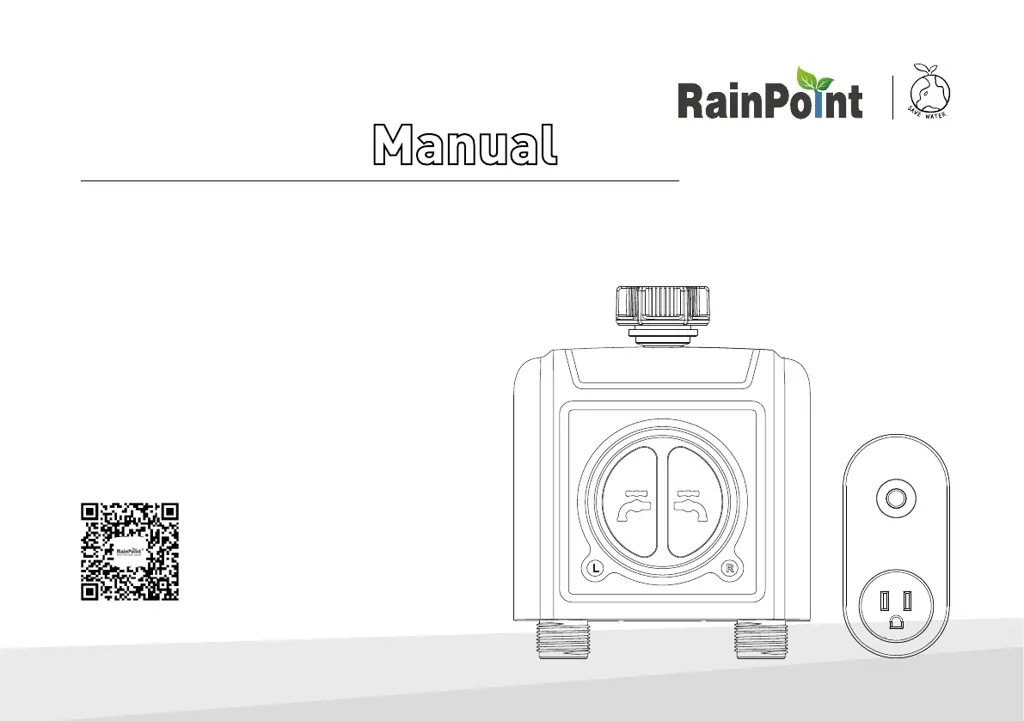
2 Zone WiFi Water Timer with WiFi Hub
Model: TTV203WRF + TWG004WRF
Customer Suppo:
Web: www.rainpointonline.com
Email: seice@rainpointus.com
WhatsApp: +1 626-780-5952
US Free Hotline(English):
+1 833-381-5659(MON-FRI 9�30 AM-5�30 PM PST)
UK Free Hotline(English Deutsch):
+44 800-808-5337(MON-FRI 9�00 AM-5�00 PM CET)
*KEEP THIS MANUAL FOR FUTURE REFERENCE.
®
(Please scan the QR code
to get the fast suppo)

Questions and Answers

Summary

Key Product Features

WiFi Remote Control and Scheduling

Control timer settings and schedule via WiFi using the mobile app.

Advanced Watering Options

Automatic watering, rain delay, irrigation/mist modes, and soil sensor integration.

Installation Guide

Step 1: Install App on Your Phone

Download and install the RainPoint mobile application for device setup.

Step 2: Connect the WiFi Hub

Guide to connecting the WiFi hub to your home network via the app.

Step 3: Connect the WiFi Timer

Pairing the 2-Zone WiFi water timer with the WiFi hub and app.

Step 4: Install the WiFi Timer

Physical installation of the water timer onto the faucet and connecting irrigation.

Step 5: Test Before Use

Performing a functional test of the water timer's valves before regular operation.

App Programming and Usage

Manual Watering and Scheduling

Manually operating watering, setting durations, and creating watering plans.

Smart Automation

Device Reset and Troubleshooting

Troubleshooting Common Problems

Solutions for issues like valves not turning on/off or connectivity problems.

RainPoint TWG004WRF Specifications

General IconGeneral
Power SourceBattery Powered
MaterialPlastic
Waterproof GradeIP54
Control MethodApp
WiFi Frequency2.4GHz
Waterproof RatingIP54
Batteries2 AA batteries required
Valve Connection3/4 inch
CompatibilityAlexa, Google Assistant
Working Temperature-10°C to 50°C
Operating Temperature-10°C to 50°C

Related product manuals