- 23 -
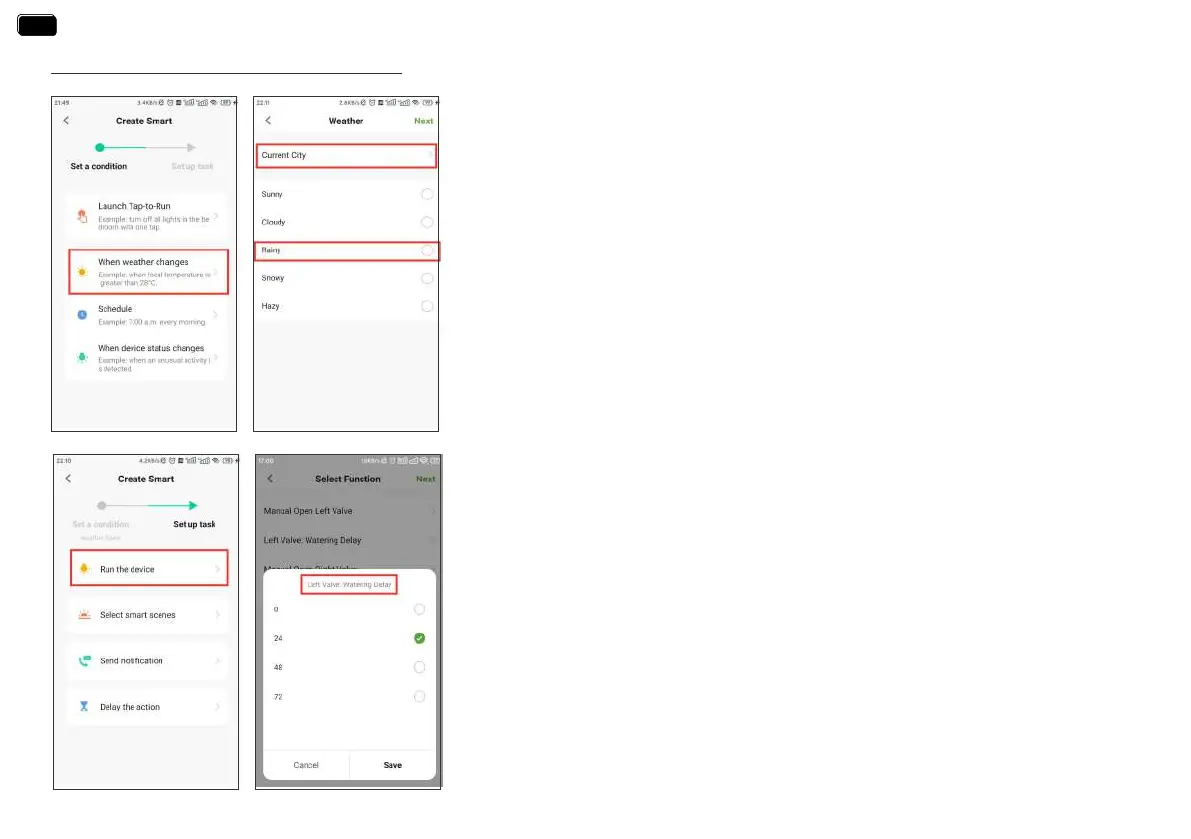
How to set the automatic rain delay?
Note:
Please accurately locate the city where your home is located. The APP will automatically
obtain weather forecast data based on the city you locate. When the weather forecast turns
to rain, the conditions for execution will be triggered.
Note:
For the task peormed by the device, select Run the device
1. Tap Sma at the bottom of the APP home screen.
2. Select Automation and tap Create Scene.
3. Set a condition when the weather changes to rain.
4. Tap Run the device to set up a task about device operation.
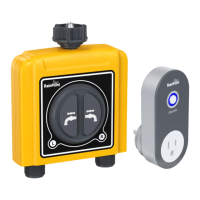
5. Select 2-Zone WiFi Irrigation Timer
6. Set the watering delay time of the left valve rst, and then set the watering delay time
of the right valve.
EN
EN



 To Next Page