EasyManua.ls Logo

RainPoint TTV203WRF - User Manual

RainPoint TTV203WRF
30 pages
Print Icon
To Next Page IconTo Next Page
Loading...
Instruction
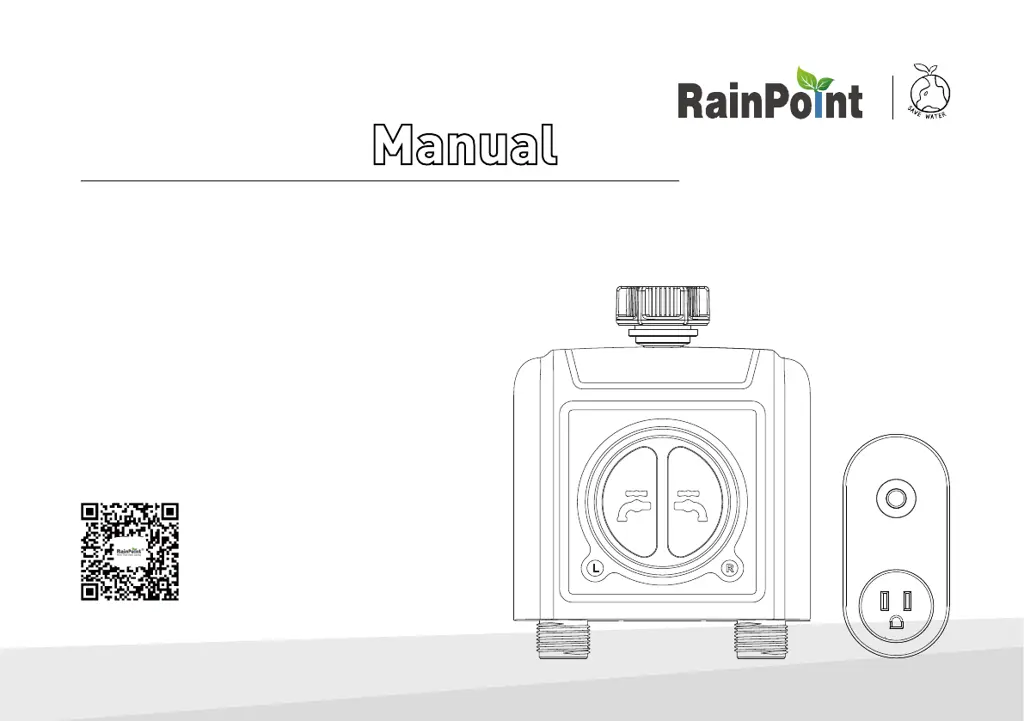
2 Zone WiFi Water Timer with WiFi Hub
Model: TTV203WRF + TWG004WRF
Customer Suppo:
Web: www.rainpointonline.com
Email: seice@rainpointus.com
WhatsApp: +1 626-780-5952
US Free Hotline(English):
+1 833-381-5659(MON-FRI 9�30 AM-5�30 PM PST)
UK Free Hotline(English Deutsch):
+44 800-808-5337(MON-FRI 9�00 AM-5�00 PM CET)
*KEEP THIS MANUAL FOR FUTURE REFERENCE.
®
(Please scan the QR code
to get the fast suppo)

Questions and Answers

Summary

Welcome to RainPoint

Introduction

Contents in the Box

Lists all items included in the product package for user reference.

Product Overview

2 Zone WiFi Water Timer Specifications

Details the technical specifications for the 2-zone WiFi water timer.

WiFi Hub Specifications

Details the technical specifications for the WiFi Hub.

Features Overview

Key Features and Functionality

Outlines the primary features and functionalities of the WiFi water timer and hub.

Installation

Step 1: Install App on Your Phone

Guide to downloading and registering the RainPoint mobile application.

Step 2: Connect the WiFi Hub

Instructions for connecting the WiFi Hub to your home network via the app.

Step 3: Connect the WiFi Timer

Steps to pair the 2-zone WiFi water timer with the WiFi hub through the app.

Step 4: Install the WiFi Timer

Guidance on physically installing the WiFi water timer on an outdoor faucet.

Step 5: Test Before Use

Procedure to verify the functionality of the installed water timer before regular use.

App Programming

App Home Screen Overview

Explains the main interface and sections of the RainPoint mobile application.

2-Zone WiFi Irrigation Timer Functionality

Details how to view and manage timer parameters and settings within the app.

Manual Watering

Instructions for manually controlling watering for each zone via the app.

Watering Plan and Manual Rain Delay

Setting up watering schedules, plans, and manual rain delay options for the timer.

WiFi Soil Sensor & Water Flow Meter

Information on using optional soil sensors and the built-in water flow meter.

WiFi Socket

Manual Power ON;OFF and Scheduling

How to control the WiFi socket manually and set schedules via the app.

Smart Automation

Automation & Tap-to-Run Setup

Guide to setting up automated tasks and one-tap controls within the app.

Automatic Rain Delay Setup

Instructions for configuring automatic watering delays based on weather forecasts.

Home Management and Family Sharing

Setting up home details and sharing access with family members for co-management.

Reset the Device

How to Reset the WiFi Hub

Steps to perform a factory reset on the WiFi Hub.

How to Reset the WiFi Timer

Steps to perform a factory reset on the 2-zone WiFi water timer.

Troubleshooting

Common Problems and Solutions

Addresses common issues with the timer and hub and provides solutions.

LED Indicator and App Status Meanings

WiFi Water Timer LED Indicators

Explains the meaning of different LED light behaviors on the water timer.

WiFi Hub Power Indicator Lights

Explains the meaning of different LED light behaviors on the WiFi Hub.

App Background Color Indicators

Interprets the meaning of background color changes in the mobile app.

Warranty

Customer Support

RainPoint TTV203WRF Specifications

General IconGeneral
BrandRainPoint
ModelTTV203WRF
CategoryLawn and Garden Equipment
LanguageEnglish

Related product manuals