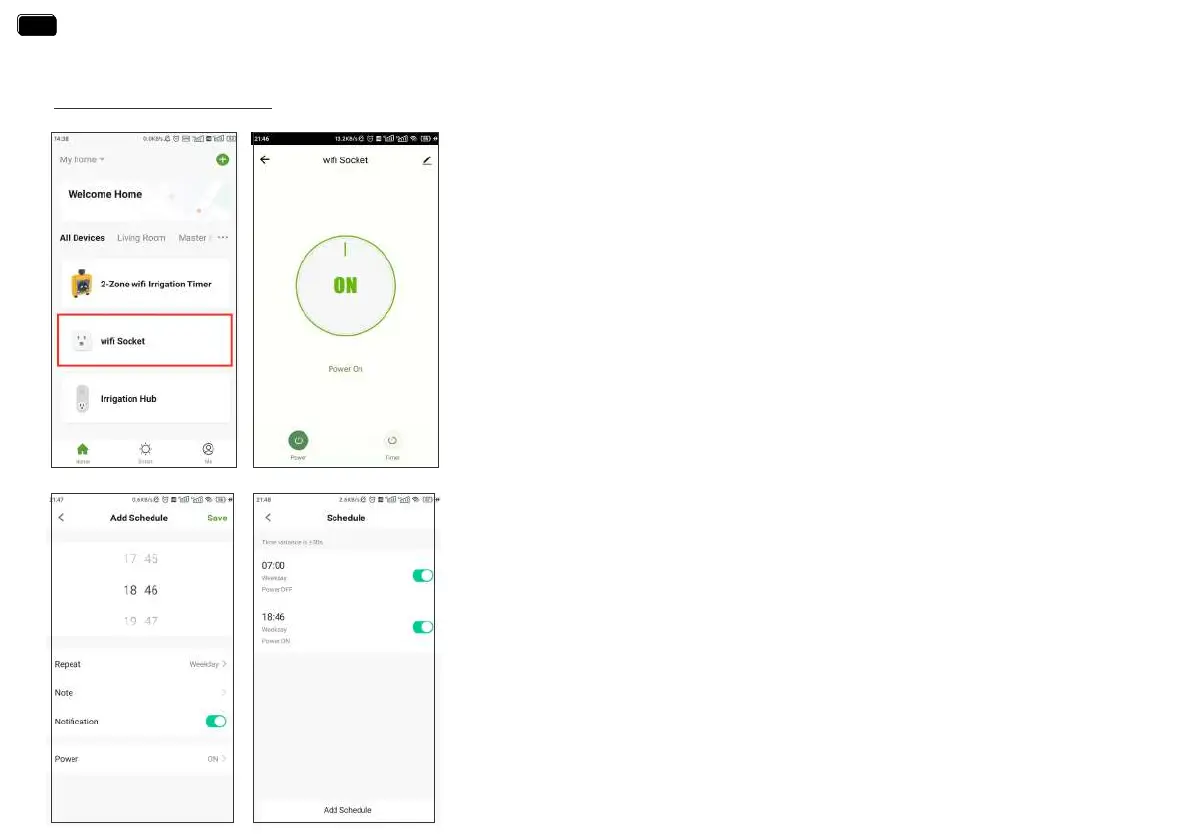
Manual Power ON/OFF
- 21 -
WIFI SOCKET
Note:
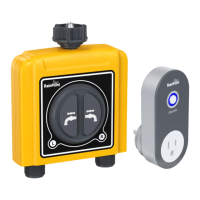
Each RainPoint WiFi hub can be used as a WiFi socket. But only when the WiFi timer is
successfully paired with the WiFi hub, the WiFi socket device can be added to the APP.
1. Tap the WiFi Socket on the all devices list of APP home screen.
2. Tap the Power to toggle the WiFi socket power on or o.
1. Tap the Timer on the WiFi Socket screen.
2. Tap the Add Schedule to setup a schedule for the WiFi Socket.
3. Use the clock wheels to set the desired switch time of day.
4. Tap Repeat to choose which days of the week to toggle the socket.
5. Tap Note to add a custom description to your schedule.
6. Toggle the Notication switch to receive ales when the schedule is triggered.
7. Tap Save to set your schedule, or exit without saving.
8. The schedule of the WiFi socket will be displayed on the previous add schedule screen.
EN
EN


 To Next Page