CONTENTS
RESET THE DEVICE 25
CONTENTS IN THE BOX 04
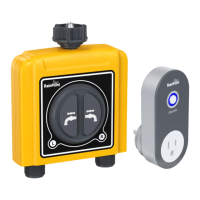
TTV203WRF 2 Zone WiFi Water Timer
TWG004WRF WiFi Hub
STEP 1. INSTALL APP ON YOUR PHONE 08
STEP 2. CONNECT THE WIFI HUB 09
PRODUCTS OVERVIEW 05
FEATURES OVERVIEW 07
Device Parameter
Manual Watering
- 03 -
STEP 3. CONNECT THE WIFI TIMER 10
STEP 4. INSTALL THE WIFI TIMER 12
STEP 5. TEST BEFORE USE 13
INSTALLATION 8-13
INTRODUCTION 4-7
APP HOME SCREEN 14
2 ZONE WIFI IRRIGATION TIMER 15
Watering Plan & Manual Rain Delay
WiFi Soil Sensor & Water Flow Meter*
APP PROGRAMMING 14-23
Manual Power ON/OFF
Power ON/OFF By Schedule
WIFI SOCKET 20
SMART AUTOMATION 21
HOME MANAGEMENT 24
Automation & Tap-to-Run
How to set the automatic rain delay?
TROUBLESHOOTING 26
WARRANTY 28
CUSTOMER SUPPORT 28
*WiFi soil sensor is sold separately, this kit does not contain WiFi
soil sensor
EN
ENENEN


 To Next Page