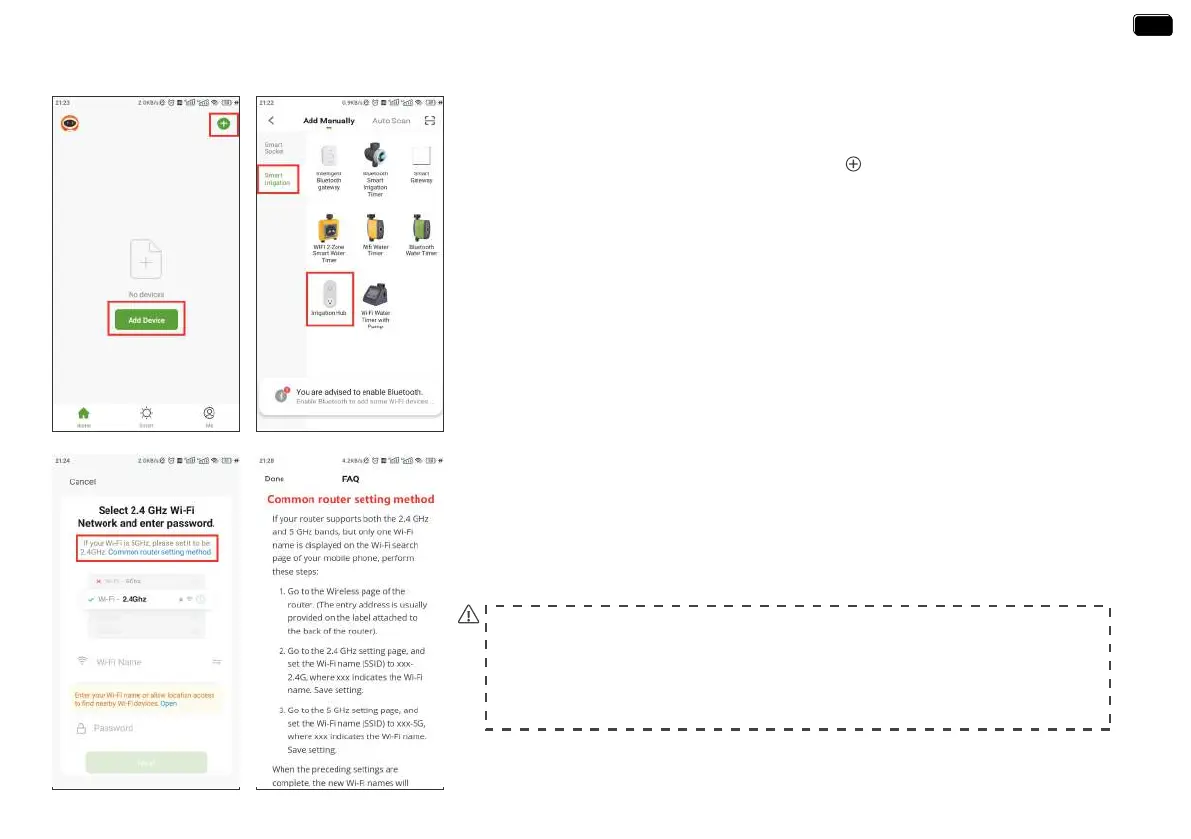
STEP 2. CONNECT THE WIFI HUB
- 09 -
4. select 2.4Ghz WiFi, and enter the password.
Tips:
If your router is a dual-band router, and you cannot identify the 2.4Ghz or 5Ghz WiFi,
please tap the blue words “Common router setting method” to name the 2.4Ghz WiFi
dierently, then you can select it individually.
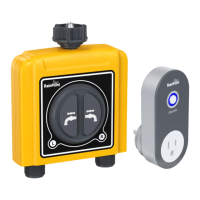
1. Plug your WiFi Hub to an indoor power source near your WiFi router and the outdoor
outdoor location of your timer.
2. Open RainPoint App and tap Add deviceor to add a new device.
3. Tap Sma Irrigation and Add Manually, then select Irrigation Hub
EN
EN
The device is only connected to a separate 2.4Ghz WiFi, if you need help during
the device WiFi connection, please feel free to contact us.
Email: seice@rainpointus.com
WhatsApp: +1 626-780-5952


 To Next Page