A touchscreen button "X" to disable display of the camera image is made available
when the vehicle is not in REVERSE gear.
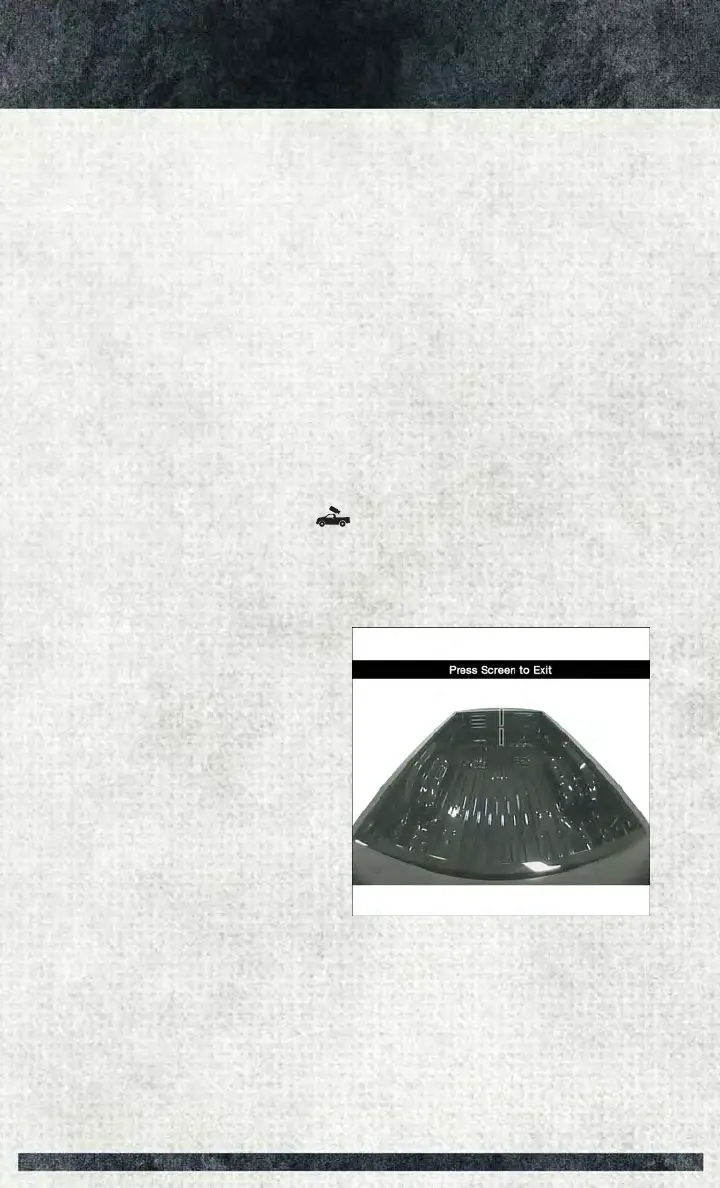
A display timer is initiated when the Cargo Camera image is displayed. The image will
continue to be displayed until the display timer exceeds 10 seconds and the vehicle
speed is above 8 mph (13 km/h) or the touchscreen button "X" to disable display of
the Cargo Camera image is pressed.
NOTE:
• If the vehicle speed remains below 8 mph (13 km/h), the Cargo Camera image will
be displayed continuously until the touchscreen button "X" to disable display of
the Cargo Camera image is pressed.
• If snow, ice, mud, or any foreign substance builds up on the camera lens, clean the
lens, rinse with water, and dry with a soft cloth. Do not cover the lens.
Turning Cargo Camera On Or Off — With Uconnect 8.4/8.4 NAV
1. Press the “Controls” button located on the bottom of the Uconnect display.
2. Press the “Cargo Camera” button
to turn the Cargo Camera system on.
NOTE:
Once initiated by the "Cargo Camera" button, the Cargo Camera image may be
deactivated by pressing the "X" soft button. On deactivation, the previous selected
screen will appear.
Cargo Camera Display
UTILITY
214


 To Next Page
 Loading...











