Registration
To activate your Uconnect Access Account:
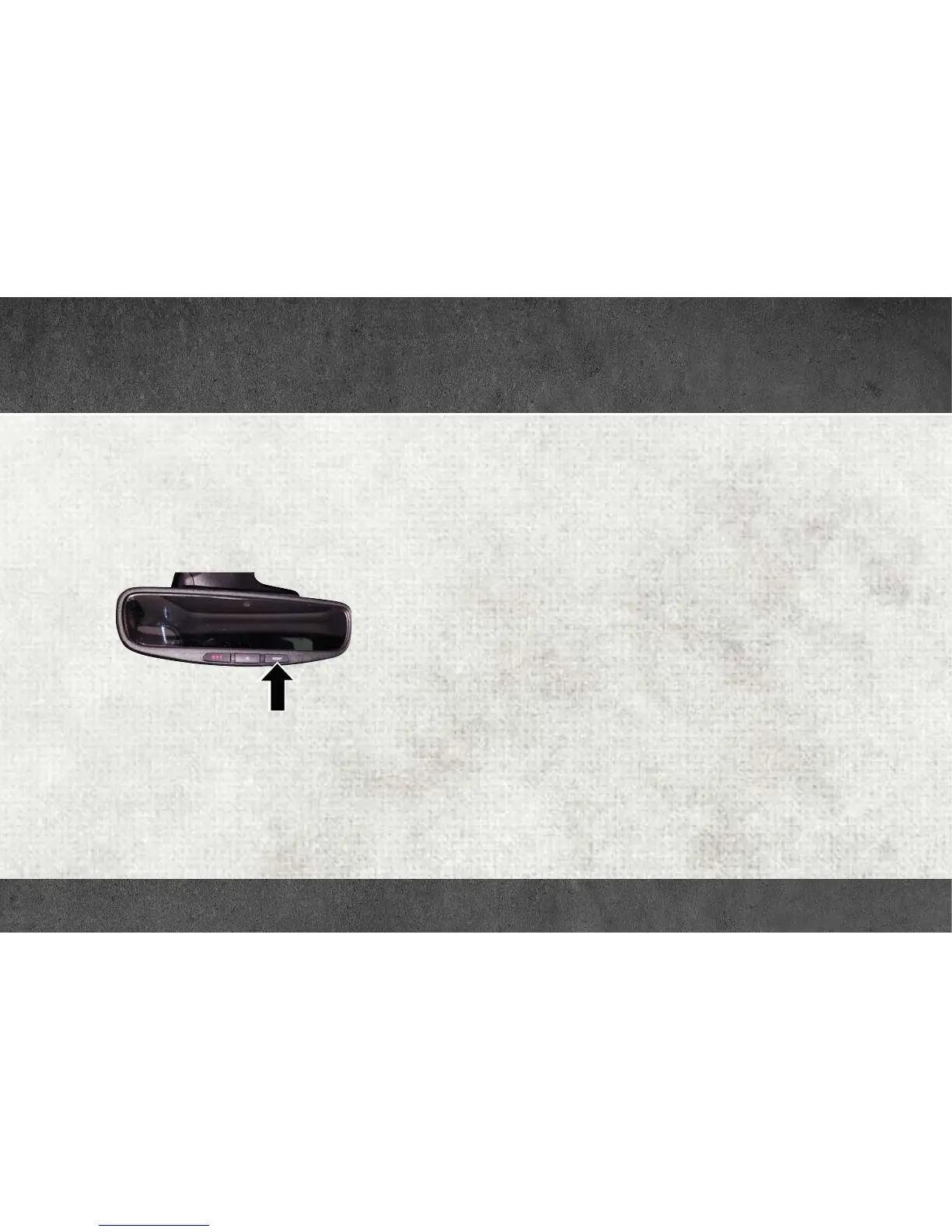
1. Push the ASSIST button on your rearview mirror or in the Apps
screen in the Uconnect System.
2. Select Uconnect Care on your Uconnect touchscreen.
3. A Uconnect Care agent will register your vehicle and handle all of
the details.
Download the Uconnect Access app from the Apple App Store or from
the Google Play Store to get the most out of your connected car
experience. To use the app:
1. Download the Uconnect Access App onto your compatible smart-
phone.
2. Log in to the app using the email and password you provided when
signing up for Uconnect Access.
3. Once you’re logged in and have accepted the terms and conditions,
you’ll be able to start your vehicle and lock/unlock its doors from
virtually anywhere!
ASSIST Button
UCONNECT ACCESS



 To Next Page