Cargo Light With Bed Lights — If Equipped
• The cargo light and bed lights (if equipped) are turned on by pushing
on the cargo lights button located under the headlight switch.
• The cargo light and bed lights (if equipped) will also turn on for
approximately 60 seconds when a key fob unlock button is pushed,
as part of the Illuminated Entry feature.
Cargo Camera — If Equipped
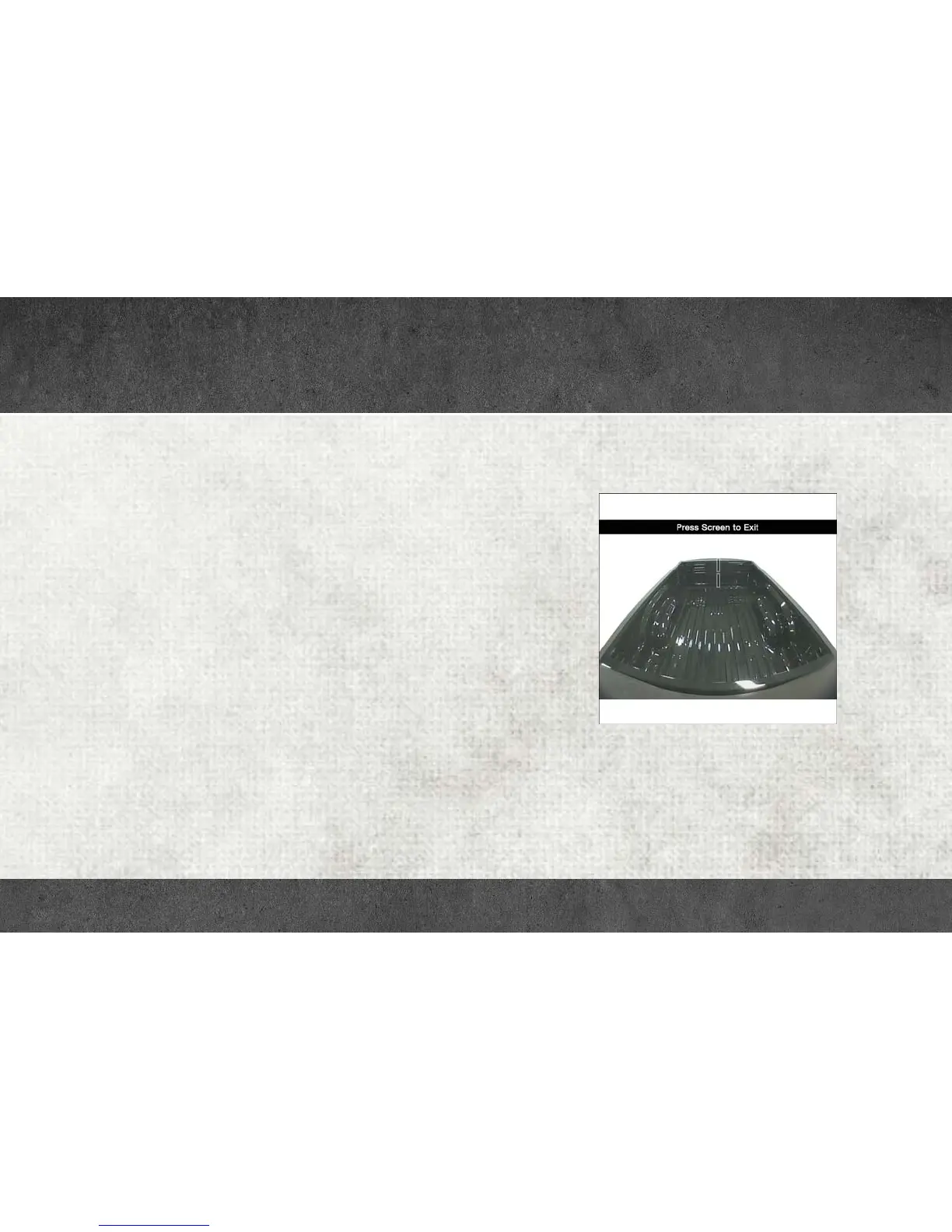
• Your vehicle may be equipped with a Cargo Camera that allows you
to see an image of the inside of the pickup box. The image will be
displayed on the Uconnect Display, located on the center stack of
the instrument panel.
• A display timer is initiated when the Cargo Camera image is
displayed. The image will continue to be displayed until the display
timer exceeds 10 seconds and the vehicle speed is above 8 mph
(13 km/h), or the image is deactivated by touching the Uconnect
display.
NOTE:
If the vehicle speed remains below 8 mph (13 km/h), the cargo camera
image will be displayed continuously until deactivated by touching the
Uconnect display.
• The Cargo Camera is located in the bottom center area of the Center
High-Mounted Stop Lamp (CHMSL).
NOTE:
If snow, ice, mud or any foreign substance builds up on the camera
lens, clean the lens, rinse with water and dry with a soft cloth. Do not
cover the lens.
For further information and applicable warnings and cautions, please refer
to your Owner’s Manual at
www.ramtrucks.com/en/owners/manuals.
Cargo Camera Display
CARGO FEATURES



 To Next Page