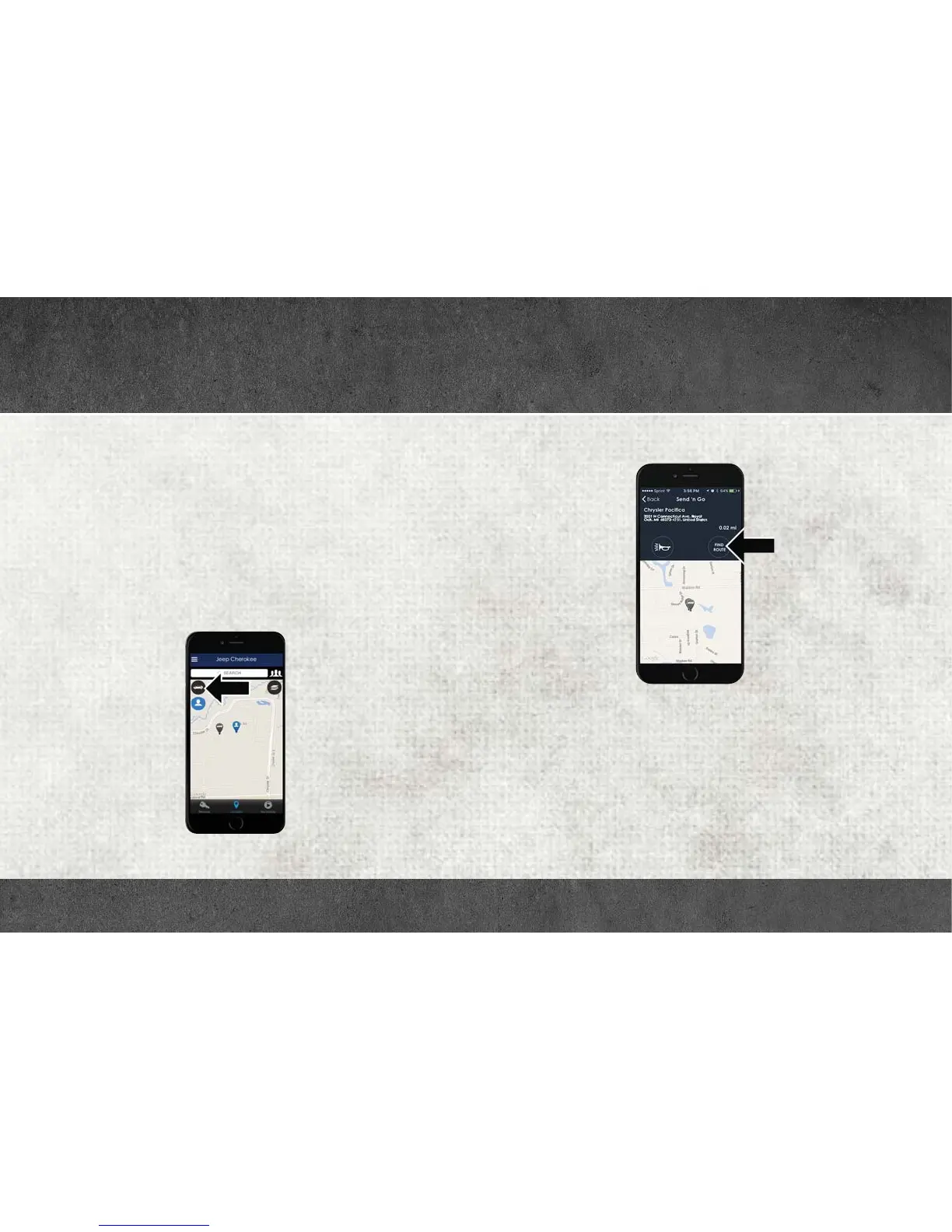
Vehicle Finder and Send ‘N Go
Two of the most convenient features of the Uconnect Access mobile
app are Vehicle Finder and Send ‘n Go.
Vehicle Finder
Forget where you parked your car? Simply use the Uconnect Access app
on your smartphone and you'll be on track. You can also sound the
alarm and flash the lights to make finding your vehicle even easier. To
find your vehicle:
1. Press the Location tab on the Uconnect Access mobile app.
2. Select the Vehicle icon to determine the location of your vehicle.
3. Select the location of the vehicle, and then the arrow appears. Press
the Find Route button that appears, once your vehicle is located.
4. Select your preferred navigation app to route a path to your vehicle.
Vehicle Icon
Find Route Button
UCONNECT ACCESS



 To Next Page