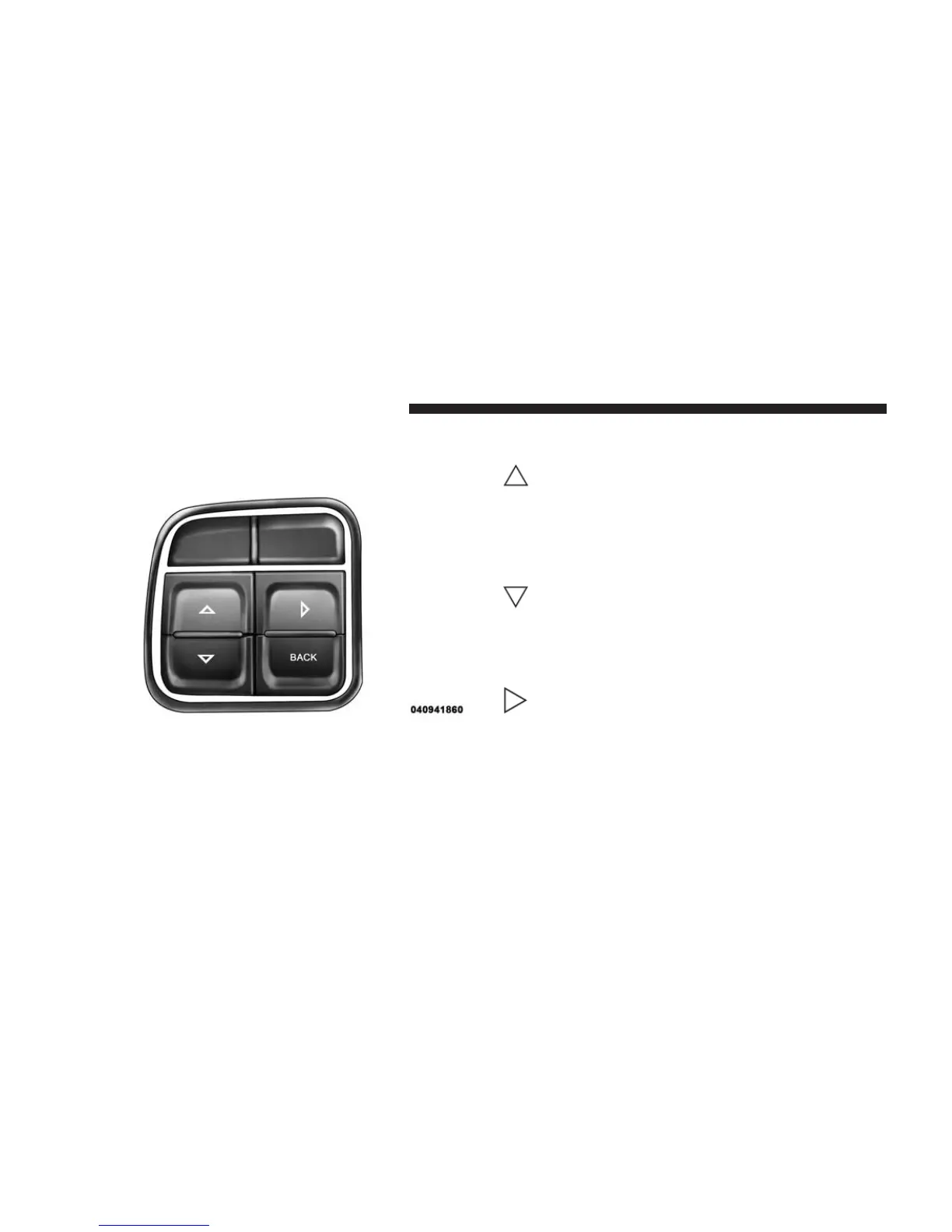
The system allows the driver to select information by
pressing the following buttons mounted on the steering
wheel:
UP Button
Press and release the UP button to scroll up-
ward through the main menus (Fuel Economy,
Vehicle Info, Tire PSI, Cruise, Messages, Units,
System Setup) and sub-menus.
DOWN Button
Press and release the DOWN button to scroll
downward through the main menus and
sub-menus.
SELECT Button
The SELECT button allows access to informa-
tion in EVIC submenus, selects some feature
settings, and resets some EVIC features. The
EVIC prompts the driver when the SELECT
button can be used by displaying the right arrow graphic.
EVIC Steering Wheel Buttons
310 UNDERSTANDING YOUR INSTRUMENT PANEL












 To Next Page