NOTE:
• If the radio has a USB port, refer to the appropriate
Uconnect® Multimedia radio User’s Manual for
iPod® or external USB device support capability.
• Connecting an iPod® or consumer electronic audio
device to the AUX port located in the radio faceplate,
plays media, but does not use the iPod® / MP3 control
feature to control the connected device.
Connecting The iPod® Or External USB Device
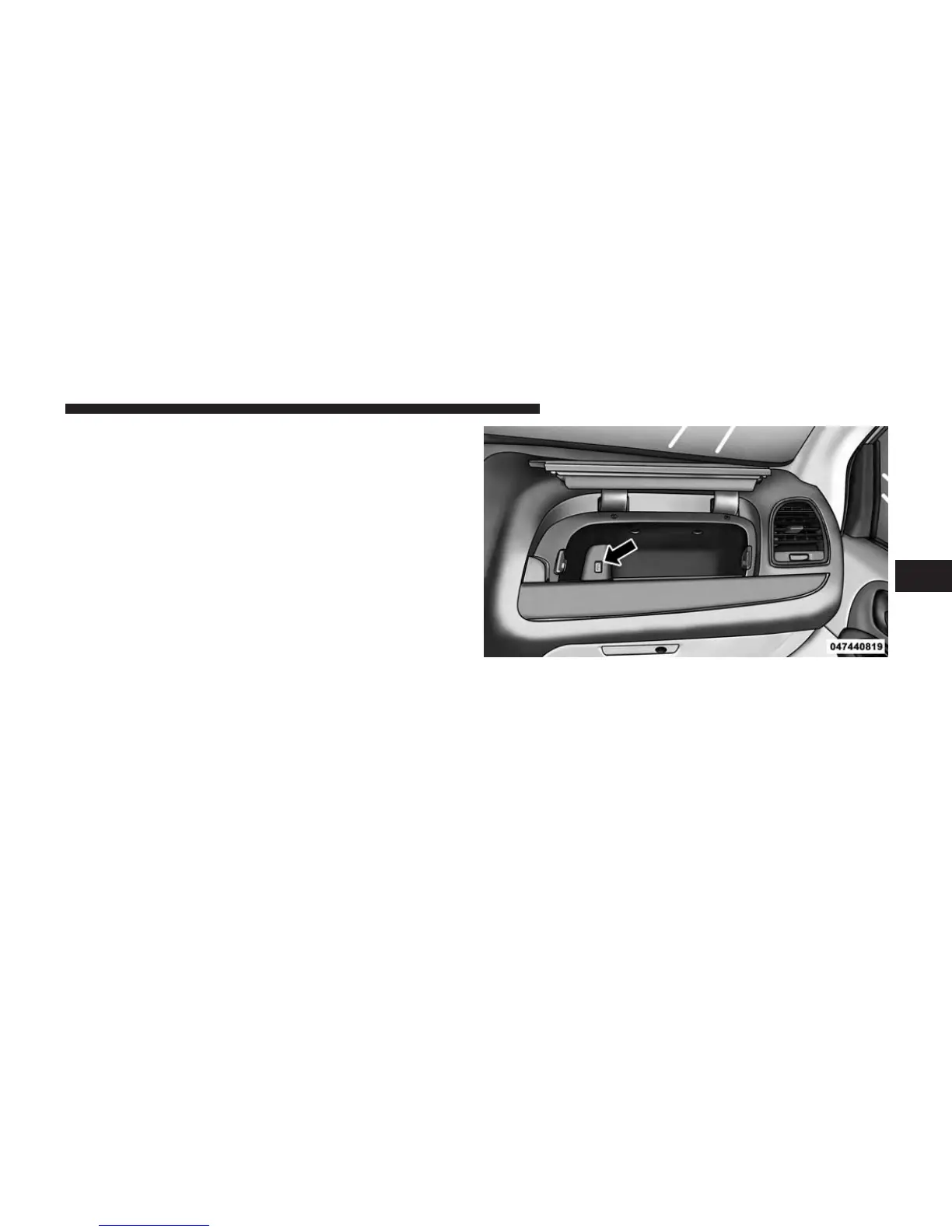
Use the connection cable to connect an iPod® or external
USB device to the vehicle’s USB connector port which is
located in the glove compartment.
USB Connector Port
4
UNDERSTANDING YOUR INSTRUMENT PANEL 359












 To Next Page