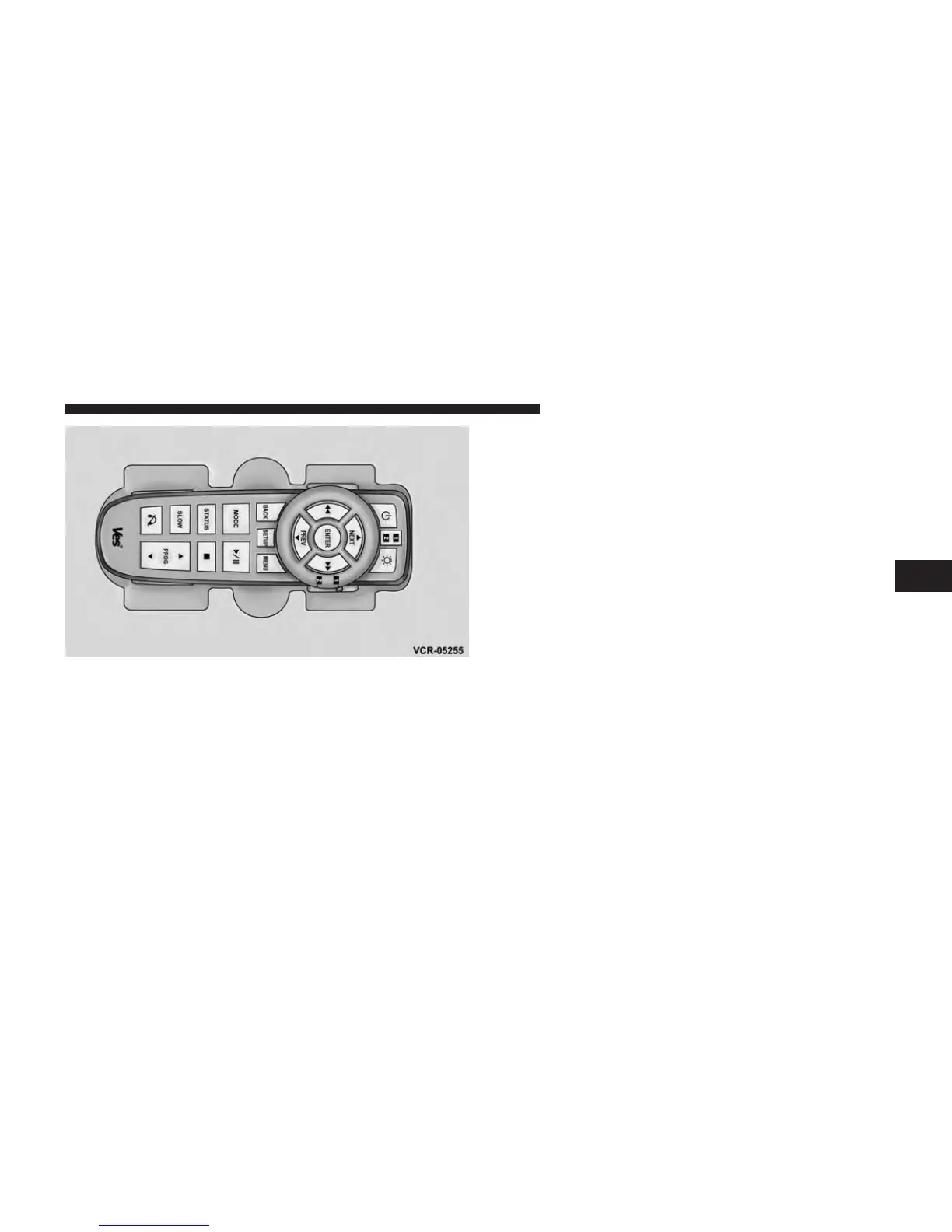
Locking The Remote Control
All remote control functionality can be disabled as a
parental control feature.
• To disable the Remote Control from making any
changes, press the Video Lock button on the DVD
player (if equipped). If the vehicle is not equipped
with a DVD player, follow the radio’s instructions to
turn Video Lock on. The radio and the video screen(s)
indicate when Video Lock is active.
• Pressing the Video Lock again or turning the ignition
OFF turns Video Lock OFF and allows remote control
operation of the VES™.
Replacing The Remote Control Batteries
The remote control requires two AAA batteries for op-
eration. To replace the batteries:
• Locate the battery compartment on the back of the
remote, then slide the battery cover downward.
• Replace the batteries, making sure to orient them
according to the polarity diagram shown.
• Replace the battery compartment cover.
The Remote Control Storage
4
UNDERSTANDING YOUR INSTRUMENT PANEL 389












 To Next Page