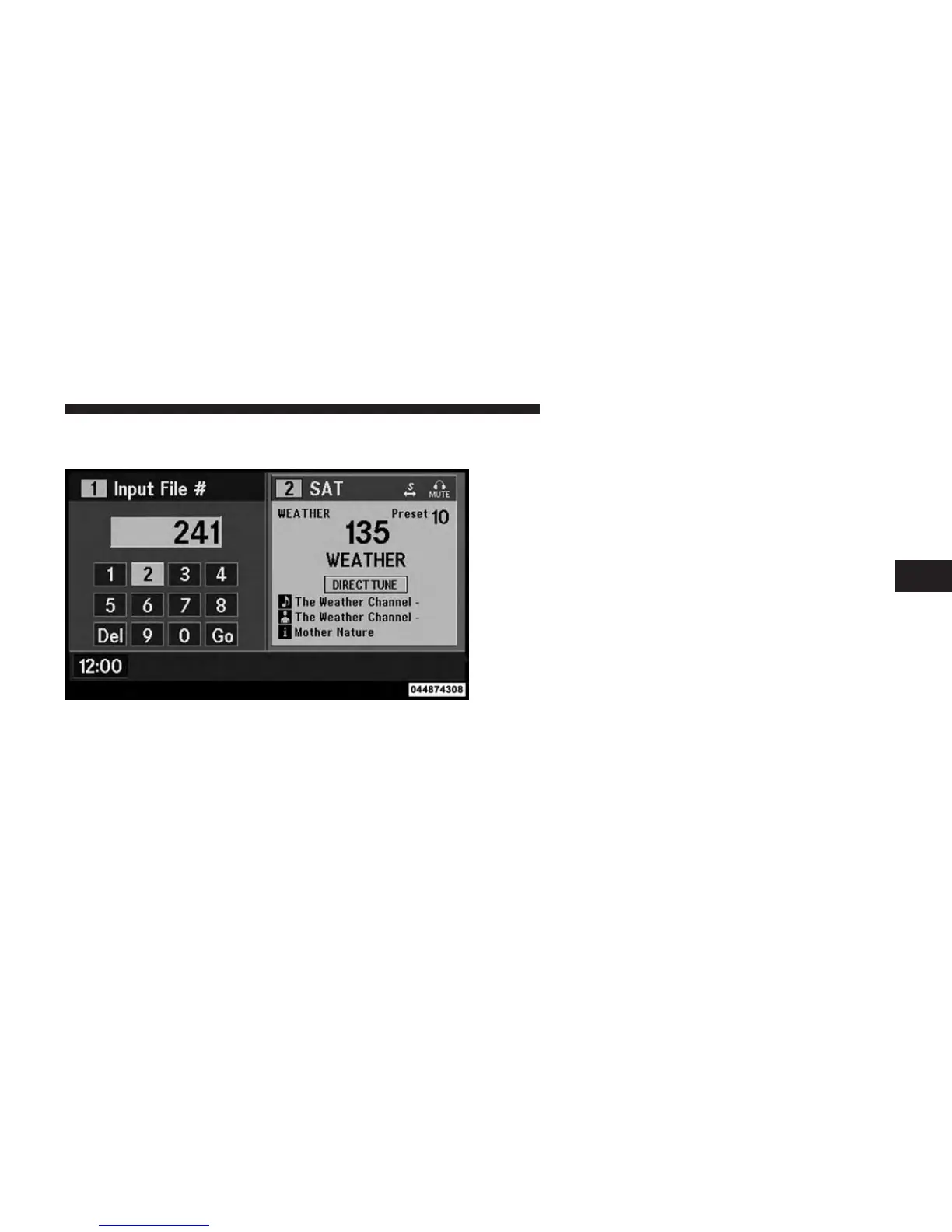
Numeric Keypad Menu
When the display for either Channel 1 or Channel 2
shows DIRECT TUNE, pressing the remote control’s OK
button activates a numeric keypad menu. This screen
makes it easy to enter a specific tuner frequency, satellite
channel, or track number. To enter the desired digit:
1. Press the remote control’s navigation buttons (䉱, 䉲,
䉴, 䉳) to navigate to the desired digit.
2. When the digit is highlighted, press the remote con-
trol’s ENTER/OK button to select the digit. Repeat
these steps until all digits are entered.
3. To delete the last digit, navigate to the Del button and
press the remote control’s ENTER/OK button.
4. After all of the digits are entered, navigate to the Go
button and press the remote control’s ENTER/OK
button.
Numeric Keypad Menu
4
UNDERSTANDING YOUR INSTRUMENT PANEL 397












 To Next Page