Voice Text Reply
Uconnect will announce incoming text mes-
sages. Push the VR button and say Listen.
(Must have compatible mobile phone paired
to Uconnect system.)
1. Once an incoming text message is read to
you, push the VR button. After the beep,
say: Reply
2. Listen to the Uconnect prompts. After the
beep, repeat one of the pre-defined mes-
sages and follow the system prompts.
TIP: Your mobile phone must have the full
implementation of the Message Access Pro-
file (MAP) to take advantage of this feature.
For details about MAP, visit
UconnectPhone.com for U.S. residents.
Apple iPhone iOS6 or later supports reading
incoming text messages only.
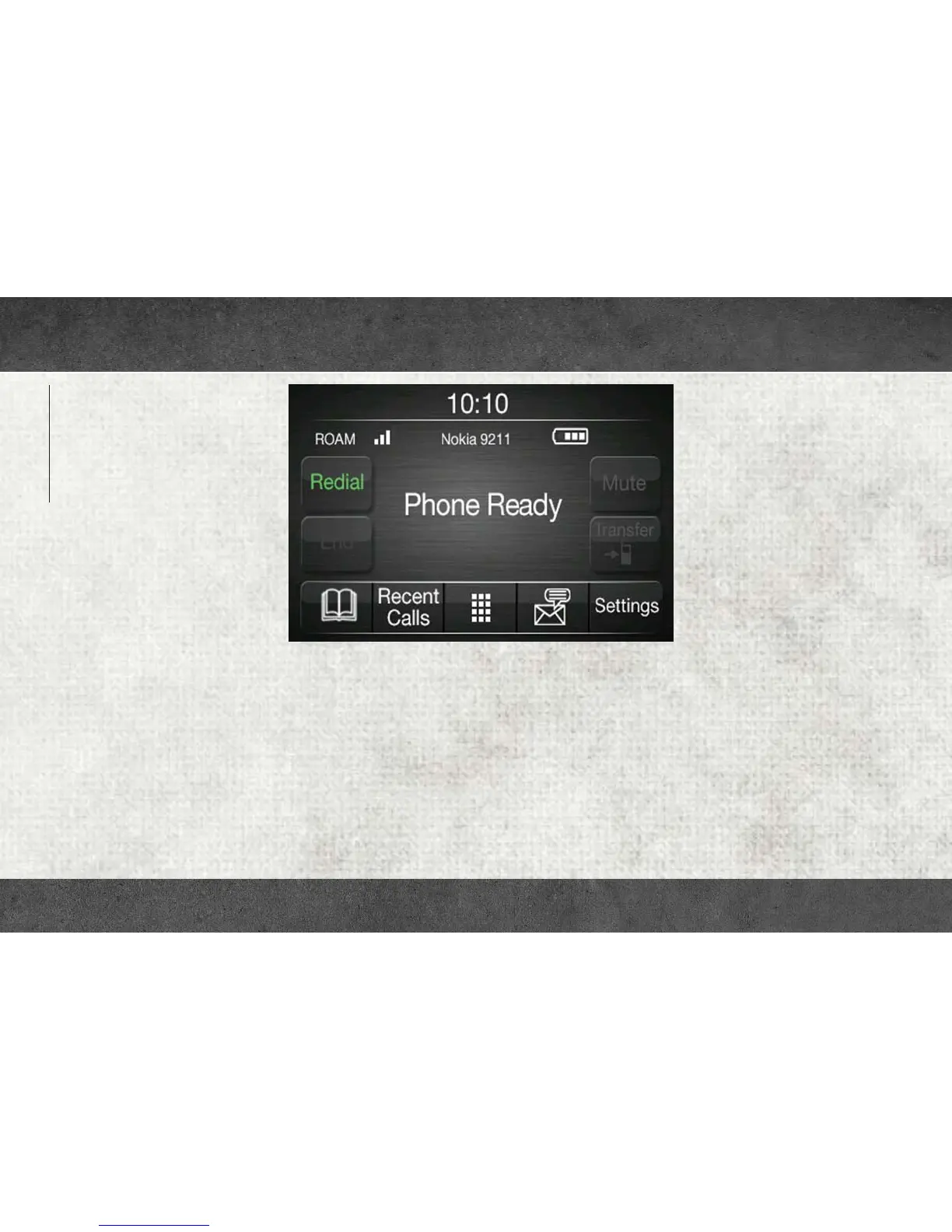
Uconnect 3/3 NAV With 5–inch Display Phone
MULTIMEDIA
178














 To Next Page