IV - MAINTENANCE
BATTERY MAINTENANCE
NOTE: Check the battery hold down bracket for tightness. Do not over tighten. Remove
any acid corrosion from the battery terminals and cables with a baking soda and water
solution. Coat the terminals with high temperature grease.
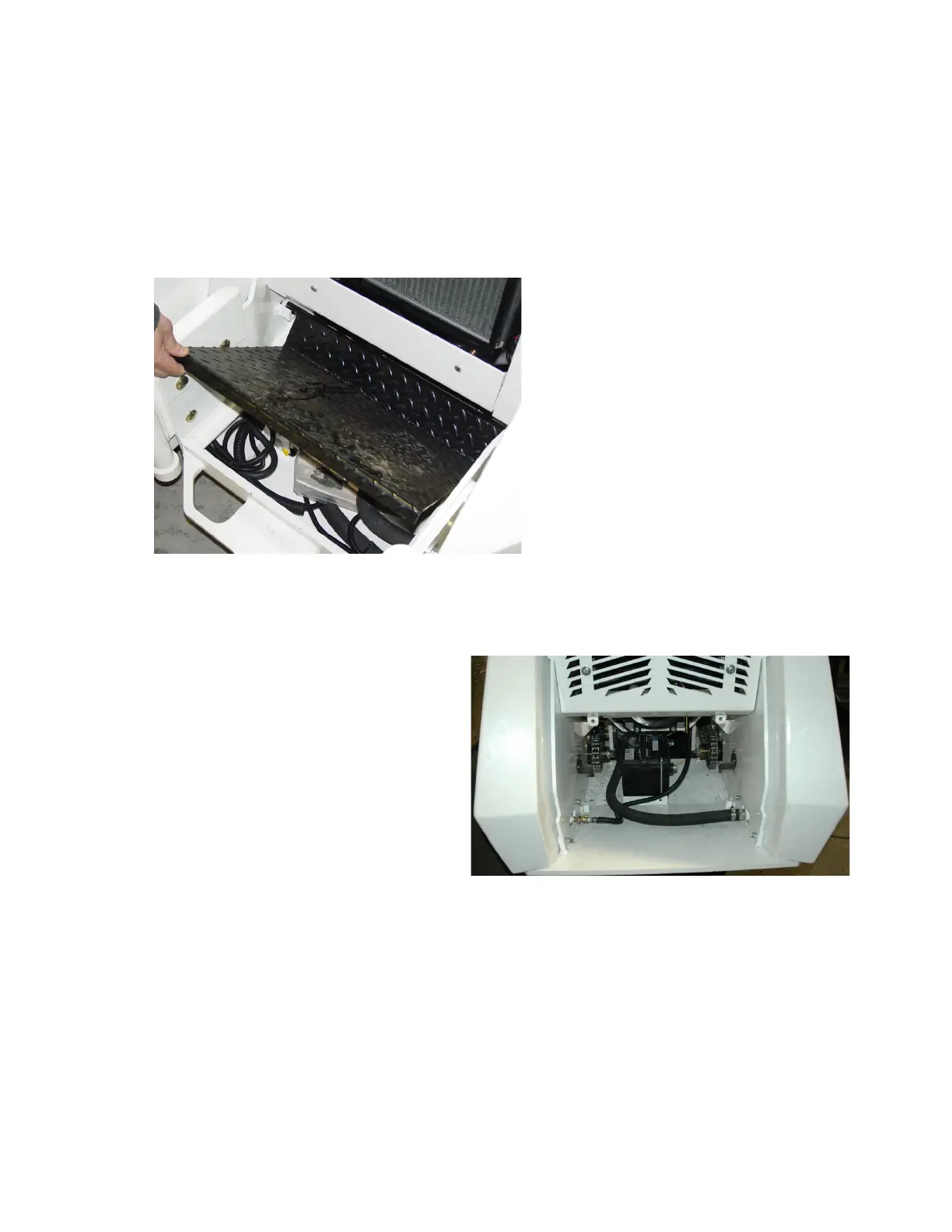
To access the battery, lift the
floor plate and remove.
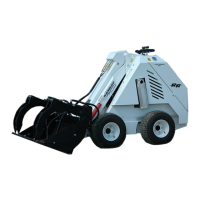
The battery is located under the
operator platform and slightly
forward.


 To Next Page