– 20 –
8
When executing, all contents of the Memories such as the
Current, Scene, Library, Automation and etc. have been
cleared and return to the initial contents which set in the
factory.
5.17. Execution of Upgrade Function (PROG-
RAM VERSION UP)
8
Referring to Fig. 5-5, select the PROGRAM UPGRADE
Item by either UP or DOWN Cursor.
8
Execute the PROGRAM UPGRADE Item by pressing the
Enter Key and all loaded programs in the ROM is deleted.
Note: All Programs loaded in the ROM IC have
been deleted if the Program Upgrade
Function is executed.
Must be need careful caution for execution
this function.
3.18. Fader Calibration Test (FADER CALIB-
RATION TEST)
8
Move the Cursor to most bottom position by either UP or
DOWN Cursor Key.
8
Select the Diagnostic Item (DIAG6) by either LEFT or
RIGHT Cursor Key.
8
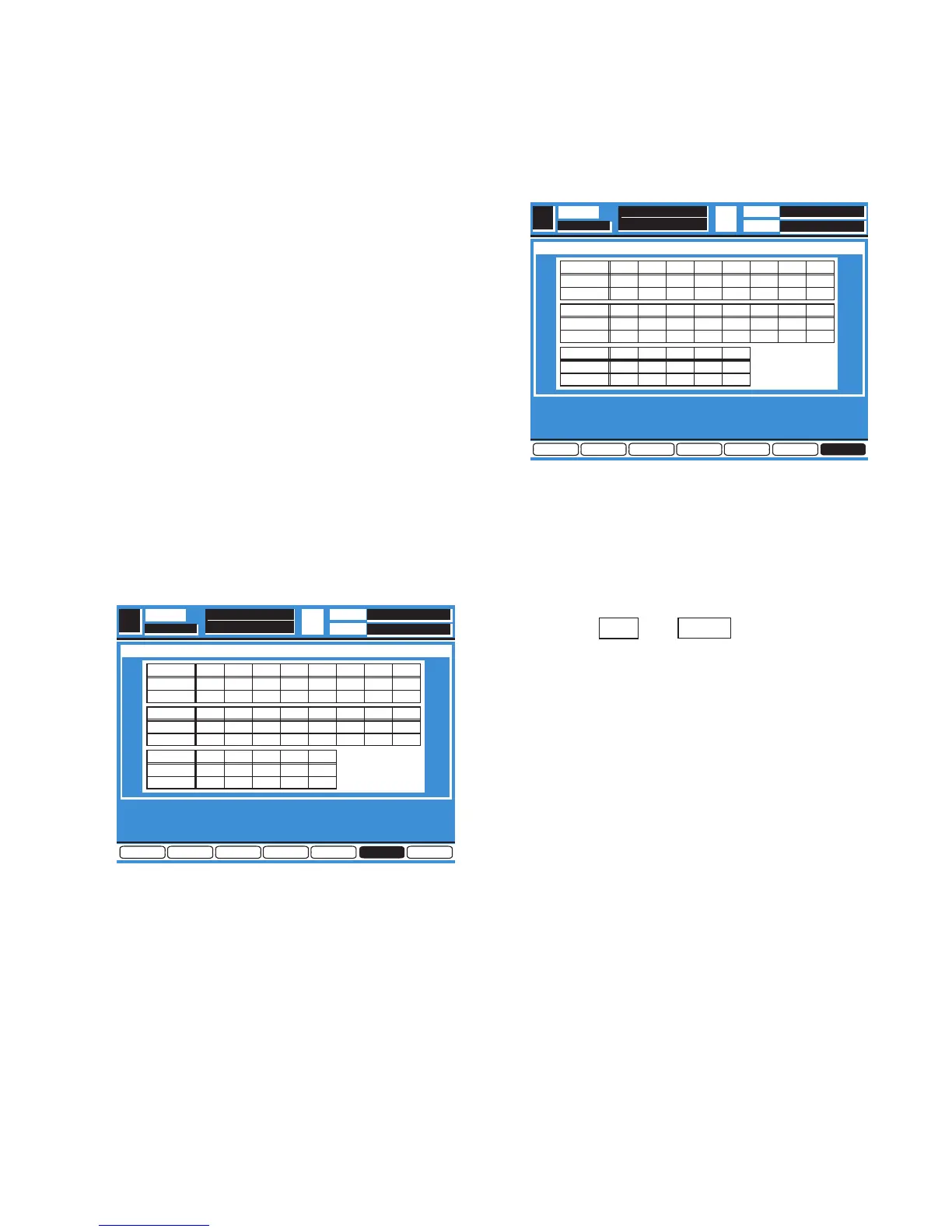
Press the Enter Key, the Diagnostic Menu 6 as shown in
Fig. 5-6 is displayed.
Fig. 5-6
8
Select the FADER CALIBRATION Item by either UP or
DOWN Cursor.
8
Execute the FADER CALIBRATION Item by pressing the
Enter Key.
8
When executing, all Faders (21 pcs.) have been calibrated
and displayed measured value.
6. Quit of the Self Check Function
8
Move the Cursor to most bottom position by either UP or
DOWN Cursor Key.
8
Select the EXIT Item by either LEFT or RIGHT Cursor Key
as shown Fig. 6-1.
Fig. 6-1
8
Press the Enter Key to Quit from the Self Check Function
and execute to normal operation mode.
8
The Fader Calibration Data have been cleared by the
Memory Initialize so that the Fader Calibration is required
after Quit from the Self Check Function.
8
The Fader Calibration has been made by pressing two
layer Keys and simultaneously.


 To Next Page