11
Switching the Dishwasher ON
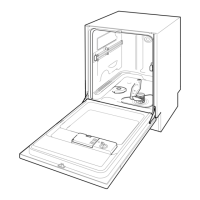
1. Turn on the tap.
2. Open the door.
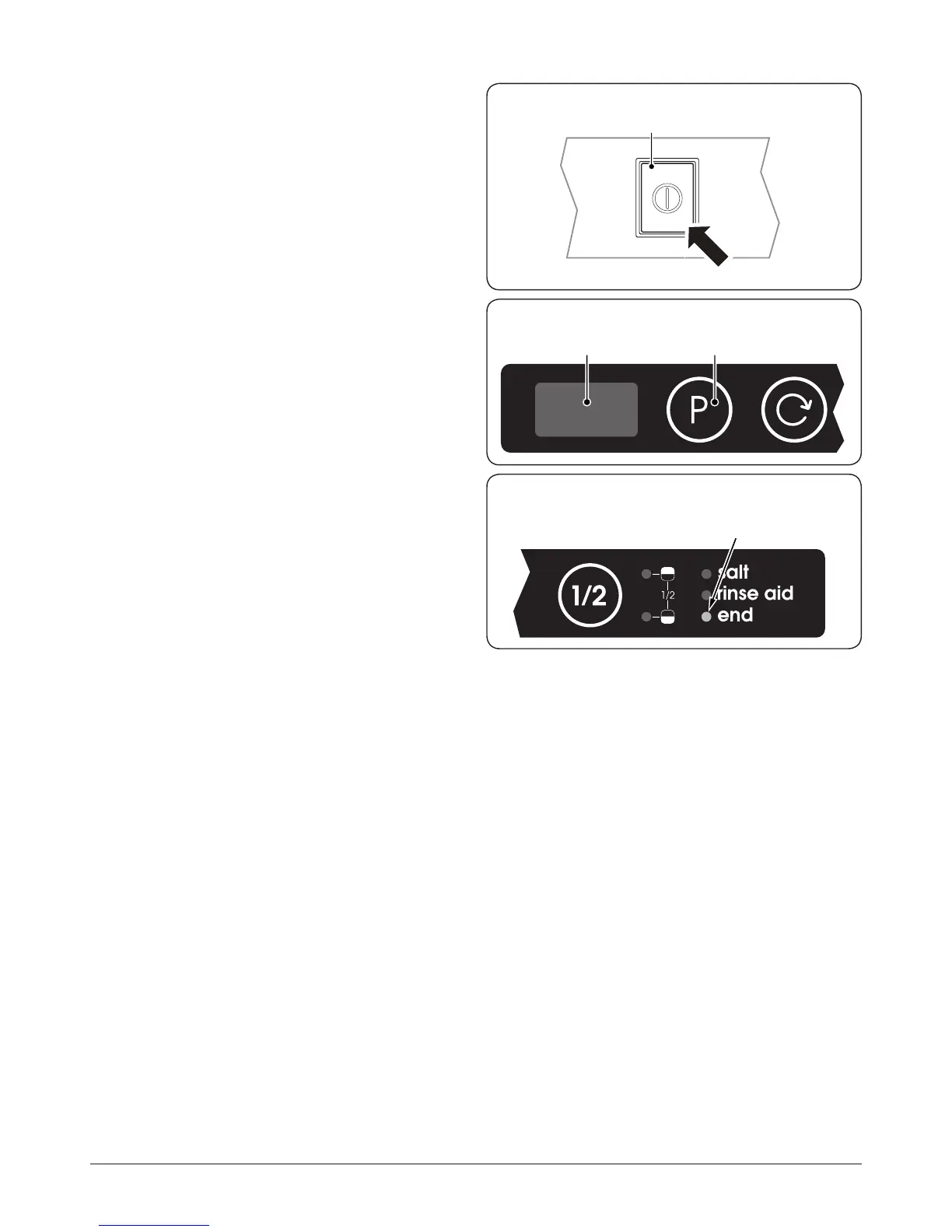
3. Set ON-OFF button to ON (Fig.2-16); the program
display will light (Fig.2-17).
4. Press the program button ‘P’; the selected program will
appear in the program display (Fig.2-17).
5. Select any additional options.
6. Close the door and the dishwasher will start
automatically.
End of Program
Five beeps will indicate that the wash cycle has nished and
the end of program indicator will light (Fig.2-18).
Switching the Dishwasher OFF
Several minutes after the program has ended:
1. Open the door.
2. Set the ON-OFF button to OFF.
3. Remove dishes, etc. when they have cooled down.
Note: For the best drying performance, we recommend that
you do not remove the contents for at least 30 minutes. This
allows residual heat in the dishwasher to remove any small
droplets of water that may occur.
Interrupting the Program
CAUTION!
There is a risk of water coming out from inside the
dishwasher. DO NOT open the door fully until the
spray arm has stopped rotating.
If the dishwasher has already heated up or the hot water was
switched ON and then the dishwasher door opened, leave the
door ajar for several minutes and then close.
After 30 seconds the program will start from the point it was
interrupted.
Cancelling a Program
CAUTION!
There is a risk of water coming out from inside the
dishwasher. DO NOT open the door fully until the
spray arm has stopped rotating.
To cancel a program that is underway, carefully open
the door and press the program button and hold it in for
about 3 seconds. When the door is closed the water will be
discharged for about thirty seconds. Five beeps will indicate
that the program is cancelled; the end of program indicator
will turn on.
Program display
Program selection button
End of program indicator
Fig.2-17
Fig.2-18
On/ O button
Fig.2-16


 To Next Page