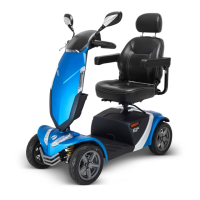
10 Rascal Partner Scooter Owner's Manual and Service Record
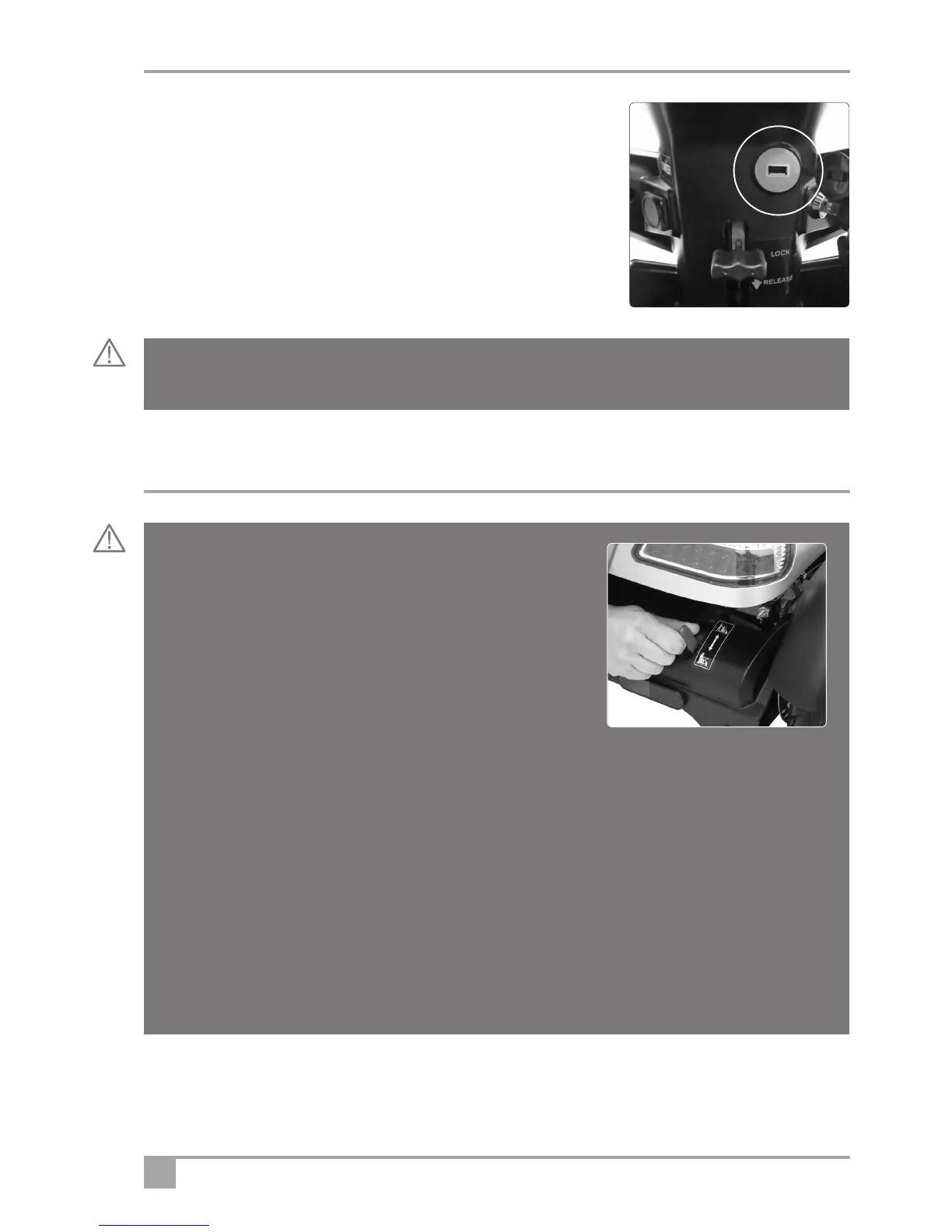
16. USB Accessory socket outlet: The Rascal Ventura is equipped with
a
back-lit USB accessory outlet that can provide power for charging
phones, tablet computers etc. This outlet provides 5 Volts DC at a
maximum current of 3 Amperes. Make sure your accessory does not
exceed the current available.
T
o use the outlet: Open the weather cap and insert the USB plug used
for powering/charging your particular device. (Fig.3)
When not in use, remove your USB lead and accessory and replace the
cap on the socket outlet.
Charging Point: The charging point is situated on the left hand side of the scooter tiller. See the Charging
section for further instructions.
3
Warning! Never connect a device to the USB socket with a current rating of more than 3 Amps as this
may cause the system fuse to operate.
Freewheel Device
When the vehicle is switched off the brakes are automatically
engaged. This is called “Failsafe Braking”. Also, if the batteries are
flat, the brakes are applied. There may be occasions where you may
wish to move the vehicle without power. To do this there is a
Freewheel Device fitted.
The Freewheel device allows the vehicle to be pushed without power.
To activate, first locate the lever. When standing behind the scooter, it
is located on the right hand side of the rear of the vehicle (see Fig.4)
• Make sure the On/Off (ignition) key is in the off position.
• Move the lever FORWARD The vehicle can now be pushed in Freewheel.
• Move the lever BACK to engage drive. The vehicle is now braked. This is the normal operating position.
• IF YOU ARE NOT COMPLETELY SURE OF THIS FEATURE CONTACT
YOUR DEALER BEFORE OPERATING THE SCOOTER.
NOTE: To avoid excessive strain on the tiller / handlebar assembly, never push or pull the scooter in
freewheel mode if a user is on-board. Push the lever FORWARDS to engage freewheel mode. Pull the lever
BACKWARDS to engage Drive mode.
Warning! If the freewheel device is in “freewheel” mode the braking is disabled. Never select the
freewheel mode if the Scooter is on a slope or could be pushed onto a slope.
4


 To Next Page